
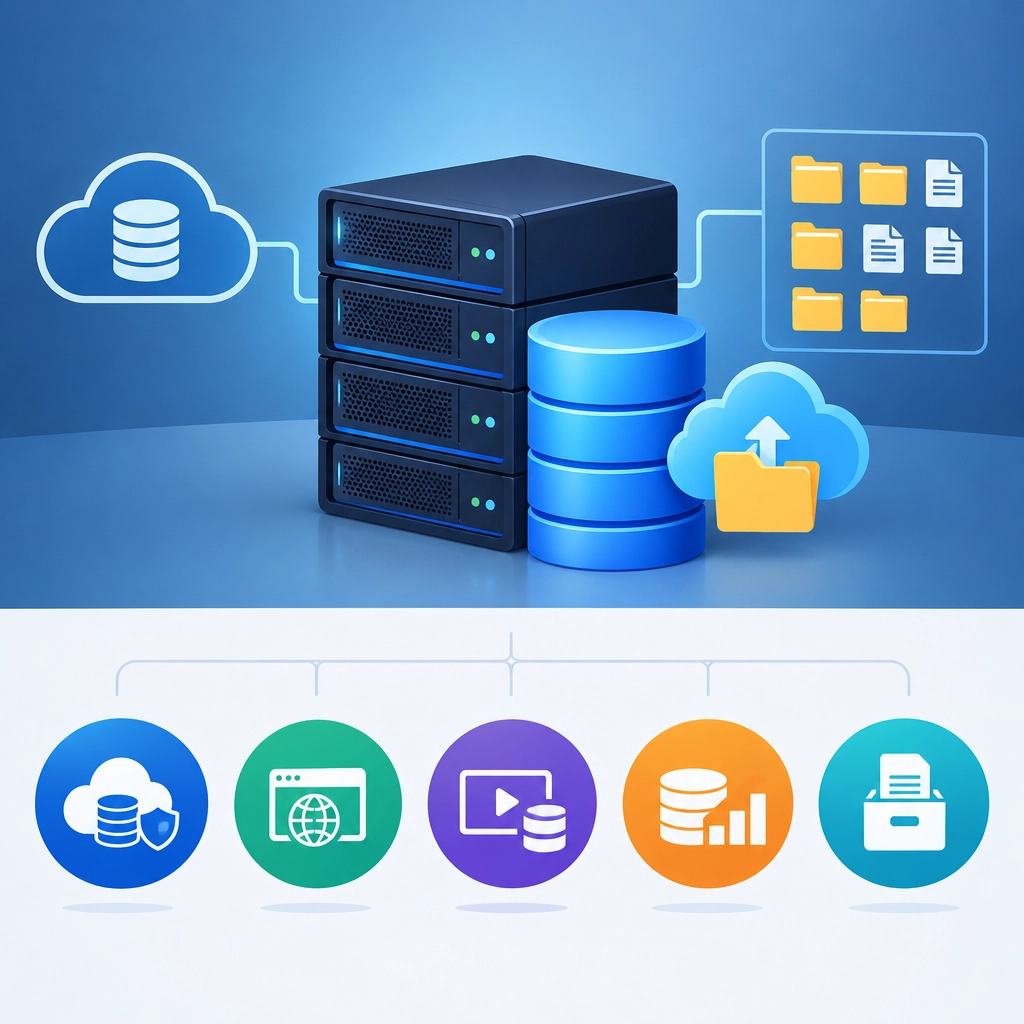
What Is a Storage VPS and Who Should Use One?
When you hear “VPS,” you might picture a virtual server built for hosting a website or running an app. A storage VPS is a variation designed with a different priority: providing plenty of disk space for storing and accessing files.
It can be a useful middle ground between a basic cloud-storage subscription and managing your own physical server. But it isn’t the right choice for everyone. Here’s what a storage VPS does, who tends to benefit from one, and what to check before signing up.
What is a storage VPS?
A VPS, or virtual private server, is a portion of a physical server that behaves like an independent computer. It typically has its own operating system, allocated resources, and administrator access.
A storage VPS is configured to emphasize capacity. Providers often offer more disk space for the price than you’d get with a general-purpose VPS, while allocating less processing power or memory. The storage might use traditional hard drives, solid-state drives, or a combination of the two.
You can install software and choose how to organize or share your files. For example, a storage VPS might run a private file-sync service, a backup tool, or a media library. Unlike many consumer cloud-storage services, it may also give you more control over the server environment.
That flexibility comes with responsibility: you may need to set up the software, manage access, apply updates, and monitor the server.
Who should use one?
A storage VPS can make sense for people who need a lot of online storage and are comfortable with a little technical setup.
Freelancers and small teams
Designers, photographers, and other creative professionals often work with large files. A storage VPS can provide a central place to keep project assets, share files with collaborators, or maintain an extra copy of important work.
It may also help a small team that wants to manage its own file-sharing setup rather than rely entirely on a consumer service. Just make sure permissions and backups are configured carefully—convenient access shouldn’t mean that everyone can see everything.
People who want a personal cloud
If you’d like to access your files from multiple devices, a storage VPS can host a personal cloud or file-sync application. Depending on the software, you may be able to sync folders, share links, or organize photos and documents in a familiar interface.
This option offers more control than a typical hosted service, but it isn’t completely hands-off. You’re still relying on the provider’s hardware and network, and you’re responsible for maintaining your setup.
Website owners and developers
Some websites and applications generate large amounts of data: uploaded images, archived logs, downloadable files, or media libraries. A storage VPS can be used to keep those files separate from the server running the main website.
That separation can make it easier to manage storage needs, but performance depends on how the systems connect and what the provider allows. Check the plan’s bandwidth limits and whether the storage is suitable for frequent access.
People maintaining backups or archives
A storage VPS can serve as an off-site destination for backups, older files, or long-term archives. Keeping a copy away from your main computer or office can help protect against local hardware failure.
However, one storage VPS shouldn’t be your entire backup plan. A server can fail, an account can be compromised, or files can be deleted by mistake. For important data, keep additional copies in separate locations and test that you can restore them.
What should you check before choosing one?
Start with the storage type, not just the capacity. Hard drives often offer more space at a lower price, while SSDs are usually faster. If you’ll be storing files that people access frequently, speed may matter as much as capacity.
Next, look at bandwidth and transfer limits. A large disk won’t be very useful if you can’t move files in and out without hitting restrictions or extra fees. Also check whether the provider permits your intended use, such as backups, media streaming, or file sharing.
Consider backups, uptime, support, and security. Find out what the provider protects and what you must handle yourself. Use strong authentication, keep software updated, and avoid exposing services to the public internet unless you understand how to secure them.
Finally, compare the total cost with alternatives. Managed cloud storage may be easier to use, while a dedicated storage server may suit a larger or more demanding workload.
A storage VPS is best thought of as flexible online storage that you help manage—not simply a bigger hard drive in the cloud. If you need control, room to grow, and are willing to handle some technical upkeep, it can be a practical option. If you’d rather have automatic setup, support, and minimal maintenance, a managed storage service may be the better fit.
Welcome to DediRock, your trusted partner in high-performance hosting solutions. At DediRock, we specialize in providing dedicated servers, VPS hosting, and cloud services tailored to meet the unique needs of businesses and individuals alike. Our mission is to deliver reliable, scalable, and secure hosting solutions that empower our clients to achieve their digital goals. With a commitment to exceptional customer support, cutting-edge technology, and robust infrastructure, DediRock stands out as a leader in the hosting industry. Join us and experience the difference that dedicated service and unwavering reliability can make for your online presence. Launch our website.