
VPS Snapshots, Backups, and Replication: What’s the Difference?
A virtual private server (VPS) can hold everything from a small business website to databases, customer files, and application code. If something goes wrong—a mistaken deletion, a failed update, or a storage problem—you’ll want a way to recover. That’s where snapshots, backups, and replication come in.
These terms are sometimes used as if they mean the same thing, but they solve different problems. Understanding the differences can help you choose the right protection for your server instead of assuming one feature covers everything.
What is a VPS snapshot?
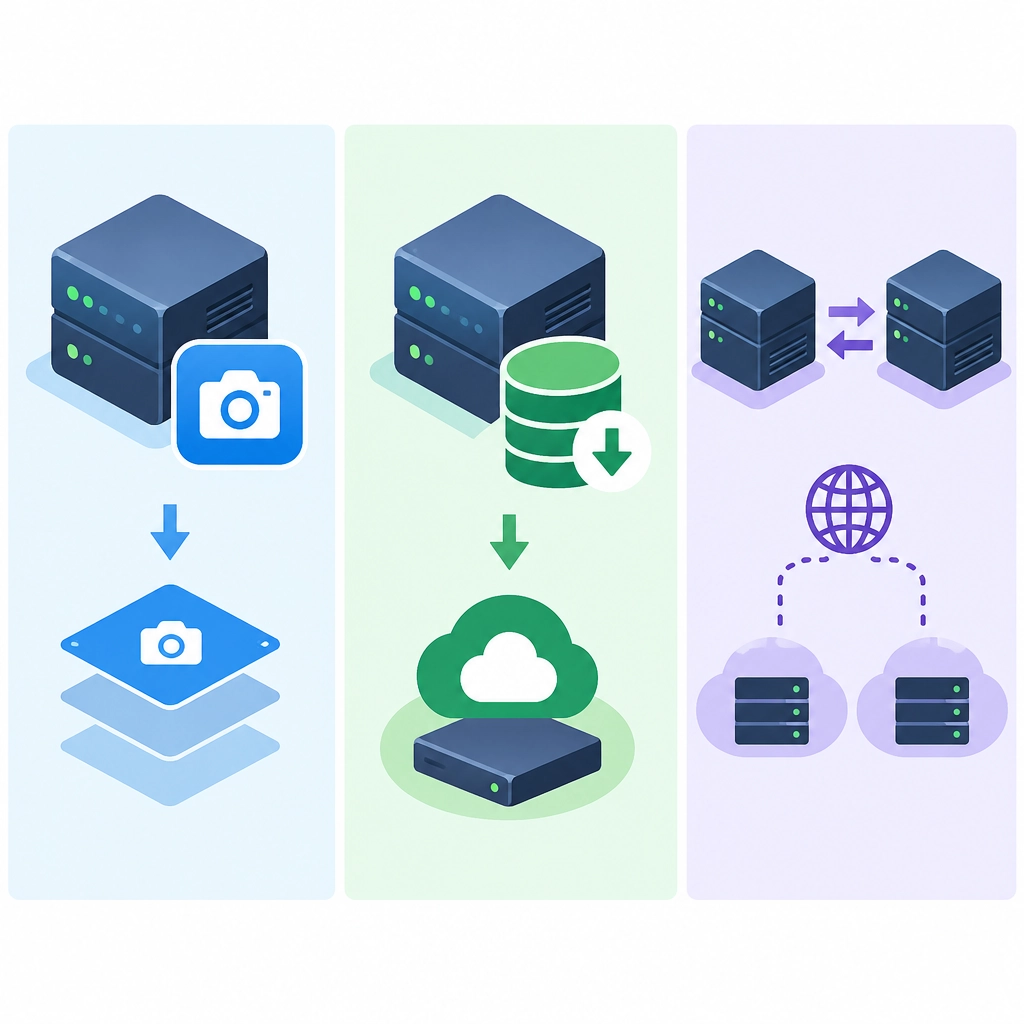
A snapshot captures the state of a VPS at a particular moment. Depending on the provider and setup, it may include the server’s disk contents and configuration, making it possible to return the VPS to that saved state.
Think of it like a bookmark for your server. Before a major software update, for example, you might take a snapshot so you can roll back if the update causes problems.
Snapshots are usually quick and convenient, but they have limitations:
- They represent one point in time, not an ongoing history of every change.
- They may be stored on the same underlying platform as the VPS.
- They aren’t always application-consistent. A snapshot taken while a database is writing data could capture an incomplete state unless the system is prepared for it.
- Keeping many snapshots can consume storage or add cost.
A snapshot is therefore useful for short-term rollback, especially before risky changes. It shouldn’t automatically be treated as your only recovery plan.
What is a backup?
A backup is a separate copy of your data kept for recovery. It may cover the whole VPS, selected files, databases, or application data. Backups are typically saved on a schedule and retained for a period of time, giving you several restore points rather than just one.
For instance, if a file was accidentally deleted three days ago, a backup from before the deletion could help you retrieve it. A snapshot taken this morning might not help if it already reflects the damage.
Good backup arrangements often include:
- Regular schedules: frequent enough to limit how much recent data you could lose.
- Retention: multiple restore points, such as daily and weekly copies.
- Off-server storage: a copy stored somewhere separate from the VPS.
- Testing: occasional restore checks to confirm the backups are usable.
Backups are generally the best option for recovering from accidental deletion, corruption, or a longer-term issue. But they take time to create and restore, and the newest backup may not include the latest changes.
What is replication?
Replication continuously or regularly copies data from one system to another. The second system can be used to take over if the primary server becomes unavailable.
This makes replication especially useful for availability. If a VPS fails, a replica may let a service resume faster than rebuilding the server from a backup. Replication is common for databases and other systems where downtime or data loss needs to be minimized.
However, replication is not the same as a backup. If an unwanted change—such as corrupted data or an accidental deletion—is copied to the replica, both systems may end up with the same problem. Replication can help keep a service running, but it doesn’t necessarily preserve a clean historical version of your data.
A quick comparison
| Tool | Main purpose | Typical recovery use |
|---|---|---|
| Snapshot | Save a server’s state at a moment in time | Roll back after a change |
| Backup | Keep recoverable copies over time | Restore lost, deleted, or damaged data |
| Replication | Keep a secondary system in sync | Reduce downtime if the primary fails |
Which one should you use?
For many VPS owners, the answer is not “pick one,” but “use the right combination.” A snapshot can be handy before an upgrade. Backups provide longer-term recovery options. Replication can support services that need to stay available during a server failure.
The best mix depends on what your VPS does and how much downtime or data loss you can tolerate. A personal test server may need only simple backups. An online store or business application may need scheduled backups, off-server storage, and replication for critical services.
Whatever you choose, test the recovery process. A backup you’ve never restored is an assumption, not a proven safety net. Snapshots, backups, and replication each protect against different kinds of trouble; together, they can give your VPS a much stronger path back when something goes wrong.
Welcome to DediRock, your trusted partner in high-performance hosting solutions. At DediRock, we specialize in providing dedicated servers, VPS hosting, and cloud services tailored to meet the unique needs of businesses and individuals alike. Our mission is to deliver reliable, scalable, and secure hosting solutions that empower our clients to achieve their digital goals. With a commitment to exceptional customer support, cutting-edge technology, and robust infrastructure, DediRock stands out as a leader in the hosting industry. Join us and experience the difference that dedicated service and unwavering reliability can make for your online presence. Launch our website.