
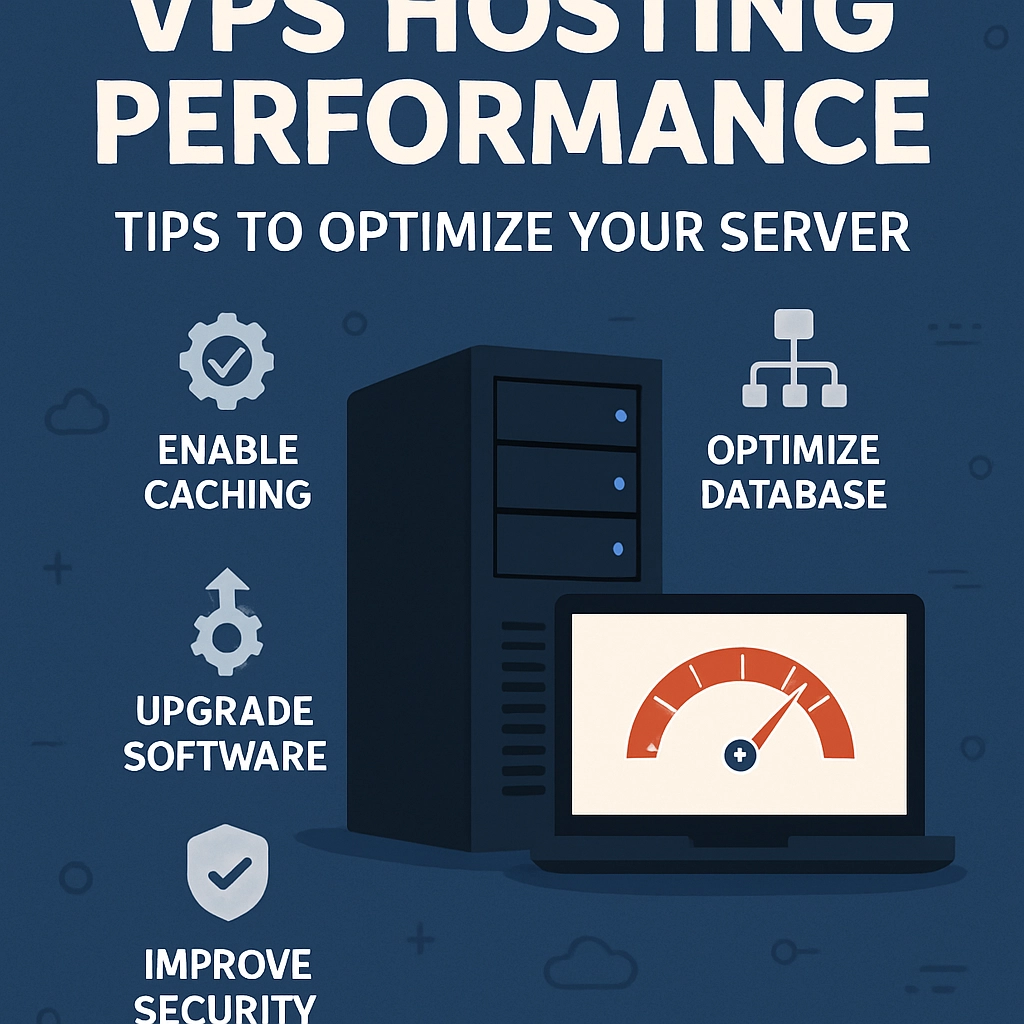
VPS Hosting Performance: Tips to Optimize Your Server
When it comes to online presence, whether you’re running a blog, an ecommerce site, or a web application, performance matters. One of the ways to ensure your site runs smoothly is by leveraging Virtual Private Server (VPS) hosting. But just switching to VPS isn’t enough; optimizing your server performance is critical for fast load times, better user experience, and improved SEO rankings. Let’s explore some practical tips to help you get the most out of your VPS hosting.
Understand Your Server Resources
First things first—get familiar with your server’s specifications. A VPS comes with allocated CPU power, RAM, and disk space. Understanding how much of each resource is available and how it’s being used can greatly inform your optimization strategy. You might find tools like htop or top useful to monitor resource usage in real time. If you’re regularly maxing out your resources, it may be time to consider upgrading your plan.
Optimize Your Operating System
Since you have a virtual private server, you’re in control of the operating system. Stripping it down to the essentials can boost performance. If you’re using a Linux distribution, removing any unnecessary services or applications can free up resources. Consider using a lightweight OS tailored for speed, like Ubuntu Server or CentOS, instead of a full desktop version.
Furthermore, keeping your operating system updated is critical. Updates often come with performance improvements and security patches, ensuring your server runs smoothly and stays secure.
Leverage Caching Solutions
Caching is like magic for website speed. By storing copies of your files or data temporarily, caching can drastically reduce loading times for repeated requests. Solutions like Varnish or Memcached can help speed up dynamic content delivery. You can also implement browser caching through your web server configuration to reduce the amount of data that needs to be sent over the network.
If you’re running a CMS like WordPress, many caching plugins are available that handle this for you, making it easy to take advantage of this critical performance booster.
Use a Content Delivery Network (CDN)
A Content Delivery Network (CDN) can significantly enhance your site’s loading speed, especially for users located far from your server’s geographical location. CDNs store cached versions of your content in multiple locations around the world. When a user requests your site, the CDN serves the data from the nearest location, which minimizes latency. Popular options include Cloudflare and Amazon CloudFront, both of which can integrate seamlessly with your VPS.
Optimize Your Database
If your application relies on a database, optimizing it can lead to significant performance gains. Regularly cleaning up old data, indexing frequently queried columns, and using efficient queries can help speed things up. Tools like phpMyAdmin or even command-line options can assist in database optimization. Also, consider reducing the frequency of database queries by caching them where possible.
Monitor Your Performance Regularly
Just like you wouldn’t ignore a check engine light in your car, don’t ignore your server’s performance. Use monitoring tools like Pingdom, New Relic, or even built-in server monitoring options to keep an eye on load times, uptime, and resource usage. Regular monitoring can help you catch performance bottlenecks before they turn into bigger, more costly issues.
Secure Your Server
An unsecured server can lead to performance issues, and not to mention, it’s a serious risk for data breaches. Ensure that your VPS is protected with firewalls, updated software, and strong passwords. Regular security audits scan for vulnerabilities that could be exploited, so keeping your server secure contributes positively to its performance.
Choose the Right Management Tools
If you’re not comfortable managing a VPS, you might want to consider using server management tools or even managed VPS hosting services. These services often come with built-in optimization, backups, and security features, allowing you to focus on your business rather than server upkeep.
Final Thoughts
Optimizing your VPS hosting performance might seem daunting, but with the right approach and tools at your disposal, it can make a world of difference. By understanding your resources, implementing caching, using CDNs, and keeping your server secure and updated, you’ll be well on your way to a snappier, more efficient online presence. It’s all about striking the right balance and continually monitoring your server’s performance to ensure your website can keep up with the demands of its users. Happy hosting!
Welcome to DediRock, your trusted partner in high-performance hosting solutions. At DediRock, we specialize in providing dedicated servers, VPS hosting, and cloud services tailored to meet the unique needs of businesses and individuals alike. Our mission is to deliver reliable, scalable, and secure hosting solutions that empower our clients to achieve their digital goals. With a commitment to exceptional customer support, cutting-edge technology, and robust infrastructure, DediRock stands out as a leader in the hosting industry. Join us and experience the difference that dedicated service and unwavering reliability can make for your online presence. Launch our website.