
Using a VPS for a Private VPN: What to Consider
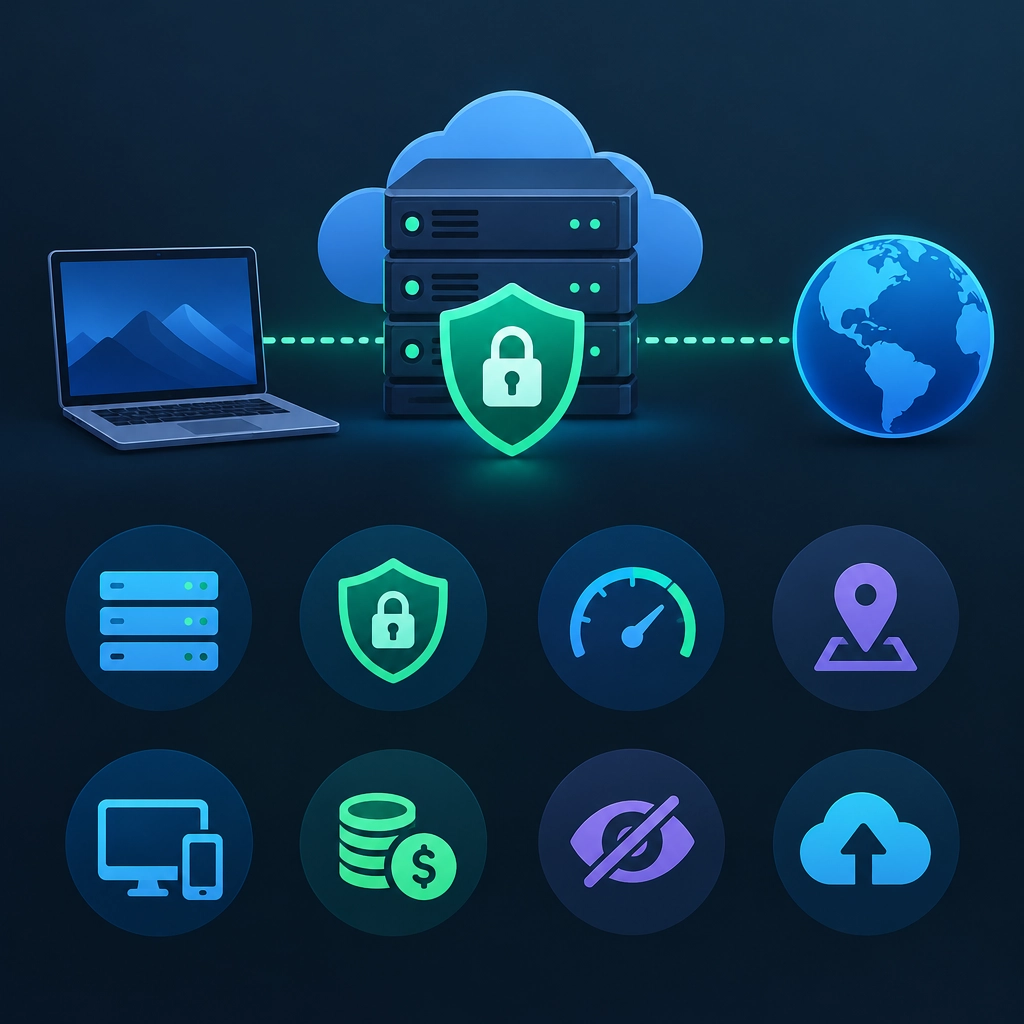
A private VPN can give you a more personal alternative to a commercial VPN service. Instead of sharing an exit server with thousands of other customers, you rent a virtual private server (VPS) and configure it to route your traffic. That can be appealing if you want more control, a fixed IP address, or a simple way to connect securely to your home network while traveling.
But running your own VPN doesn’t automatically make you anonymous or safer. Before signing up for a VPS, it’s worth understanding what you gain, what you take on, and which details deserve a closer look.
What a VPS VPN does—and doesn’t do
A VPN encrypts traffic between your device and the VPN server. This is useful on public Wi-Fi, and it can help protect traffic from the local network operator. Websites and services will generally see the VPS’s IP address rather than your home connection’s address.
However, the VPS provider is still part of the picture. The provider may be able to associate your server with your account and payment details, and it controls the underlying hardware and network. A self-hosted VPN also doesn’t stop websites from tracking you through cookies, browser fingerprints, or accounts you sign into.
In other words, a VPS VPN offers control over your VPN endpoint—not invisibility.
Choose a provider carefully
The provider matters as much as the VPN software. Look into its reputation, privacy policy, logging practices, account requirements, and the country where it operates. Consider whether it clearly explains how it handles abuse complaints and law-enforcement requests.
Also check what information is needed to create an account. Some providers ask for a phone number or identity verification; others may accept fewer details. Payment methods vary, too, but no payment method should be treated as a guarantee of anonymity.
A low price can be tempting, but reliability matters. A server that frequently goes offline or has poor network performance may make everyday browsing frustrating. Look for clear limits on bandwidth, data transfer, and server resources before committing.
Think about location and speed
Where the VPS is located affects both performance and the apparent location of your internet traffic. A server near you will usually provide lower latency, while a server farther away may be useful if you need an IP address in a particular region. Distance can still reduce speed, especially for video calls, gaming, or large downloads.
The server’s resources matter as well. A basic VPS may be fine for one person browsing the web, but it can struggle under heavier use. Check the provider’s bandwidth allowance and whether the plan includes enough CPU and memory for your needs. If you share the VPN with several devices, test performance rather than assuming the smallest plan will be sufficient.
Security is your responsibility
With a self-hosted VPN, you become the administrator. That means choosing well-maintained software, using strong authentication, keeping the server updated, and removing anything you don’t need. Popular options such as WireGuard and OpenVPN can work well, but the software still needs sensible configuration.
Protect the VPS account itself with a unique password and multi-factor authentication where available. Use SSH keys instead of password-based remote access if you’re comfortable setting them up, and limit exposed services to the minimum. Regularly install security updates, and make sure you understand how to recover access if you change firewall settings.
Configuration mistakes can undermine the benefits of the VPN. For example, DNS requests or IPv6 traffic may bypass the tunnel if your client and server aren’t configured to handle them. A kill switch can reduce the chance that traffic escapes when the VPN disconnects, though its behavior depends on the device and software. Test your setup with reputable IP and DNS leak-checking tools.
Plan for maintenance and limitations
A VPS VPN isn’t a “set it and forget it” service. Software updates, certificate or key management, server outages, and changing provider policies may all require attention. Keep a secure backup of important configuration details, but don’t store private keys carelessly. If the server is compromised or you suspect it has been, be prepared to rebuild it and rotate credentials.
There are also practical limitations. Streaming platforms and banks may block or challenge traffic from data-center IP addresses. A VPS IP is often easier to identify as a hosting address than a typical residential connection, and it may already have a poor reputation because of previous users.
Is it right for you?
A VPS VPN is a good fit if you enjoy having control, want a dedicated endpoint, and are willing to manage basic server security. It can be a useful tool for protecting traffic on untrusted networks or securely reaching your own services.
If you want a polished app, a broad network of locations, and someone else to handle maintenance, a reputable commercial VPN may be more convenient. The best choice depends on the balance you want between control and effort. A private VPN can be powerful, but its privacy benefits are strongest when you understand exactly who operates each part of the system—and keep the server well maintained.
Welcome to DediRock, your trusted partner in high-performance hosting solutions. At DediRock, we specialize in providing dedicated servers, VPS hosting, and cloud services tailored to meet the unique needs of businesses and individuals alike. Our mission is to deliver reliable, scalable, and secure hosting solutions that empower our clients to achieve their digital goals. With a commitment to exceptional customer support, cutting-edge technology, and robust infrastructure, DediRock stands out as a leader in the hosting industry. Join us and experience the difference that dedicated service and unwavering reliability can make for your online presence. Launch our website.