
Understanding Bandwidth Limits on Storage VPS Plans
A storage VPS can look like a simple deal: lots of disk space for a low monthly price. But before you use one for backups, media files, or downloads, it’s worth checking another line in the plan details: bandwidth.
Bandwidth limits can affect how quickly you can move files and how much data you can transfer over a billing period. Understanding the difference between storage and bandwidth helps you choose a plan that fits the way you actually use it—not just one with the biggest disk.
What does bandwidth mean?
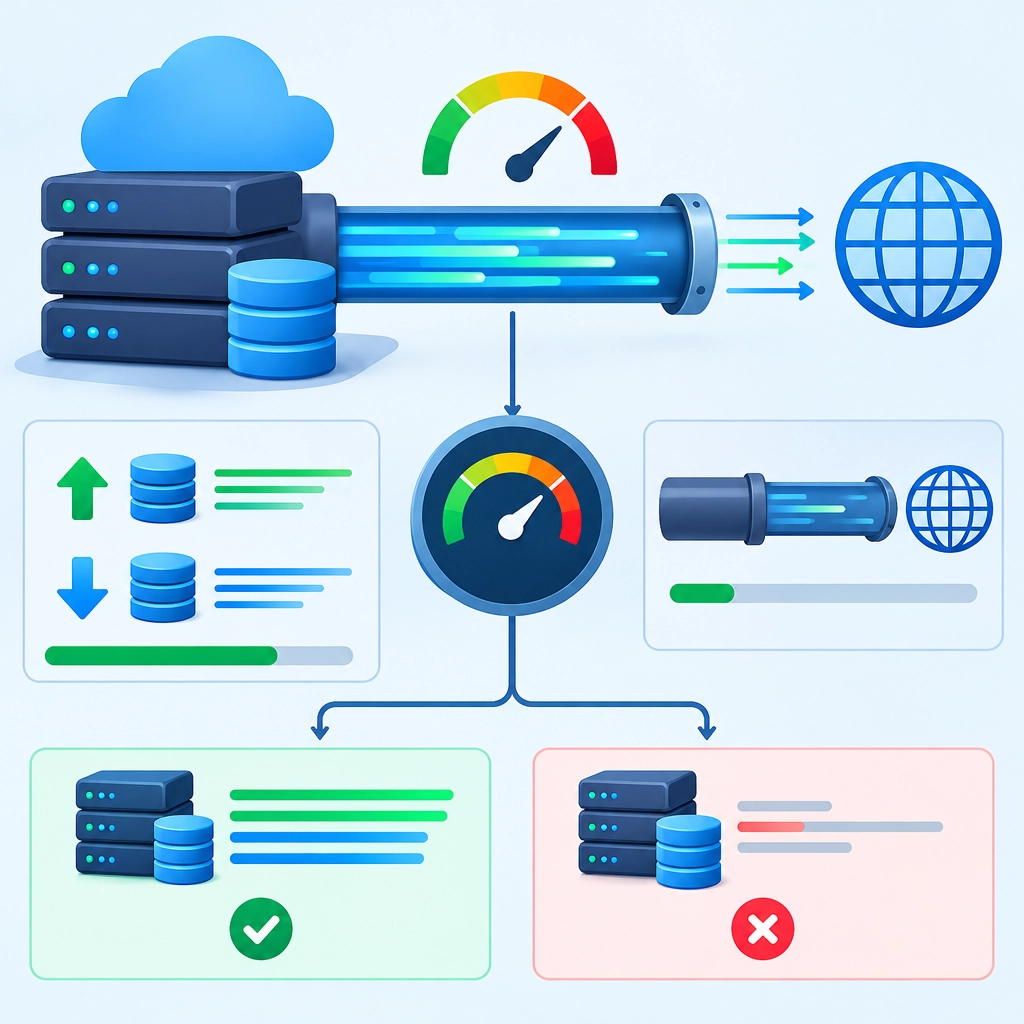
Bandwidth is the amount of data that can travel between your VPS and the rest of the internet. Providers may describe it as a monthly transfer allowance, such as 10 TB per month, or as a network port speed, such as 1 Gbps.
These figures describe different things:
- Monthly transfer is how much data you’re allowed to send and receive over a set period.
- Port speed is the maximum rate at which data can move at a given moment.
A 1 Gbps port doesn’t necessarily mean you can transfer unlimited data at that speed all month. You may have a fast connection paired with a monthly data cap. Think of port speed as the width of a road, and the transfer allowance as how much traffic you’re permitted over time.
Why storage VPS plans often have limits
Storage VPS plans are built to offer plenty of disk space without charging as much as a high-performance server. Providers manage costs by balancing resources such as CPU, memory, storage, and network capacity.
A large storage allowance doesn’t automatically mean the server is suited to heavy public downloads. Some customers use their space for backups that are uploaded once and rarely accessed. Others regularly serve large files to many users. Those uses place very different demands on the network.
Providers may also apply limits to keep shared network infrastructure usable for everyone. That’s why two plans with similar storage can have very different transfer allowances, speeds, and overage policies.
Uploads and downloads both matter
Bandwidth accounting varies by provider. Some count both incoming and outgoing traffic, while others charge only for outbound transfer or offer a larger allowance in one direction.
This detail matters for common uses:
- Off-site backups: Sending a large initial backup can consume significant upload traffic. Later backups may be smaller if they only copy changes.
- Personal file storage: Occasional downloads may use little bandwidth, while repeatedly restoring or sharing files can use much more.
- Media hosting: Streaming and direct downloads can quickly add up, especially if files are large or visitors are numerous.
- Seedboxes or file distribution: Frequent uploads and downloads may make the transfer allowance a key factor in the plan’s total cost.
Before signing up, check how the provider measures transfer. “10 TB” is less useful if it’s unclear whether that means outbound traffic only, combined traffic, or a shared pool across multiple servers.
What happens when you reach the limit?
There’s no universal rule. Depending on the provider, exceeding the allowance may lead to additional charges, reduced speeds, or a request to upgrade. Some providers may offer unmetered transfer but enforce a fair-use policy or limit sustained network speed.
Look for details on:
- Whether overages are billed automatically
- Whether the connection is throttled after the limit
- Whether unused transfer carries over
- How the provider defines “unmetered”
- Whether there are limits on sustained usage or specific types of traffic
If the consequences aren’t clear in the plan description, check the terms of service or ask support before committing.
Estimating what you need
A rough estimate is often enough to rule out plans that are obviously too small. Multiply the average amount of data transferred each day by the number of days in your billing period.
For example, downloading 50 GB of files each day comes to roughly 1.5 TB over a 30-day month, before accounting for other traffic. If several people or devices use the VPS, include their activity too. It’s also wise to leave some room for growth, large one-time transfers, and unexpected restores.
Remember that a speed test only shows how fast the connection can be at that moment. It doesn’t tell you whether your monthly allowance will cover your actual use.
Choosing a plan that fits
Start with your workload, not the storage headline. For infrequent backups, a modest transfer allowance may be perfectly adequate. For a public file server or regularly accessed media library, prioritize generous transfer, clear overage rules, and a suitable network speed.
A little comparison can prevent an unpleasant surprise later. When you know both how much data you’ll store and how often you’ll move it, you can choose a storage VPS that works well in practice—not just on paper.
Welcome to DediRock, your trusted partner in high-performance hosting solutions. At DediRock, we specialize in providing dedicated servers, VPS hosting, and cloud services tailored to meet the unique needs of businesses and individuals alike. Our mission is to deliver reliable, scalable, and secure hosting solutions that empower our clients to achieve their digital goals. With a commitment to exceptional customer support, cutting-edge technology, and robust infrastructure, DediRock stands out as a leader in the hosting industry. Join us and experience the difference that dedicated service and unwavering reliability can make for your online presence. Launch our website.