
The Benefits of Remote Access on a VPS Hosting Environment
A virtual private server (VPS) gives you many of the advantages of a dedicated server without the cost of owning an entire physical machine. But one feature makes a VPS especially useful for businesses, developers, and website owners: remote access.
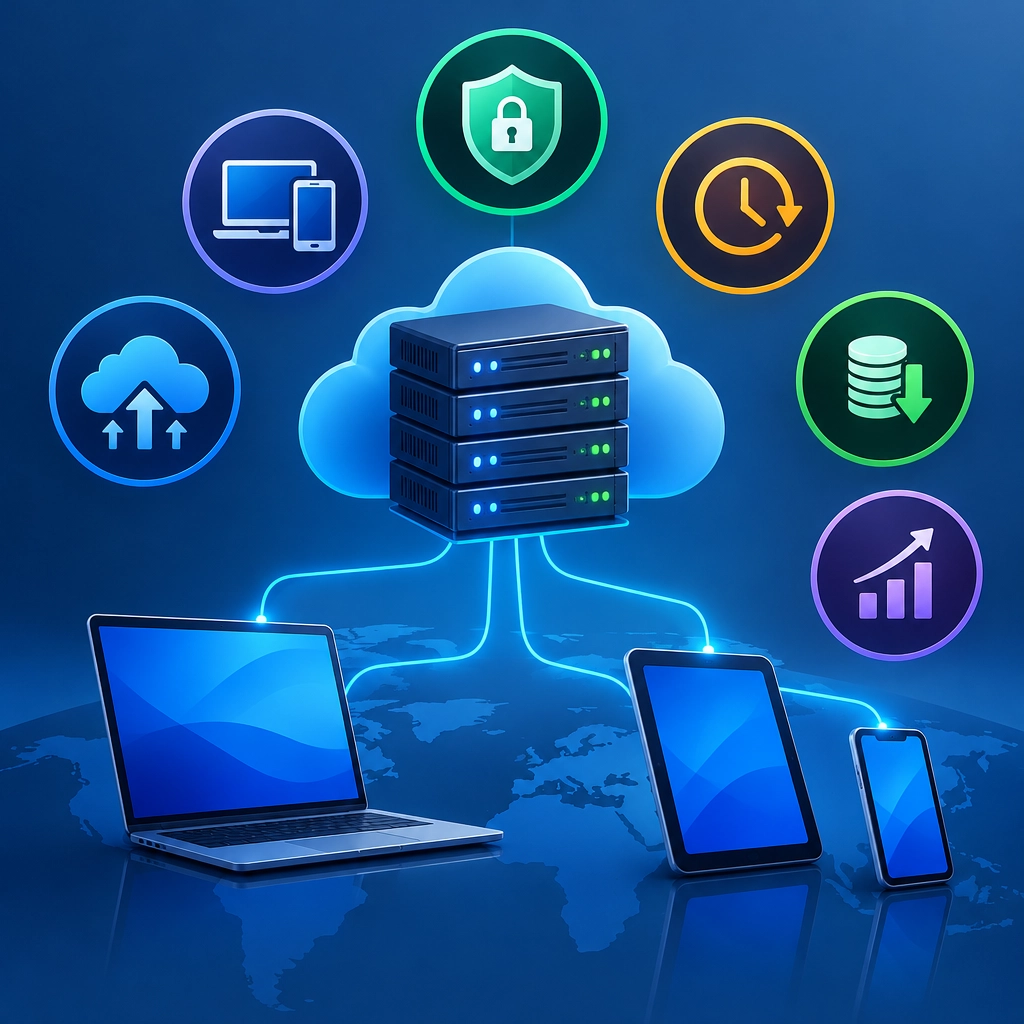
Remote access lets you connect to and manage your server over the internet, often from anywhere with a secure connection. Instead of being tied to a particular office or computer, you can check your services, update software, and troubleshoot problems wherever you are. Here’s why that flexibility can make a real difference.
Manage your server from anywhere
With remote access, your server doesn’t have to be physically nearby. You can sign in from home, the office, or while traveling to perform routine maintenance or respond to an urgent issue.
For example, if a website stops responding after an update, you may be able to access the VPS directly, review logs, and restart the affected service without waiting until you’re back at your desk. This can reduce downtime and make day-to-day server management much less restrictive.
Keep operations running smoothly
Businesses often depend on their websites, applications, databases, or internal tools being available around the clock. Remote access gives administrators a way to monitor and maintain these systems even outside normal business hours.
That doesn’t mean every alert needs an immediate response. It does mean your team can investigate important issues sooner and make necessary changes without traveling to a data center. For organizations with distributed teams, the ability to manage infrastructure from different locations can also make responsibilities easier to share.
Respond faster when problems arise
Server issues rarely happen at a convenient time. A service might stop, a configuration change could cause an error, or traffic may rise unexpectedly. Remote access allows an authorized administrator to investigate promptly.
Depending on the operating system and setup, you might connect through a command-line tool such as SSH or use a remote desktop interface. From there, you can check system resources, inspect logs, adjust configurations, or roll back a problematic change.
Faster access doesn’t guarantee a quick fix, but it can shorten the time between discovering a problem and beginning to address it.
Support flexible development and testing
A VPS can serve as a shared environment for building and testing websites or applications. Developers can connect remotely to deploy code, check how an application behaves, and work with server-side tools.
This can be useful when team members work in different locations. Rather than relying on a single physical workstation, developers can access the same server environment when their permissions allow it. A VPS can also help keep test projects separate from a personal computer, making it easier to reproduce server-specific conditions before a launch.
Make better use of time and resources
Without remote access, some administrative tasks may involve extra steps: arranging physical access, coordinating with a hosting provider, or waiting for someone on-site. Remote management can make routine work—such as checking disk space, updating packages, or reviewing backups—more convenient.
It can also help small teams operate efficiently. A business may not need a dedicated server room or an employee on-site just to manage basic infrastructure. The hosting provider maintains the underlying hardware, while authorized users handle their VPS through remote tools.
Pair convenience with strong security
Remote access is most valuable when it’s protected properly. Because the server can be reached over a network, access controls matter. Use strong, unique credentials, enable multi-factor authentication where available, and limit permissions to the people who need them.
For SSH access, consider using key-based authentication and disabling password login when appropriate. Keep the operating system and server software updated, and use firewalls to restrict access to necessary ports. Regular backups are important, too: remote access can help you manage a server, but it isn’t a substitute for a recovery plan.
Remote access turns a VPS into a flexible, manageable workspace rather than a machine you can only deal with from a specific location. Whether you’re maintaining a business website, developing an application, or keeping a service available for users, it gives you more freedom to act when and where you need to. With sensible security practices in place, that convenience can support faster responses, smoother collaboration, and more dependable operations.
Welcome to DediRock, your trusted partner in high-performance hosting solutions. At DediRock, we specialize in providing dedicated servers, VPS hosting, and cloud services tailored to meet the unique needs of businesses and individuals alike. Our mission is to deliver reliable, scalable, and secure hosting solutions that empower our clients to achieve their digital goals. With a commitment to exceptional customer support, cutting-edge technology, and robust infrastructure, DediRock stands out as a leader in the hosting industry. Join us and experience the difference that dedicated service and unwavering reliability can make for your online presence. Launch our website.