
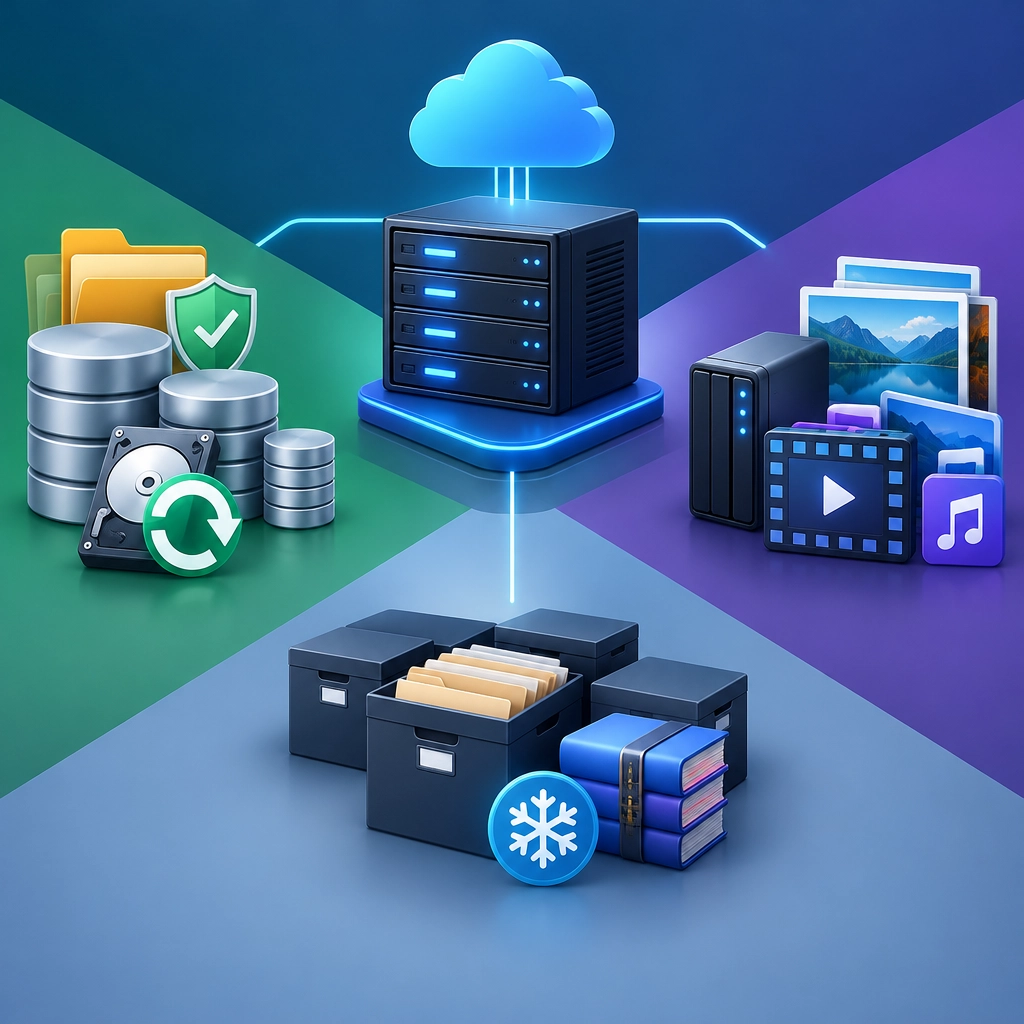
Storage VPS Use Cases for Backups, Media, and Archives
A storage VPS is a virtual private server configured with plenty of disk space for keeping files. It can be a practical middle ground between buying and maintaining your own hardware and relying entirely on a cloud-storage service. You rent the server, choose how to organize it, and access your data over the internet.
The appeal isn’t just having a big virtual disk. A storage VPS can also give you more control over how files are transferred, shared, retained, and protected. Here are three common uses—and a few things to consider before moving your data.
1. Keeping reliable backups
Backups are the most straightforward use for a storage VPS. You can copy files from a home computer, website, or office server to a separate machine, giving you another place to recover them if the original is damaged, lost, or affected by a hardware failure.
A VPS can store scheduled backups of:
- Personal documents and photos
- Website files and databases
- Business documents and project folders
- Configuration files and application data
You can automate the process with backup software or scripts, so you don’t have to remember to copy everything manually. Many tools support incremental backups, which transfer only files that have changed. That can save bandwidth and storage space.
One important detail: a backup should be separate from the system it protects. If your computer and VPS are both reachable with the same credentials, malware or an accidental deletion could affect both. Use strong, unique authentication, limit access where possible, and consider keeping older backup versions rather than simply replacing each backup with the latest copy.
A storage VPS is also only one part of a backup plan. For especially important data, keep another copy somewhere else—such as an external drive or a separate cloud account. A second copy in a different location can help if the VPS provider experiences an outage or account problem.
2. Building a personal media library
A storage VPS can act as a home for movies, music, photos, and other large media collections. Instead of spreading files across laptops and external drives, you can keep them in one place and access them from different devices.
Some people pair a VPS with media-server software to organize their library and stream content remotely. This can be useful for travel, for sharing family videos with relatives, or for reaching your own files when you’re away from home. A private file-sync service can also make it easier to move photos and videos between a phone and computer.
Before choosing a plan, think about more than disk capacity. Streaming depends on bandwidth, network speed, and the server’s ability to handle your chosen software. A large drive won’t help much if uploads are slow or the connection struggles with multiple streams. Check the provider’s storage type, transfer limits, and acceptable-use rules, especially if you expect to move or stream a lot of data.
It’s also worth treating a media VPS as a private library, not a public distribution platform. Store and share content you have the right to use, and protect accounts that could expose personal files.
3. Preserving archives and old projects
Archives are files you don’t need every day but would hate to lose. That might include completed work, old website snapshots, family records, research material, software installers, or years of email exports.
A VPS can make these archives searchable and accessible without filling up your everyday computer. You might sort files by year or project, add descriptive filenames, and keep a small index explaining what each folder contains. That simple organization can make a huge difference when you’re trying to find something years later.
For archives, access speed may matter less than durability, cost, and clear retention practices. Still, “stored online” doesn’t automatically mean “preserved forever.” Providers can change services, accounts can be suspended, and files can be deleted by mistake. Periodically check that important archives are still intact, and keep copies of anything irreplaceable in more than one place.
Choosing the right setup
Before signing up, estimate how much space you need today and how quickly your files are growing. Compare storage limits, bandwidth policies, backup options, server location, and the provider’s recovery process. Also consider whether you’re comfortable managing updates, access permissions, and security—or whether you’d prefer a service that handles more of that work.
A storage VPS works best when it has a clear job and a little planning behind it. Whether you’re protecting backups, organizing a media library, or preserving years of projects, it can give scattered files a dependable home. Just pair that convenience with sensible security and at least one additional copy of your most valuable data, and your digital storage will be far more resilient.
Welcome to DediRock, your trusted partner in high-performance hosting solutions. At DediRock, we specialize in providing dedicated servers, VPS hosting, and cloud services tailored to meet the unique needs of businesses and individuals alike. Our mission is to deliver reliable, scalable, and secure hosting solutions that empower our clients to achieve their digital goals. With a commitment to exceptional customer support, cutting-edge technology, and robust infrastructure, DediRock stands out as a leader in the hosting industry. Join us and experience the difference that dedicated service and unwavering reliability can make for your online presence. Launch our website.