
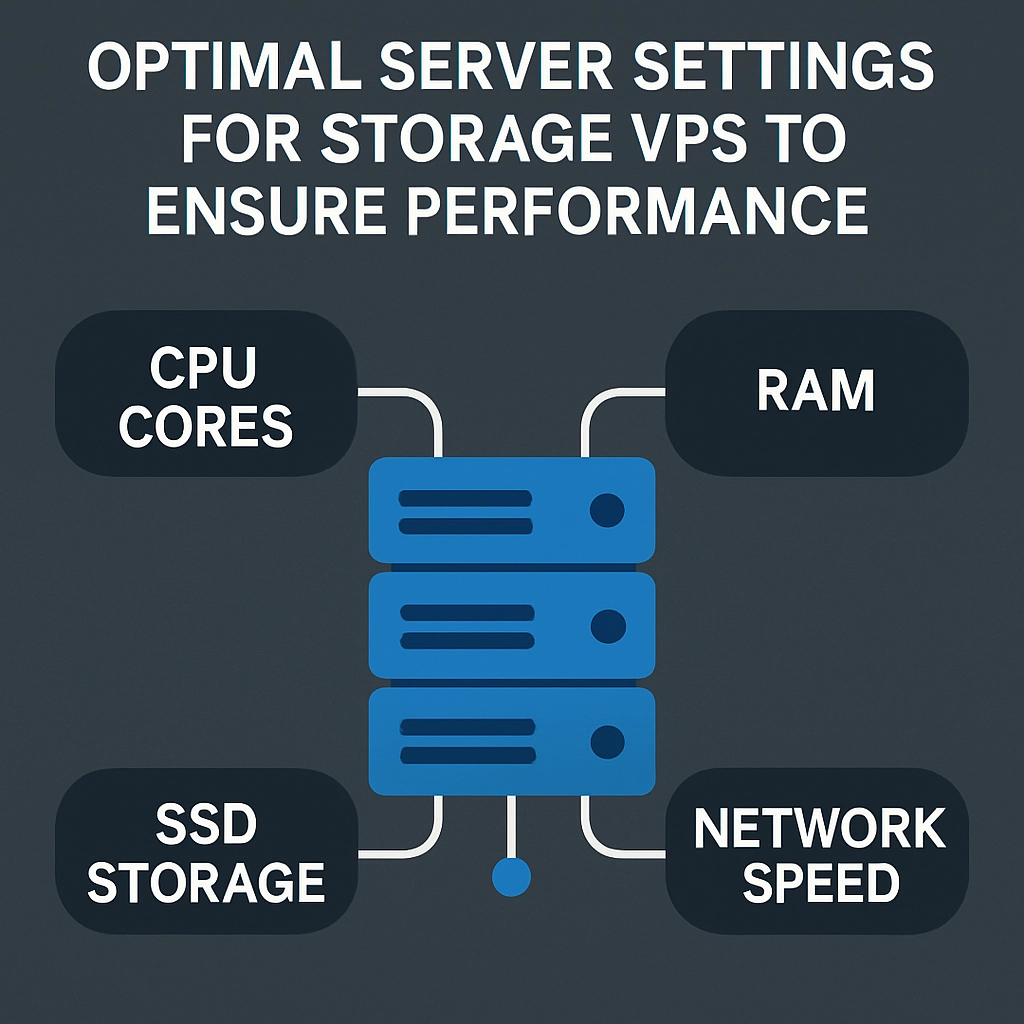
Optimal Server Settings for Storage VPS to Ensure Performance
In an age where data drives almost all aspects of our lives, having a reliable and fast storage solution is essential. If you’ve decided to go with a Storage Virtual Private Server (VPS), you’re already ahead of the curve. But running a Storage VPS isn’t just about picking a provider; it also involves optimizing it for performance. So, let’s dive into the best settings and practices to ensure that your Storage VPS runs like a well-oiled machine.
Understanding the Basics
Before we jump into the nitty-gritty of server settings, it’s crucial to grasp a few basic concepts. A Storage VPS is designed primarily for storing large amounts of data rather than running high-demand applications. This means your focus should be on managing your storage space efficiently, optimizing file transfer speeds, and ensuring data integrity.
Now, let’s look at how you can tweak your Storage VPS settings to achieve stellar performance.
1. Choose the Right File System
Selecting the right file system can make a world of difference in the performance of your Storage VPS. Some popular options include:
- ext4: A widely used file system that offers a good balance between performance and reliability.
- XFS: Known for handling large files efficiently and scalable performance, ideal for data-heavy applications.
- Btrfs: A newer option that provides advanced features like snapshots and dynamic volume management, although it may require more care in terms of stability.
Select a file system based on your specific needs and data types. If you handle a lot of large media files, for example, XFS might be your best bet.
2. Optimize Storage Allocation
While it’s tempting to just throw all your data onto the VPS without consideration, optimal storage allocation is essential for performance. Here are a few tips:
- Use Dedicated Partitions: Separate partitions for system files, applications, and data can help improve performance. It also makes backups and recovery easier.
- Pay Attention to Your IOPS: Input/Output Operations Per Second (IOPS) are crucial for data access speeds. If your workload demands high IOPS, ensure your VPS is equipped with solid-state drives (SSDs) and configure optimally.
3. Configure Swap Space Wisely
Swap space acts as an overflow for your server’s RAM. Although not as fast, when configured properly, it can provide a performance boost when your server runs out of memory. Here’s how to get it right:
- Size Matters: A good rule of thumb is to set your swap space to be double the amount of RAM if your RAM is 8GB or less. If you’re working with larger amounts of RAM, a 1:1 ratio usually suffices.
- Use a Swap File: Instead of a swap partition, a swap file offers flexibility for resizing. This can be particularly useful in a dynamic storage environment.
4. Tweak the Network Settings
Your VPS’s network settings can greatly influence the performance of data transfer. Here are some configurations to help you get started:
- Increase
MTUSize: The Maximum Transmission Unit (MTU) can impact how much data is sent in a single packet. Adjusting this can help boost your throughput, but be wary of network compatibility. - TCP Window Scaling: This allows for more data to be transferred at a time and is especially useful for high-latency connections.
5. Use Caching Mechanisms
Implementing caching can take your Storage VPS performance to new heights. Cache mechanisms store copies of data so that when requests for that data arise, they can be delivered faster. Here are a couple of options:
- Memory-Based Caching: Tools like Redis or Memcached can help keep frequently accessed data in memory for rapid retrieval.
- Disk-Based Caching: If memory is limited, consider tools like Varnish or Nginx caching for web assets to speed up response times.
6. Regular Backups and Maintenance
Finally, never underestimate the importance of regular backups and routine maintenance. Up-to-date backups will save you from potential disasters, while maintenance checks can help you identify bottlenecks or performance issues before they escalate. Automate these processes whenever possible to ensure they happen regularly without manual oversight.
Final Thoughts
Configuring a Storage VPS for optimal performance may seem intimidating at first, but with the right settings and a little patience, it can lead to remarkable results. Remember, every workload is unique, and often, the best practices involve a bit of trial and error. So don’t be afraid to experiment and monitor your server to understand what works best for your needs. With time and effort, your Storage VPS will not only perform well but also provide a reliable platform for your data storage needs.
Welcome to DediRock, your trusted partner in high-performance hosting solutions. At DediRock, we specialize in providing dedicated servers, VPS hosting, and cloud services tailored to meet the unique needs of businesses and individuals alike. Our mission is to deliver reliable, scalable, and secure hosting solutions that empower our clients to achieve their digital goals. With a commitment to exceptional customer support, cutting-edge technology, and robust infrastructure, DediRock stands out as a leader in the hosting industry. Join us and experience the difference that dedicated service and unwavering reliability can make for your online presence. Launch our website.