
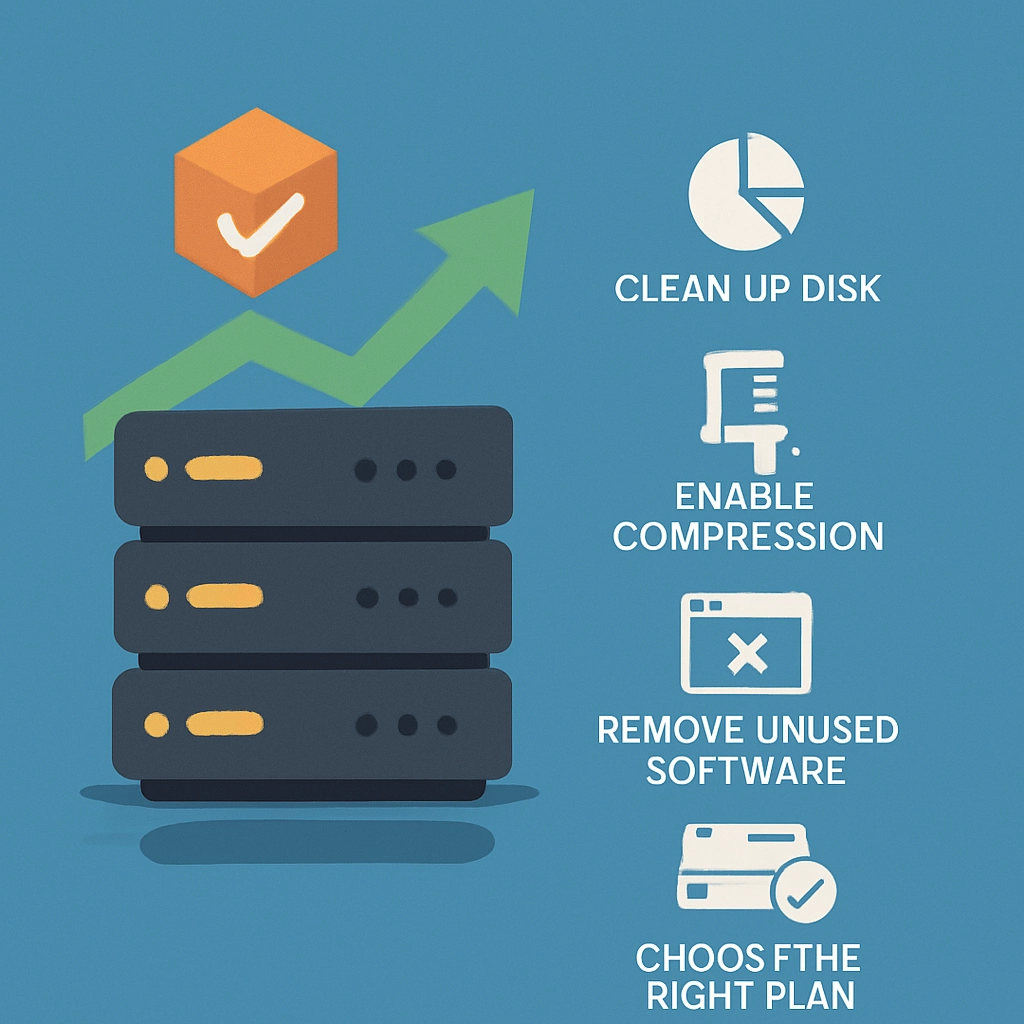
Maximizing Storage Space on Your VPS with Effective Strategies
When it comes to running a Virtual Private Server (VPS), space is a resource you can’t afford to overlook. Whether you’re hosting a website, managing a database, or running applications, optimizing your storage is crucial. Thankfully, there are various strategies to make the most of your VPS’s storage capacity. Let’s dive into some effective ways you can reclaim space and get the most out of your virtual environment!
1. Assess Your Current Usage
The first step in optimizing storage is understanding where your space is being used. Most VPS providers have built-in monitoring tools that can show you how much storage you have and what’s taking it up. Use commands like df -h in Linux or storage analytics in your management dashboard to gauge your space usage. Knowing what’s taking up room can help you make informed decisions on what can be archived, deleted, or optimized.
2. Clean Up Unnecessary Files
Let’s face it: we often accumulate files we no longer need. Whether it’s old backups, log files, or temporary files, cleaning house can free up a surprising amount of space. Here are some quick tips:
- Remove Old Backups: If you have automated backups running, make sure you keep only the most recent ones and delete the older ones you don’t need anymore.
- Clear Cache: Applications often save cache files to speed up performance. While useful, they can take up space. Commands like
sudo apt-get cleancan help you clear out unnecessary cached packages. - Check for Log Files: Log files can grow quickly and take up more space than you might realize. Regularly truncate or delete old logs you no longer need.
3. Implement Compression
Compression is an underutilized way to save space. By compressing files and folders, you can significantly reduce their size. Most Linux distributions come with tools like gzip or tar, which can be easily used to compress single files or entire directories. Just remember that while compressing files can save space, it may also affect access speeds since those files will need to be uncompressed to be used.
4. Use a Content Delivery Network (CDN)
If your VPS is storing large media files like images, videos, or documents, consider offloading them to a Content Delivery Network (CDN). CDNs store copies of your static files in various locations around the world, effectively reducing the load on your VPS. This not only saves space, but it also can improve your site’s speed and reliability. You’ll access your files from the CDN while your VPS focuses on running applications and processing dynamic content.
5. Explore Cloud Storage Options
For businesses and projects with larger storage needs, integrating cloud storage is a fantastic way to extend your capacity without the hassle of managing physical hardware. Solutions like Google Drive, Amazon S3, or Dropbox allow you to store files offsite. This method keeps your VPS lean while still providing easy access to files whenever you need them.
6. Database Optimization
If your VPS is running a database, regular maintenance is key to maximizing its efficiency. Periodic cleanup of old data entries, using indexes wisely, and running optimization commands can help. For example, in MySQL, you can use the OPTIMIZE TABLE command to reclaim space after deleting rows. Keeping your database lean can drastically improve both performance and storage management.
7. Virtual Disk Management
If you’re using a virtualized environment, you should also check your virtual disk settings. Sometimes, you may find that you have configured your VPS with a more extensive disk allocation than necessary. If you’re not using all the allocated space, consider resizing your disk for efficiency. Tools like LVM (Logical Volume Manager) can help you adjust disk space dynamically as your needs change.
8. Regular Maintenance
Finally, incorporating regular maintenance into your VPS routine will go a long way. Set reminders to review your storage periodically—let’s say once a month or every quarter—to check data usage, perform cleanup, and reassess your storage needs. This proactive approach will help prevent clutter and keep your VPS running smoothly.
Optimizing storage on your VPS doesn’t have to be an overwhelming task. By using a combination of the above strategies, you can keep your server’s storage in check, enhance performance, and ensure you’re utilizing your resources to their fullest potential. Ultimately, a well-maintained VPS not only saves you time and money but also gives you peace of mind as you focus on what truly matters: building and growing your online presence. So gear up, roll up your sleeves, and take your VPS storage management to the next level!
Welcome to DediRock, your trusted partner in high-performance hosting solutions. At DediRock, we specialize in providing dedicated servers, VPS hosting, and cloud services tailored to meet the unique needs of businesses and individuals alike. Our mission is to deliver reliable, scalable, and secure hosting solutions that empower our clients to achieve their digital goals. With a commitment to exceptional customer support, cutting-edge technology, and robust infrastructure, DediRock stands out as a leader in the hosting industry. Join us and experience the difference that dedicated service and unwavering reliability can make for your online presence. Launch our website.