
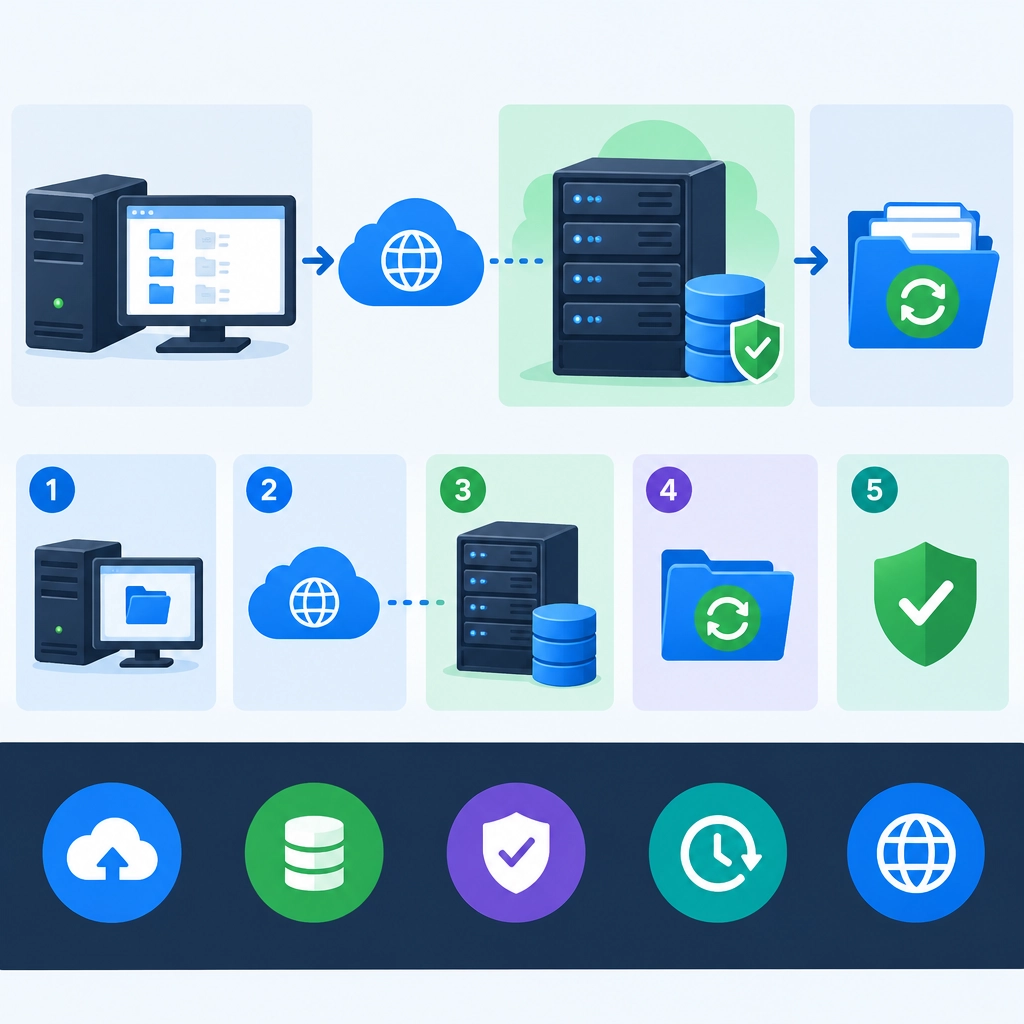
How to Use a Storage VPS for Off-Site Backups
A backup stored on the same computer—or even in the same office—can disappear along with the original. A fire, theft, hardware failure, or ransomware attack could take out both copies at once. That’s why off-site backups matter: they keep a separate copy of your files somewhere else.
A storage VPS can be a practical, budget-friendly destination. It’s a virtual server with disk space you can access over the internet, giving you more control than a basic file-sync service. With a little setup, it can hold backups of personal files, websites, databases, or small business data.
Choose the right storage VPS
Start by estimating how much data you need to protect and how quickly it grows. Don’t buy only enough space for today’s files; backups often need extra room for previous versions as well.
Check the provider’s details before signing up. Consider:
- Storage type and capacity: Is the disk suitable for your workload, and can you expand it later?
- Network limits: Some providers cap monthly data transfer or charge for high usage.
- Reliability: Look for clear uptime information and a provider with a sensible support process.
- Location: A server in a different region—or at least a different physical site—can help protect against local disasters.
- Security features: Ask whether snapshots, firewall controls, or account-level protections are available.
A storage VPS is not automatically a backup solution just because it has plenty of disk space. You still need to secure it, automate transfers, and test that your files can be restored.
Secure the connection
Avoid sending backup data over an unencrypted connection. SSH-based tools such as rsync over SSH or SFTP encrypt data as it travels between your computer and the VPS.
For a typical setup, create a dedicated VPS user for backups rather than using the administrator account. Use SSH keys instead of password-only login, and restrict the user’s permissions so it can access only the backup folders it needs. A firewall can also limit access to SSH, ideally to known IP addresses if that’s practical.
Encryption at rest is just as important. Many backup tools can encrypt files before uploading them, so the VPS provider—or anyone who gains access to its storage—cannot read the contents. Keep the encryption key somewhere safe and separate from the VPS. If you lose it, you may lose access to your backups.
Pick a backup tool and schedule
The best tool depends on what you’re backing up. For straightforward file copies, rsync is widely used and can transfer only changed data after the initial run. Dedicated backup tools such as Restic or Borg can offer encrypted, versioned backups and help reduce storage use by avoiding repeated copies of unchanged files.
Whichever tool you choose, set a regular schedule. Personal files might be backed up daily, while a frequently updated website or database may need more frequent backups. Automate the process with a scheduled task, then configure notifications or logs so you’ll know if a run fails.
A simple backup plan should also define how long to keep old versions. Keeping several days or weeks of history can help if you notice a problem late—for example, accidental deletion or a file that became corrupted before the last backup. Just remember that longer retention needs more space.
Back up more than the obvious files
Think about what you would need to rebuild your system, not just what’s easy to copy. For a website, that could include the site files, database exports, configuration files, and a list of installed software. For a personal computer, it might mean documents, photos, project folders, and important application settings.
Databases may need special handling. Copying a live database file while it’s being written can produce an unusable backup. Use the database’s own export tools or take a consistent snapshot before transferring it.
Test your backups
A successful upload doesn’t prove that a backup is usable. Every so often, restore a few files to a separate location. For a more complete check, practice restoring a website or system to a temporary environment. This confirms that your backup contains the right data and that you still have the keys and instructions needed to recover it.
A storage VPS can provide a reliable off-site layer when it’s set up thoughtfully: encrypted transfers, limited access, automated schedules, sensible retention, and regular restore tests. The best backup is not the one that runs quietly forever—it’s the one you’ve confirmed you can actually bring back when it matters.
Welcome to DediRock, your trusted partner in high-performance hosting solutions. At DediRock, we specialize in providing dedicated servers, VPS hosting, and cloud services tailored to meet the unique needs of businesses and individuals alike. Our mission is to deliver reliable, scalable, and secure hosting solutions that empower our clients to achieve their digital goals. With a commitment to exceptional customer support, cutting-edge technology, and robust infrastructure, DediRock stands out as a leader in the hosting industry. Join us and experience the difference that dedicated service and unwavering reliability can make for your online presence. Launch our website.