
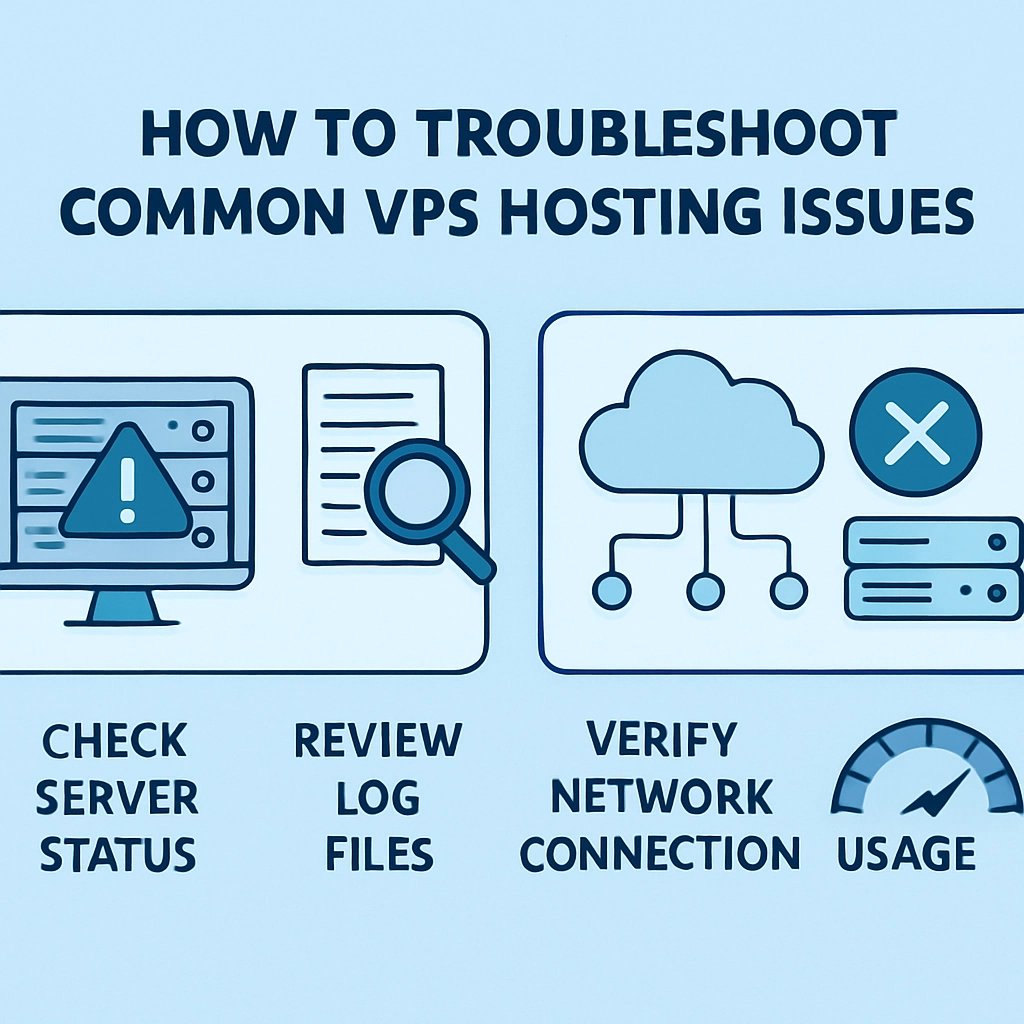
How to Troubleshoot Common VPS Hosting Issues
If you’re on a Virtual Private Server (VPS), chances are you’ve made a solid choice for your web hosting needs. VPS offers the best of both worlds—dedicated resources and easy scalability—without the high cost of a full dedicated server. However, like any technology, VPS is not immune to hiccups. So, what do you do when things go awry? Let’s take a look at some of the common VPS hosting issues and how you can troubleshoot them effectively.
1. Slow Performance
Slow performance can be a buzzkill, especially when your site is trying to impress visitors or, better yet, convert them into customers. Here are a few steps you can take to diagnose and fix this issue:
-
Check Resource Usage: Log in to your VPS control panel and check CPU and memory usage. If you’re consistently maxing out your resources, it might be time to upgrade your plan.
-
Optimize Your Applications: Are you running apps that could use some optimization? Look into caching solutions and other performance-enhancing tweaks.
-
Examine Network Latency: Use tools like Pingdom or GTmetrix to check if your site is loading slowly due to hosting location or bandwidth issues.
2. Websites Are Down
It’s every website owner’s nightmare—suddenly, your site is down. If you find yourself staring at an "Error 500" or "Server Not Found" message, here’s where to start:
-
Check Server Status: First, visit your VPS provider’s status page to see if it’s a widespread issue. If the VPS is down, there’s usually not much you can do but wait it out.
-
Review Server Logs: Access your server’s logs (such as
error.logoraccess.log) to pinpoint what caused the downtime. This info can help you identify if it was a coding error or a server misconfiguration. -
Restart Services: Sometimes, simply restarting the web server can resolve the issue. Use commands like
sudo service apache2 restartorsudo systemctl restart nginxto get your server back on track.
3. Security Breaches
Nobody wants to deal with hackers, but they can be a real threat to your VPS. Keeping your data safe should always be a priority. Here’s how to strengthen your security:
-
Update Regularly: Make sure your server software, applications, and security patches are all up to date. Outdated software can be a gateway for attackers.
-
Implement Firewalls: Use tools like UFW (Uncomplicated Firewall) or CSF (ConfigServer Security & Firewall) to bolster your defenses.
-
Use SSH Keys: If you’re logging into your VPS via SSH, switch to using SSH keys instead of passwords for added security.
4. Email Issues
If you’re running an email server through your VPS, encountering issues can be frustrating. Here’s how to tackle common email problems:
-
Check DNS Settings: Make sure your DNS records for email (like MX records) are correctly set up. Incorrect settings can cause your emails to bounce or fail to send.
-
Analyze SPF and DKIM Settings: Having correctly configured Sender Policy Framework (SPF) and DomainKeys Identified Mail (DKIM) records can ensure that your emails are delivered to the inbox rather than the dreaded spam folder.
-
Examine Email Logs: Similar to server logs, email logs can give you insights into issues with email delivery. Use them to track down what went wrong.
5. Software Installation Issues
Whether you’re setting up a new app or server software, running into installation issues can be a headache. Here are some tips to get through it:
-
Follow Documentation: Always refer to the official documentation for the software you’re trying to install. This usually includes best practices and troubleshooting steps.
-
Check Dependencies: Many applications require specific libraries or packages to function. Make sure you’ve installed all dependencies before running the installation.
-
Use Community Forums: Have a look at forums, Stack Overflow, or the software’s community boards. Chances are, someone else has had the same issue—and they might already have the solution.
Wrapping It Up
Troubleshooting VPS hosting issues doesn’t have to be a daunting task. By keeping a checklist of these common problems and their solutions handy, you can tackle many issues as they arise with confidence. Remember, a little bit of maintenance goes a long way, so proactively monitoring your server can help you address issues before they escalate. And most importantly, don’t hesitate to reach out for help—whether it’s from your VPS provider’s support team or the rich online community. Happy hosting!
Welcome to DediRock, your trusted partner in high-performance hosting solutions. At DediRock, we specialize in providing dedicated servers, VPS hosting, and cloud services tailored to meet the unique needs of businesses and individuals alike. Our mission is to deliver reliable, scalable, and secure hosting solutions that empower our clients to achieve their digital goals. With a commitment to exceptional customer support, cutting-edge technology, and robust infrastructure, DediRock stands out as a leader in the hosting industry. Join us and experience the difference that dedicated service and unwavering reliability can make for your online presence. Launch our website.