
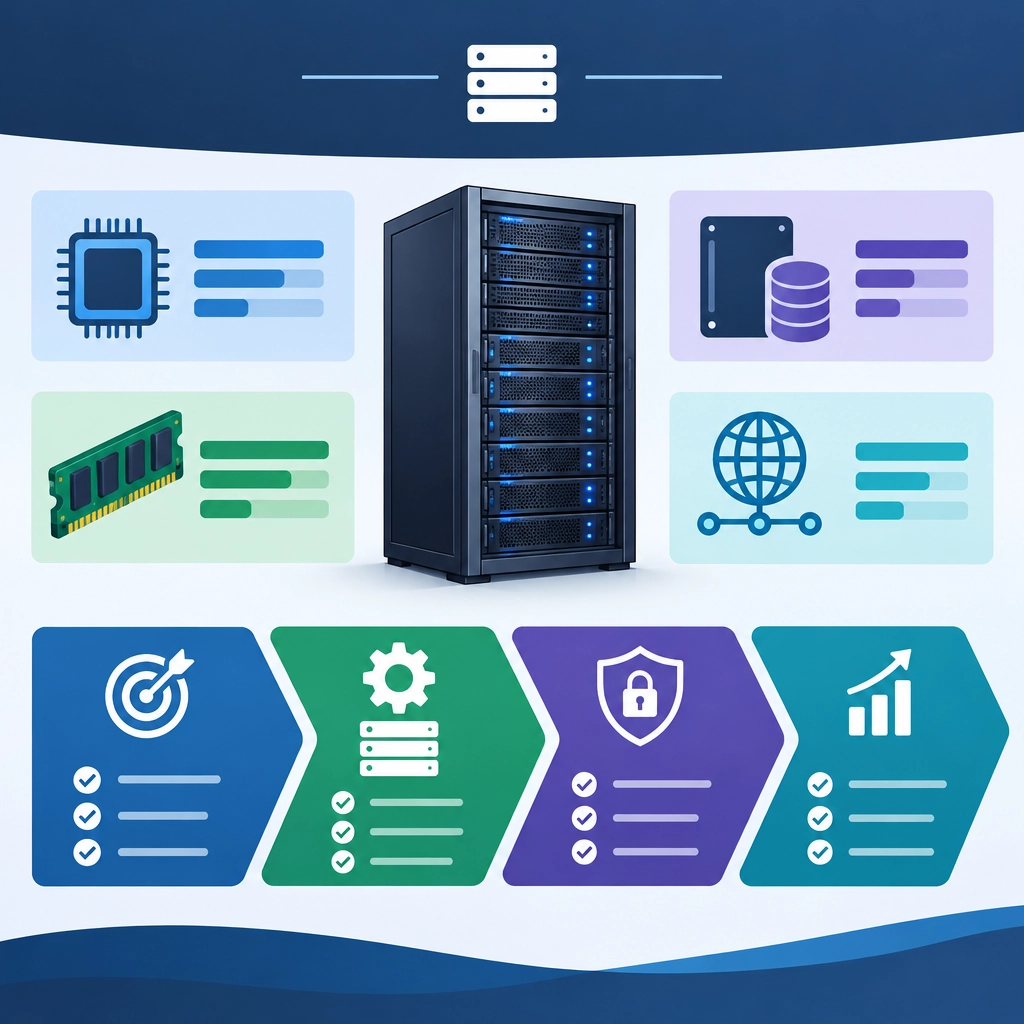
How to Select the Right Dedicated Server Configuration
Choosing a dedicated server can feel a little like shopping for a car: you want enough power for the road ahead, but you don’t want to pay for features you’ll never use. The right configuration depends less on chasing the biggest numbers and more on understanding what your applications need today—and what they may need as they grow.
Here’s a practical way to make the choice.
Start with the workload
First, identify what the server will actually do. A busy online store, a database, a game server, and a backup system all place different demands on hardware.
Think about:
- CPU-heavy tasks, such as video encoding, analytics, or scientific computing
- Memory-intensive applications, such as large databases or in-memory caches
- Storage-heavy workloads, including media libraries and file hosting
- High-traffic services, where network capacity and reliability matter most
If you’re replacing an existing server, use monitoring data rather than guesswork. Look at CPU utilization, memory use, disk activity, and network traffic over time. A brief spike may not justify a major upgrade, but consistently high usage can signal that it’s time for more capacity.
Choose a processor for the work—not the spec sheet
A processor with more cores isn’t automatically the better choice. Some applications benefit from many cores because they can handle tasks in parallel. Others rely more on fast individual cores and may not use additional cores effectively.
Consider both the type of workload and the software’s ability to scale. A web service handling many simultaneous requests may benefit from more cores, while certain databases or older applications may perform better with fewer, faster cores.
Also think about room to grow. If demand is likely to increase, choosing a CPU with some extra capacity can help you avoid an early replacement. Just make sure the added performance has a realistic purpose.
Size memory for predictable performance
Not having enough RAM can slow an application dramatically, especially if the server has to rely on slower disk storage. Databases, caches, virtualization, and multiple applications running together often need substantial memory.
Check the recommended requirements for your software, then look at actual usage if possible. Leave headroom for traffic increases, background processes, and operating system needs. A server that runs comfortably at 70% memory use is generally safer than one that sits near its limit.
More memory can also be a useful investment when adding RAM later would require a hardware change or service interruption. But oversized memory isn’t automatically valuable—match it to the workload.
Pick storage based on speed, capacity, and resilience
Storage choices often involve balancing performance, cost, and usable space.
- NVMe SSDs offer very fast access and work well for databases and applications with frequent disk activity.
- SATA SSDs provide solid performance at a lower cost in many situations.
- Hard drives can be economical for large archives, backups, and files that don’t need constant, fast access.
Pay attention to capacity after redundancy is accounted for. For example, a mirrored pair of drives provides protection against a single drive failure, but doesn’t give you the combined capacity of both disks.
RAID can help maintain availability if a drive fails, but it is not a substitute for backups. Keep separate, tested backups—ideally in a different location—and know how quickly you can restore them.
Don’t overlook bandwidth and network needs
Your server’s network connection affects how well it can serve users, transfer backups, or communicate with other systems. Estimate average and peak traffic, and ask providers about bandwidth limits, transfer allowances, port speed, and overage charges.
A fast network port does not necessarily mean unlimited traffic. Clarify what is included before signing up, especially for video, downloads, game hosting, or other services that send large amounts of data.
Consider support, security, and future changes
Hardware is only part of the decision. Check whether the provider offers managed support, monitoring, hardware replacement, backup options, and help during outages. If your team doesn’t manage servers regularly, dependable support may be worth more than a small hardware upgrade.
Also plan for security: operating system updates, firewalls, access controls, and DDoS protection where appropriate. Ask how easy it is to scale the server or migrate to a different configuration if your needs change.
Make the decision with a simple checklist
Before ordering, write down your workload, current resource usage, storage and backup needs, expected traffic, budget, and support requirements. Then compare a few configurations against that list rather than comparing specifications in isolation.
The best dedicated server is the one that runs your real workload reliably, leaves reasonable room for growth, and fits your budget without unnecessary complexity. Start with evidence, choose for your application, and revisit the configuration as your needs evolve.
Welcome to DediRock, your trusted partner in high-performance hosting solutions. At DediRock, we specialize in providing dedicated servers, VPS hosting, and cloud services tailored to meet the unique needs of businesses and individuals alike. Our mission is to deliver reliable, scalable, and secure hosting solutions that empower our clients to achieve their digital goals. With a commitment to exceptional customer support, cutting-edge technology, and robust infrastructure, DediRock stands out as a leader in the hosting industry. Join us and experience the difference that dedicated service and unwavering reliability can make for your online presence. Launch our website.