
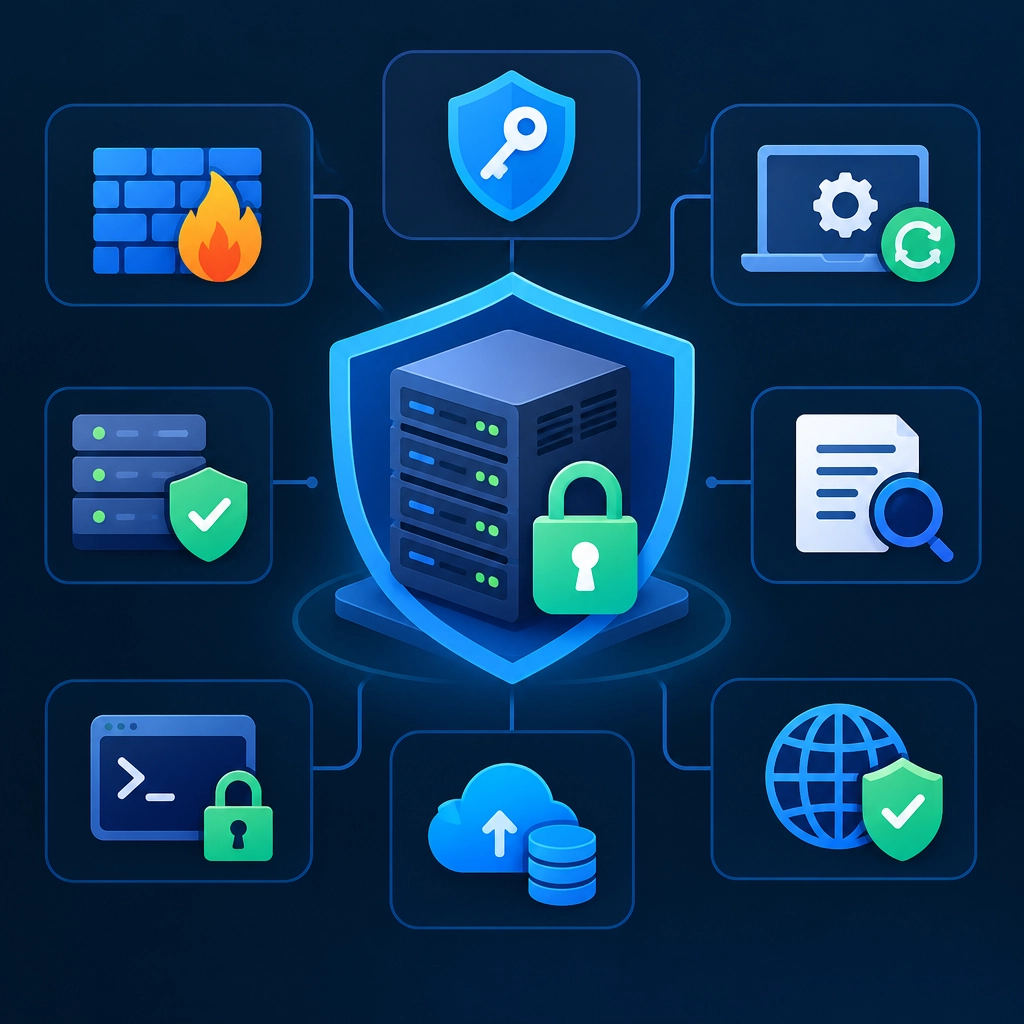
How to Secure Your VPS: Essential Steps for Every Server Owner
A virtual private server gives you flexibility and control—but it also puts important security decisions in your hands. Whether you’re hosting a website, running an app, or storing business data, a few practical habits can significantly reduce the risk of intruders, malware, and avoidable downtime.
You don’t need to be a security specialist to get started. Begin with the fundamentals, then make security a routine rather than a one-time setup task.
Keep Your system and software up to date
Unpatched software is one of the easiest ways for attackers to exploit a server. Updates often fix known security flaws, so install operating system and application updates promptly.
On many Linux distributions, package managers make this straightforward. For example, Debian- and Ubuntu-based systems commonly use:
sudo apt update
sudo apt upgrade
The exact commands vary by operating system. If you enable automatic security updates, check periodically that they’re working. Updates can occasionally affect applications, so keep backups and test important changes when possible.
Use SSH keys and protect remote access
SSH is a common way to manage a VPS, and it deserves extra attention. Use SSH keys instead of password-based login wherever possible. Keys are harder to guess than passwords and are convenient once configured properly.
Choose a strong passphrase for your private key, and never share that key or upload it to a public repository. After confirming that key-based access works, consider disabling SSH password authentication. Be careful: make sure you have a working alternative login before changing SSH settings, or you could lock yourself out.
It’s also wise to disable direct root login and create a separate account with administrative privileges. This adds a useful layer of protection and makes it easier to track who performed an action.
Allow only the network traffic you need
A firewall limits which services can be reached from the internet. Start by allowing only the ports your server actually needs—for example, SSH and the ports used by a public website. Keep databases and admin panels private unless they must be externally accessible.
Tools such as UFW on Ubuntu can make basic firewall rules easier to manage. Before enabling a firewall, confirm that your SSH port is allowed. Otherwise, you may cut off your own access.
If your hosting provider offers a network-level firewall, review those controls too. A provider firewall and a server firewall can complement each other.
Strengthen accounts and permissions
Every login account is another possible route into your server. Remove unused accounts, avoid shared logins, and give users only the permissions they need. Use strong, unique passwords for any accounts that still rely on passwords, and store them in a reputable password manager.
Pay attention to file permissions as well. Applications generally shouldn’t run as root, and sensitive files—such as configuration files containing credentials—shouldn’t be readable by everyone. Restrict access while ensuring your services can still operate correctly.
Add protection against repeated login attempts
Automated bots regularly scan servers and try common usernames and passwords. A tool such as Fail2ban can monitor authentication logs and temporarily block IP addresses that repeatedly fail to log in.
This isn’t a substitute for SSH keys, strong passwords, or a firewall, but it can reduce noisy attacks. Review its configuration and logs so you know what it’s blocking and can avoid locking yourself out.
Back up your data—and test recovery
Backups are a security measure, too. They can help you recover from accidental deletion, hardware failure, a compromised application, or ransomware.
Keep backups separate from the VPS itself, and protect them with encryption and access controls. Automate them where possible, but don’t assume a successful backup job means your data is recoverable. Periodically test restoring files or rebuilding a service from a backup. A backup you’ve never tested is only a promise.
Monitor your server and review what’s exposed
Check system logs, resource usage, and provider alerts regularly. Unexpected accounts, unfamiliar services, unusual traffic, or unexplained CPU spikes may signal a problem. Monitoring tools can help you catch issues earlier, but even a simple recurring review is better than never looking.
Also take inventory of what’s running. Remove software you no longer use, and avoid exposing development tools or management interfaces to the public internet. The fewer services listening for connections, the fewer doors you need to secure.
VPS security works best as a steady routine: update, limit access, protect credentials, monitor, and back up. No single setting makes a server invulnerable, but these steps make common attacks harder and recovery more manageable. Start with the basics today, then revisit them as your server and its responsibilities grow.
Welcome to DediRock, your trusted partner in high-performance hosting solutions. At DediRock, we specialize in providing dedicated servers, VPS hosting, and cloud services tailored to meet the unique needs of businesses and individuals alike. Our mission is to deliver reliable, scalable, and secure hosting solutions that empower our clients to achieve their digital goals. With a commitment to exceptional customer support, cutting-edge technology, and robust infrastructure, DediRock stands out as a leader in the hosting industry. Join us and experience the difference that dedicated service and unwavering reliability can make for your online presence. Launch our website.