
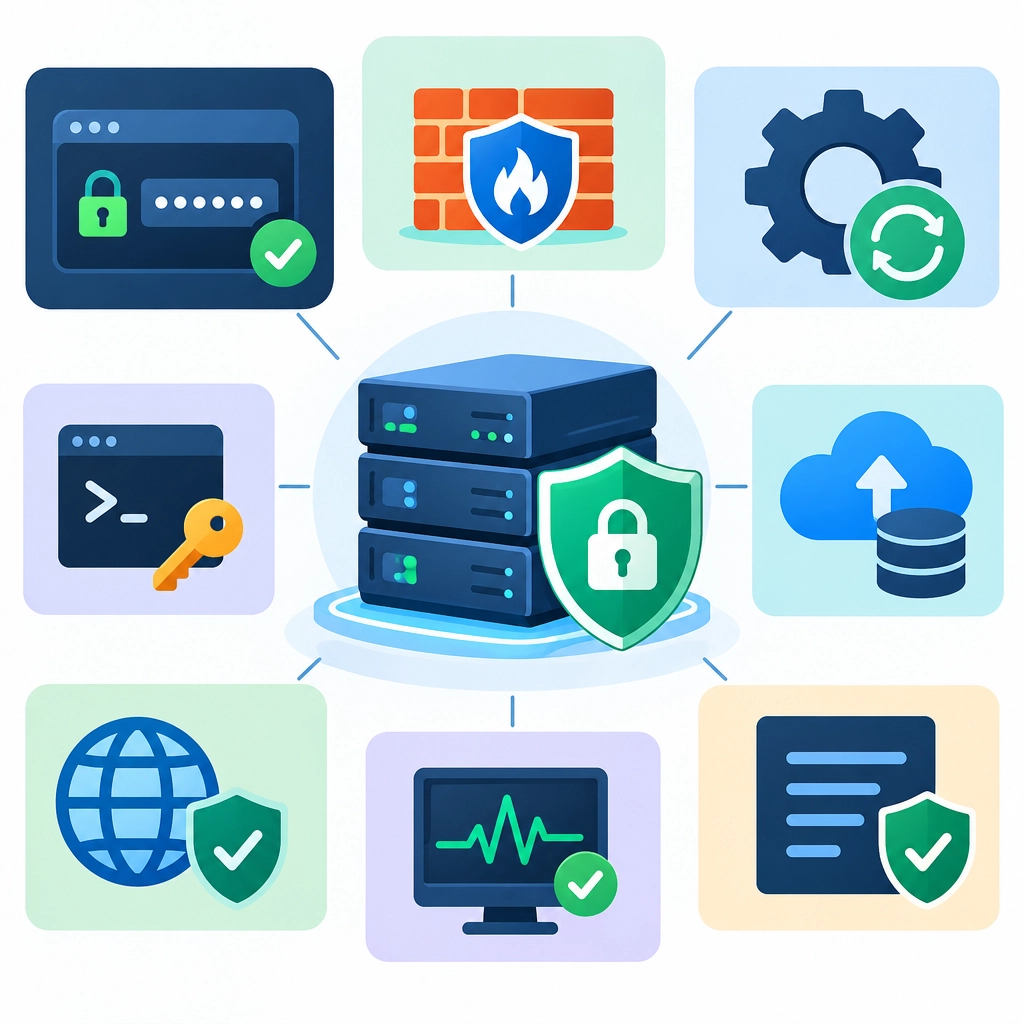
How to Secure Your VPS: Essential Steps for Beginners
A virtual private server (VPS) gives you more control than shared hosting—but that control comes with responsibility. You’re in charge of keeping the server and the services running on it secure. The good news is that you don’t need to be a cybersecurity expert to make a strong start. A few sensible habits can reduce common risks considerably.
Update the server regularly
Out-of-date software can contain security flaws that attackers know how to exploit. After setting up your VPS, install available updates, then keep a regular update routine.
On Debian or Ubuntu, for example, you can run:
sudo apt update
sudo apt upgrade
Other Linux distributions use different package managers, so check the instructions for your operating system. You can also enable automatic security updates if they’re available and suitable for your setup. Updates may sometimes change how software behaves, so back up important data and test critical services after significant upgrades.
Use a non-root account
The root account has nearly unlimited power. If an attacker gains access to it, they can take control of the entire server. For everyday administration, create a separate user and give that account permission to run specific commands with sudo.
Once you’ve confirmed that the new account works, avoid logging in as root directly. This adds a useful layer of protection against brute-force attempts and reduces the chance of making an accidental system-wide change.
Secure SSH access
SSH is the usual way to manage a Linux VPS remotely, and it’s often targeted by automated bots. Start by using SSH keys instead of passwords. A key pair allows your computer to prove its identity without sending a reusable password over the connection.
After setting up and testing key-based login, you can consider disabling password-based SSH authentication. Keep your current session open while testing a new connection so you don’t accidentally lock yourself out. You may also choose to disable direct root login in the SSH configuration.
If you change SSH settings, make a backup of the configuration file and check its syntax before restarting the service. The exact commands and file paths can vary by system, so follow your distribution’s documentation.
Limit open ports
Every service listening for connections is another possible entry point. A web server may need ports 80 and 443 open, while SSH may need port 22—or a different port if you’ve changed it. Other services should generally stay closed to the public unless you need them.
Use a firewall to allow only the traffic your VPS requires. Many distributions provide straightforward firewall tools, but the underlying idea is simple: deny unnecessary incoming connections and permit only the ones you intend to use. Be especially careful not to block SSH before confirming that your firewall rules allow you to connect.
Protect passwords and applications
Use unique, strong passwords for your server accounts, control panels, databases, and application logins. A password manager makes this much easier. Turn on multi-factor authentication wherever it’s supported, especially for your hosting provider account.
Keep your websites, databases, and other installed applications updated too—not just the operating system. Remove software and services you no longer use, and avoid installing packages from sources you don’t trust. The fewer unnecessary components your server runs, the fewer things you need to maintain.
Set up backups and monitoring
Security isn’t only about preventing incidents. It’s also about recovering when something goes wrong. Make regular backups of important files and databases, and store at least one copy somewhere other than the VPS itself. A backup kept only on the server may be lost if that server is compromised or fails.
Test restoring your backups occasionally. A backup that can’t be restored isn’t much help. Basic monitoring can also alert you to unusual activity, low disk space, or services that have stopped working. Review system logs from time to time, particularly after configuring a new service or changing access settings.
Make security a routine
There’s no single switch that makes a VPS secure. Instead, think of security as a set of small, repeatable practices: keep software current, restrict access, expose only necessary services, and make recovery possible. Start with these essentials, document the changes you make, and review them as your server grows. A little care now can save a great deal of time—and trouble—later.
Welcome to DediRock, your trusted partner in high-performance hosting solutions. At DediRock, we specialize in providing dedicated servers, VPS hosting, and cloud services tailored to meet the unique needs of businesses and individuals alike. Our mission is to deliver reliable, scalable, and secure hosting solutions that empower our clients to achieve their digital goals. With a commitment to exceptional customer support, cutting-edge technology, and robust infrastructure, DediRock stands out as a leader in the hosting industry. Join us and experience the difference that dedicated service and unwavering reliability can make for your online presence. Launch our website.