
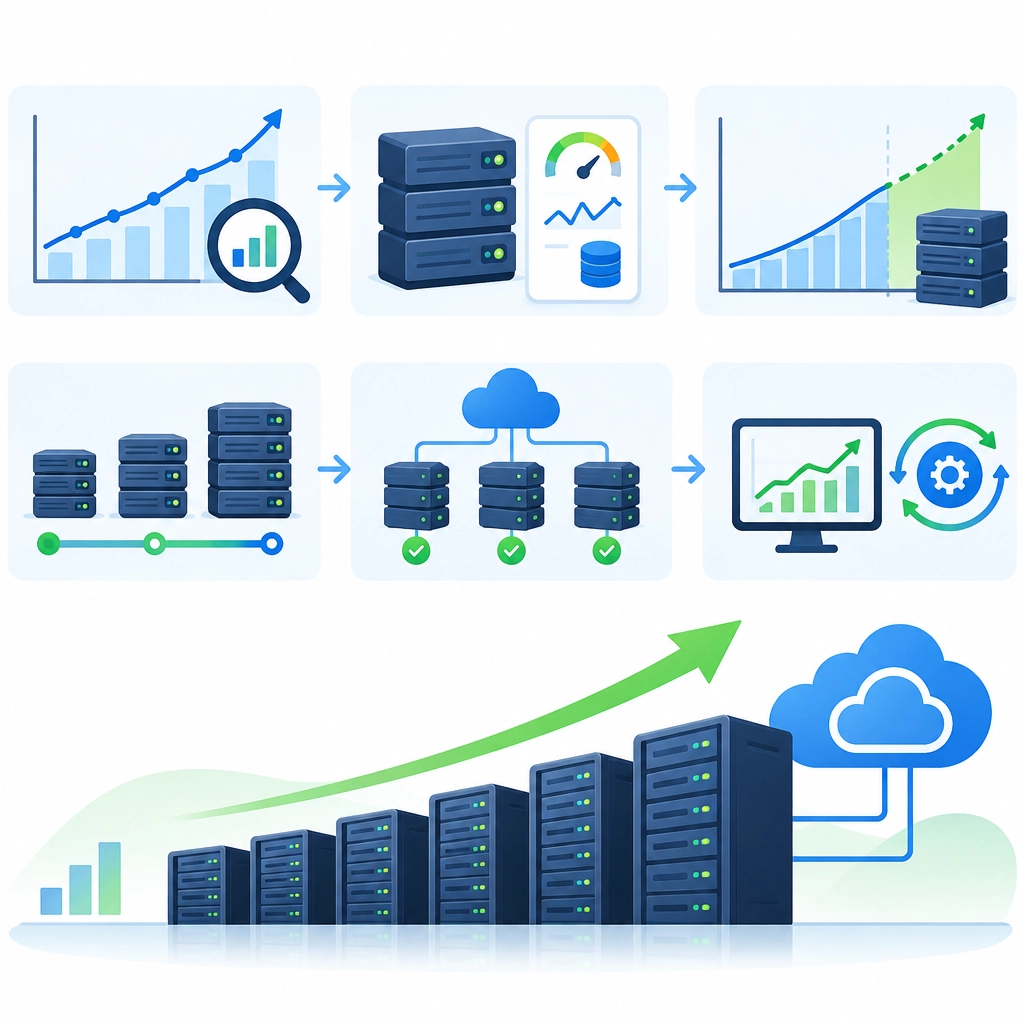
How to Plan Server Capacity for Growing Traffic
Traffic growth is a good problem to have—until your site slows down during a launch, a promotion, or a sudden burst of attention. Planning server capacity before that happens helps you keep pages responsive, protect important services, and avoid paying for resources you don’t yet need.
The trick is to plan for more than today’s average traffic. You need to understand how your application behaves under pressure, where its limits are, and how quickly you can respond when demand changes.
Start with a baseline
Before estimating future capacity, gather a clear picture of current usage. Look at traffic patterns over several weeks or months, including:
- Average and peak requests per second
- Busy periods by hour, day, and season
- CPU, memory, disk, and network usage
- Response times and error rates
- Database connections, queries, and storage growth
Average traffic is useful for budgeting, but peak traffic matters more when protecting performance. A site that averages 100 requests per second may regularly jump to 500 during a sale. If you plan only for the average, those bursts can overwhelm the system.
Also identify what “healthy” means for your service. Set practical targets for response time, uptime, and error rate. A page taking two seconds to load may be acceptable for one product and disastrous for another.
Understand what each server can handle
Capacity isn’t simply a count of visitors. One user might make a single lightweight request; another might trigger several expensive database queries. Test your application with realistic workloads to learn how many requests your current setup can handle while meeting your performance targets.
Load testing can reveal bottlenecks before real customers do. Test both steady traffic and short bursts, and include common user journeys rather than hitting a single endpoint repeatedly. Watch how resource use changes as traffic rises. If response times climb sharply once CPU reaches a certain level, that’s a warning sign—not a target to operate at every day.
Leave headroom. Running a service close to 100% capacity makes it more vulnerable to traffic spikes, slowdowns, and failures. The right buffer depends on how unpredictable your traffic is and how quickly you can add resources, but it should be a deliberate choice.
Forecast growth and plan for peaks
Use historical trends, business plans, and known events to estimate future demand. Consider product launches, marketing campaigns, holidays, new regions, or features that could increase usage. Forecast more than one scenario: a likely case and a faster-growth case are a useful starting point.
A simple estimate is:
Required capacity = expected peak workload ÷ tested capacity per server
Then add room for failover, maintenance, and unexpected demand. For example, if testing shows that one server can safely handle 200 requests per second, and you expect a peak of 800, you’ll need at least four servers for that workload—and likely more if you want to maintain service when one is unavailable.
Don’t assume every part of the system grows at the same rate. The web tier may scale easily while the database, payment service, or file storage becomes the limiting factor. Plan capacity for the whole request path.
Choose how you’ll scale
There are two common approaches:
- Vertical scaling: Give a server more CPU, memory, or storage. It’s often the simplest short-term fix, but each machine has a limit and can become a single point of failure.
- Horizontal scaling: Add more servers and distribute traffic across them. This can provide flexibility and resilience, but requires your application and data layer to support it.
Caching, a content delivery network (CDN), queues, and database optimization can also reduce demand on your core servers. Scaling out without fixing an inefficient query or oversized response may simply spread the problem across more machines.
Monitor, test, and revisit
Capacity planning isn’t a one-time calculation. Set alerts for meaningful signals, such as rising latency, sustained resource pressure, or increasing error rates—not every small fluctuation. Review those signals alongside traffic and business changes.
Repeat load tests after major releases, infrastructure changes, or significant growth. Keep a clear plan for scaling up, and test that plan before you need it. If adding capacity takes hours, you’ll need more advance notice than if your platform can scale automatically in minutes.
The best capacity plan isn’t one that buys the largest servers or predicts every spike perfectly. It’s one that gives your team visibility, enough room to absorb normal surprises, and a reliable way to respond when growth arrives faster than expected.
Welcome to DediRock, your trusted partner in high-performance hosting solutions. At DediRock, we specialize in providing dedicated servers, VPS hosting, and cloud services tailored to meet the unique needs of businesses and individuals alike. Our mission is to deliver reliable, scalable, and secure hosting solutions that empower our clients to achieve their digital goals. With a commitment to exceptional customer support, cutting-edge technology, and robust infrastructure, DediRock stands out as a leader in the hosting industry. Join us and experience the difference that dedicated service and unwavering reliability can make for your online presence. Launch our website.