
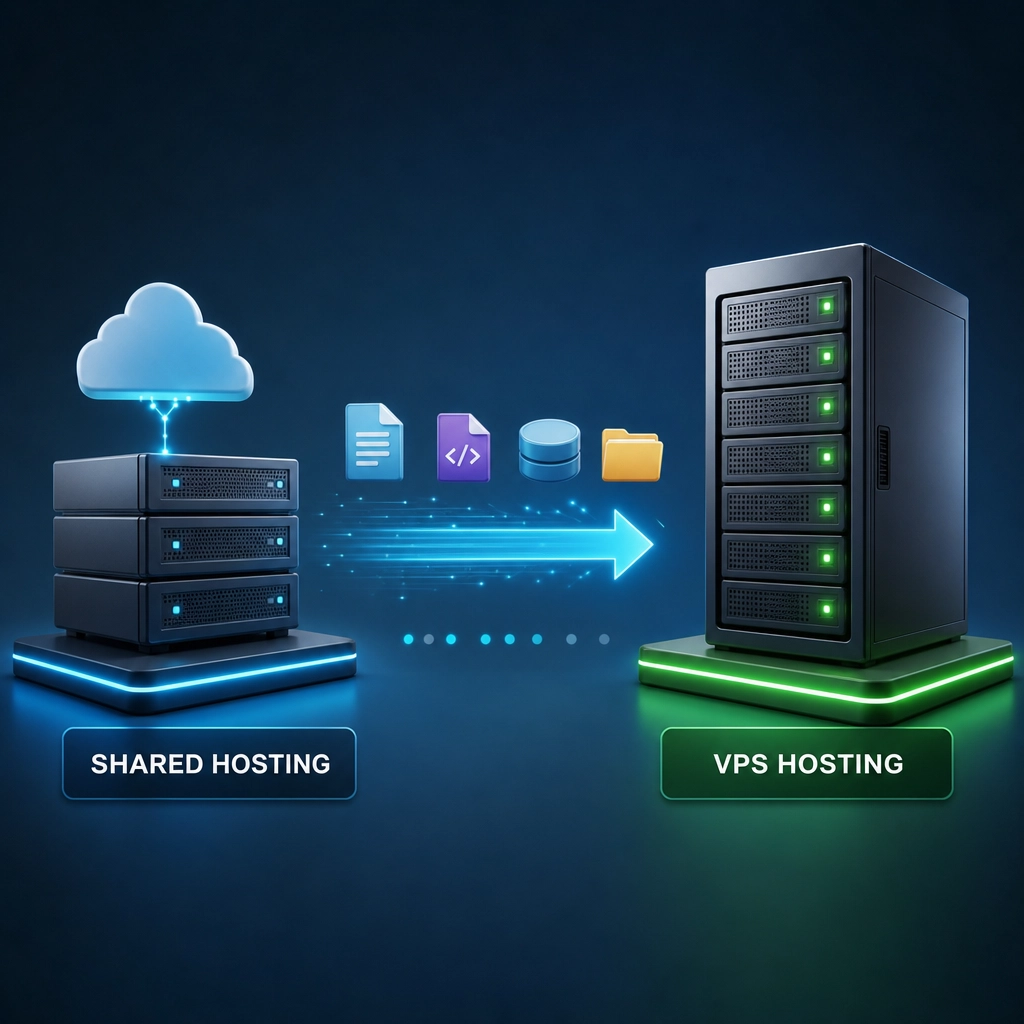
How to Migrate from Shared Hosting to VPS Hosting Successfully
Are you feeling stifled by the limitations of shared hosting? If it’s starting to feel like you’re trying to squeeze into a pair of jeans that are two sizes too small, it might be time to consider making the leap to VPS hosting. The advantages of a Virtual Private Server are many: better performance, enhanced security, and more control over your environment. But how do you migrate your website from shared hosting to VPS seamlessly? Let’s break it down!
Understanding the Differences
Before we dive into the migration process, let’s clarify what makes VPS hosting different from shared hosting. On shared hosting, multiple websites reside on the same server, sharing resources like disk space and bandwidth. This often leads to slower sites and vulnerabilities. With VPS hosting, you have a dedicated slice of a server just for your use, so you’re not competing for resources. This means greater performance and security, along with the customizability that shared hosting seldom offers.
Step-by-Step Migration Process
1. Backup Your Data
Before doing anything else, it’s crucial that you create a backup of your website on the shared hosting server. This is your safety net, ensuring that your data is secure and retrievable in case anything goes wrong during the migration. You can use built-in tools in your hosting control panel, like cPanel, to generate backups or simply download your website files via FTP. Don’t forget to also back up your databases!
2. Choose Your VPS Provider
Selecting the right VPS hosting provider is vital to a successful migration. Look for reliable providers with good reviews, reasonable pricing, and robust customer support. Providers like DigitalOcean, Linode, or Vultr are popular choices, but many others exist depending on your specific needs. Be sure to check if the provider offers an easy onboarding process, as some companies include managed services that can help ease your transition.
3. Set Up Your VPS
Once you’ve selected a provider, it’s time to set up your VPS. This typically involves choosing an operating system and server specifications (CPU, RAM, and storage). If you’re not sure what you need, many hosting companies offer guidelines based on your expected traffic and application usage.
4. Transfer Your Files and Databases
Now comes the exciting part! It’s time to migrate your files and databases to the VPS. You can do this via FTP or, if you have SSH access, you can use the scp (secure copy) command to transfer files. For databases, tools like phpMyAdmin or command line interfaces work well to export and import SQL files. Make sure to double-check that all files and databases are correctly migrated to the website’s new home.
5. Update Configuration Files
When your files and databases are on the VPS, you may need to adjust some configuration files. For instance, if you’re using WordPress, you’ll need to update your wp-config.php file with the new database information. Also, confirm that any .htaccess rules are properly set up. This is a critical step to ensure that your website runs smoothly.
6. Point Your Domain to the New Server
Once everything is set up and ready to go, you’ll want to make your site accessible at its new home. Update your Domain Name System (DNS) records to point to the new VPS. It can take some time for DNS changes to propagate, so be patient. In the meantime, you might want to keep your old shared hosting live for a bit longer to ensure everything is functioning correctly.
7. Test Your New Setup
After the DNS changes have propagated (usually within a few hours, but sometimes up to 48 hours), it’s time for a detailed test run. Check your website functionality, loading speed, and security settings. If you come across any issues, now’s the time to troubleshoot before making your site publicly known as VPS-hosted.
Wrapping It Up
Migrating from shared hosting to VPS may seem daunting at first, but with a little planning and patience, you can do it successfully. The increased control and performance you’ll gain are well worth the effort. As your website grows and evolves, having the flexibility that VPS hosting provides will be invaluable. Enjoy your new space and the opportunities it brings for your online presence!
Welcome to DediRock, your trusted partner in high-performance hosting solutions. At DediRock, we specialize in providing dedicated servers, VPS hosting, and cloud services tailored to meet the unique needs of businesses and individuals alike. Our mission is to deliver reliable, scalable, and secure hosting solutions that empower our clients to achieve their digital goals. With a commitment to exceptional customer support, cutting-edge technology, and robust infrastructure, DediRock stands out as a leader in the hosting industry. Join us and experience the difference that dedicated service and unwavering reliability can make for your online presence. Launch our website.