
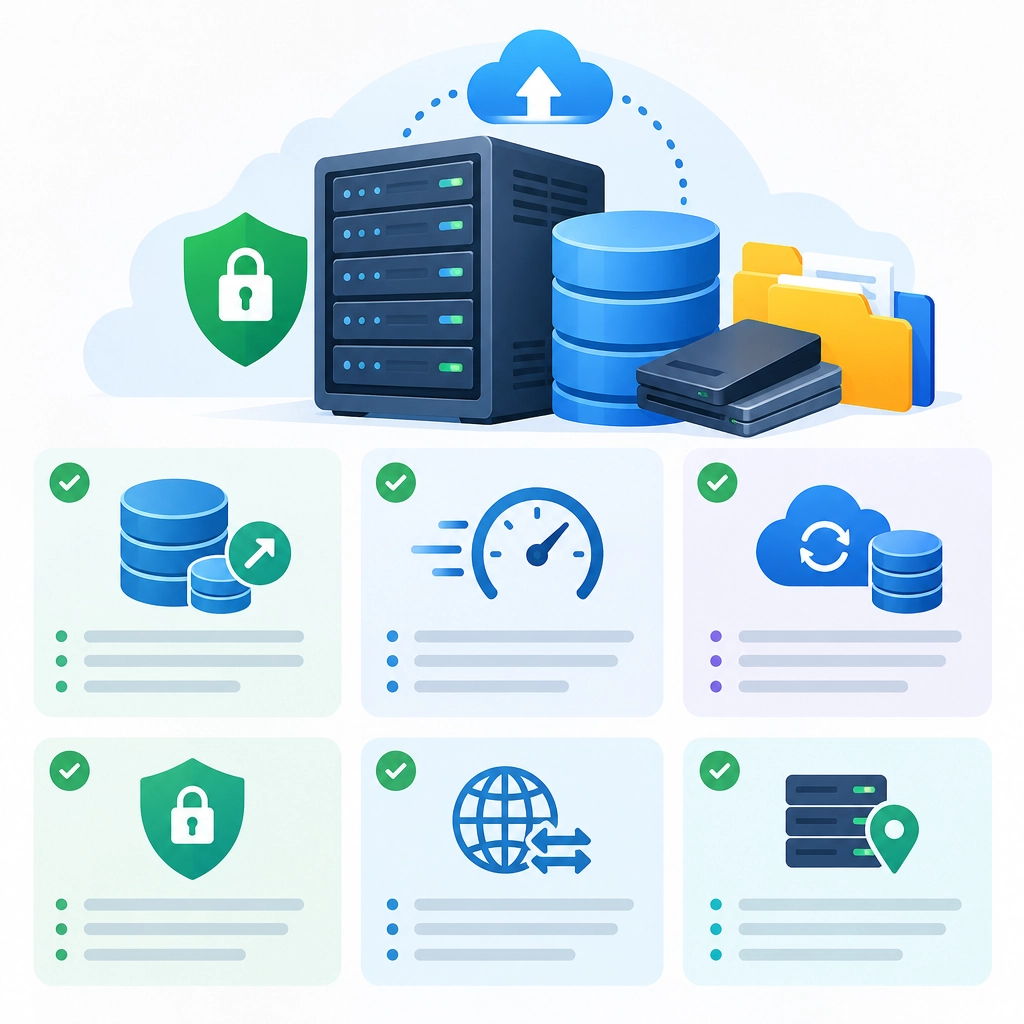
How to Choose a Storage VPS for Backups and Large Files
A storage VPS can be a practical home for backup archives, media libraries, project files, and other data that won’t fit comfortably on a laptop or standard web server. But choosing one involves more than comparing advertised disk space. The right plan should give you enough capacity, dependable transfer speeds, and confidence that your files will still be there when you need them.
Here’s what to look for before you commit.
Start with your storage needs
Estimate how much space you need today, then allow room to grow. A backup collection can expand quickly as you add devices, retain older versions, or store large photos and video. Leaving a buffer also helps avoid having to migrate everything as soon as the disk fills up.
Pay attention to how a provider measures storage. A plan may advertise several terabytes, but the underlying drives could be HDDs or SSDs. HDDs generally offer more capacity for the price and can work well for archives and infrequently accessed files. SSDs are faster and better suited to workloads that involve frequent reads and writes, but they may cost more.
Also check whether the listed capacity is usable space. The operating system, filesystem, and backup tools all consume some storage, so your actual available space will be lower than the headline figure.
Look beyond “unlimited” bandwidth
Large files make network performance a major part of the decision. Providers often list a port speed—such as 1 Gbps—but that’s the maximum connection rate, not necessarily the speed you’ll experience around the clock. Shared networks, server load, and routing between networks can all affect transfers.
Check whether the plan has a monthly data-transfer allowance or a fair-use policy. “Unmetered” may still come with limits on sustained usage, especially if a server is saturating its connection. If you regularly upload large backups, confirm that outbound traffic is included; some services charge separately for downloads from the VPS.
If possible, look for real-world performance information, a trial period, or a money-back guarantee. A quick speed test from your location can be more useful than a provider’s best-case figures.
Understand reliability and backups
A VPS is not automatically a backup just because it stores backup files. If the server fails, gets compromised, or is accidentally wiped, your data could still be lost. Keep another copy in a separate location—ideally following the 3-2-1 approach: three copies of your data, on two types of storage, with one copy off-site.
Ask how the provider handles drive failures and server maintenance. Redundant disks, such as RAID, can help a service stay available after a drive fails, but they are not a substitute for your own backups. RAID won’t protect against accidental deletion, ransomware, or a provider-level incident.
Look for clear information about uptime, support response times, maintenance notices, and how data is handled when you cancel. A low price can be tempting, but it’s less attractive if restoring files or getting help becomes difficult.
Check the tools and access you’ll need
A storage VPS is most useful when it works smoothly with your backup setup. Confirm that you can install the operating system and software you need, and that the provider allows the relevant protocols and ports. Common options include SFTP, rsync, rclone, and backup applications such as Restic or Borg.
Security matters, too. Use SSH keys instead of password-only access where possible, limit exposed services, and encrypt sensitive data before it leaves your devices. Server-side encryption can be convenient, but client-side encryption gives you more control because the provider doesn’t hold the keys to your files.
Consider whether you need root access. A standard VPS usually provides more control than a managed storage product, but it also means you’re responsible for updates, monitoring, firewall rules, and troubleshooting.
Compare the total cost, not just the monthly price
Look for setup fees, extra-IP charges, backup add-ons, bandwidth costs, and renewal pricing. A very cheap plan may also have slower disks, a busy network, or limited support. If you’re storing important data, reliability and easy recovery are often worth more than saving a few dollars a month.
Before choosing, write down your expected storage growth, transfer volume, and recovery needs. Then compare providers against those requirements—not just their advertised terabytes. The best storage VPS is the one that fits your workload, protects your privacy, and makes it straightforward to retrieve your files when it matters most.
Welcome to DediRock, your trusted partner in high-performance hosting solutions. At DediRock, we specialize in providing dedicated servers, VPS hosting, and cloud services tailored to meet the unique needs of businesses and individuals alike. Our mission is to deliver reliable, scalable, and secure hosting solutions that empower our clients to achieve their digital goals. With a commitment to exceptional customer support, cutting-edge technology, and robust infrastructure, DediRock stands out as a leader in the hosting industry. Join us and experience the difference that dedicated service and unwavering reliability can make for your online presence. Launch our website.