
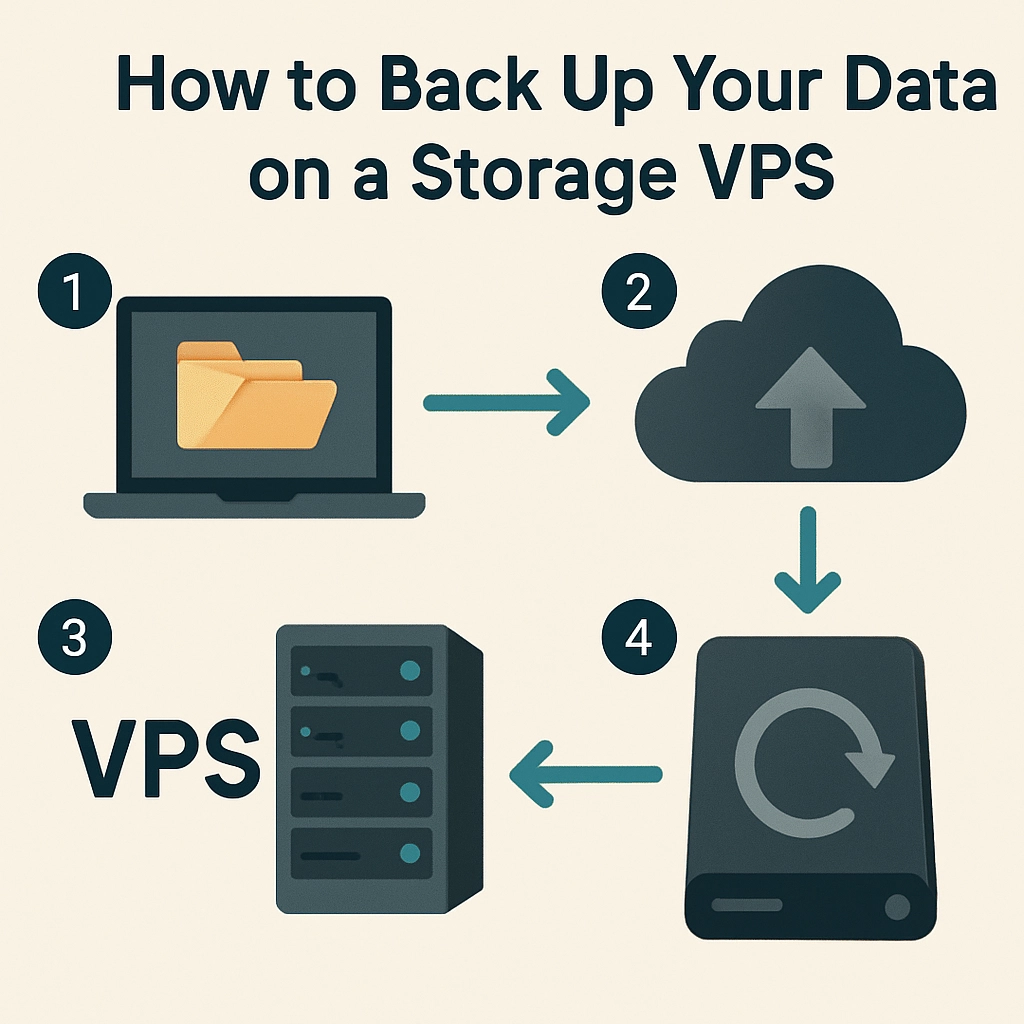
How to Back Up Your Data on a Storage VPS
In an age where our digital lives are filled with documents, photos, and projects, the importance of backing up our data cannot be overstated. Whether you’re running a small business, managing a personal blog, or storing valuable media files, a Storage VPS (Virtual Private Server) can be an excellent solution for safely keeping your data secure. But how exactly do you go about backing up your data on a Storage VPS? Don’t worry; I’m here to guide you through the process step by step!
Understanding a Storage VPS
Before diving into backup strategies, let’s quickly recap what a Storage VPS is. Unlike a traditional VPS that uses resources for running applications, a Storage VPS dedicates its resources primarily for data storage. This means you have ample space, robust performance, and reliability, making it an ideal location for keeping all types of files safe.
Why Backup Matters
You might think, “Why do I even need to back up my data?” Well, imagine losing critical files due to hardware failure, accidental deletion, or a security breach. A backup can be your safety net, allowing you to restore those files easily without breaking a sweat. The reality is that it’s not if something will go wrong, but when it might happen. So, investing time and effort into a solid backup strategy is definitely worth it.
Steps to Back Up Your Data on a Storage VPS
1. Choose Your Backup Method
There are several methods to back up data on a Storage VPS, and which one is best for you depends on your needs and technical expertise. Here are some popular options:
-
Manual Backup: If you prefer more control, you can manually copy files from your VPS to an external storage location or local computer. While it can be time-consuming, it’s straightforward and ensures you know exactly what data you’re keeping.
-
Automated Backup Tools: Numerous backup solutions exist that automate the process, making it easier to schedule regular backups. Tools like
rsync,Bacula, orDuplicatican synchronize your files and save versions of your files in the background. -
Cloud Storage Integration: Some Storage VPS providers allow seamless integration with cloud storage services like Google Drive or Dropbox. You can set it up so that your data automatically gets backed up to the cloud, adding an extra layer of security.
2. Determine What to Back Up
Before you start the backup process, decide what data is essential. This might include:
- Documents: Important text files, spreadsheets, or presentations
- Media Files: Photos, videos, and audio files that are significant to you
- Databases: If you’re running a website or application, ensure your databases are backed up as well.
- Configuration Files: Back up crucial configurations for your applications or server settings to avoid future reinstallation headaches.
3. Set a Backup Schedule
Backing up isn’t a one-and-done task. Data is continuously changing, so it’s vital to establish a regular backup schedule. Depending on your needs, you might choose daily, weekly, or even monthly backups. Just make sure you find a frequency that works for you.
4. Test Your Backups
Once you’ve set up your backup system, don’t just sit back and relax. It’s crucial to test your backups to ensure everything is functioning correctly. Occasionally, restore a file from your backup and check that it’s in proper working order. This will give you peace of mind that your data is safe.
5. Consider Off-site Backups
While having a backup on your Storage VPS is great, think about adding an additional layer of security by regularly transferring backups to an off-site location (like a cloud service). This way, even if your VPS encounters issues, you still have access to your files from another source.
6. Secure Your Backups
Finally, don’t forget to protect your backups! Encrypt the files if your backup solution supports it, and use secure methods to transfer any sensitive data. Additionally, ensure that only authorized users can access your backups to reduce the risk of data breaches.
Backing up your data on a Storage VPS is a smart and necessary decision. By following these steps, you can ensure that your valuable files are secured and easily recoverable in case of an unexpected situation. Remember, in the world of data storage, an ounce of prevention truly is worth a pound of cure! So get set up today, and enjoy the peace of mind that comes from knowing your data is safe and sound. Happy backing up!
Welcome to DediRock, your trusted partner in high-performance hosting solutions. At DediRock, we specialize in providing dedicated servers, VPS hosting, and cloud services tailored to meet the unique needs of businesses and individuals alike. Our mission is to deliver reliable, scalable, and secure hosting solutions that empower our clients to achieve their digital goals. With a commitment to exceptional customer support, cutting-edge technology, and robust infrastructure, DediRock stands out as a leader in the hosting industry. Join us and experience the difference that dedicated service and unwavering reliability can make for your online presence. Launch our website.