
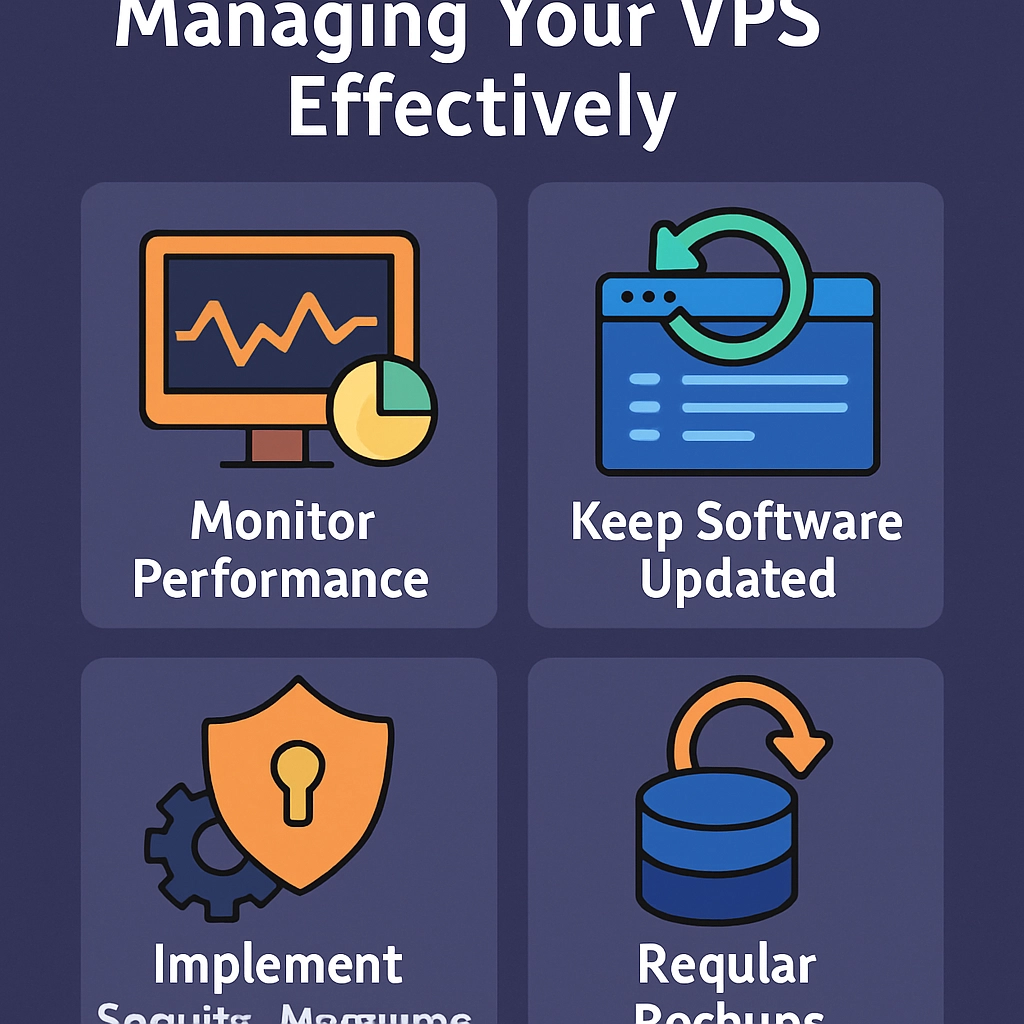
Essential Tips for Managing Your VPS Effectively
If you’re venturing into the world of virtual private servers (VPS), you’re probably excited to have more control, flexibility, and performance than shared hosting can provide. But this newfound freedom comes with its own set of responsibilities! Managing a VPS can seem daunting at first, but with a few essential tips, you’ll be on your way to making the most of your server. Let’s dive into some key strategies to help you manage your VPS effectively.
1. Understand Your Server’s Environment
First things first: familiarize yourself with the operating system and control panel your VPS uses. Whether you’re working with a Linux distribution like Ubuntu or CentOS, or a Windows server, each environment has its quirks. Invest some time in learning basic commands and file structures. Online resources like forums, documentation, or even YouTube tutorials can be incredibly helpful. Understanding your server will greatly improve your ability to troubleshoot issues and optimize performance.
2. Keep Your Software Up to Date
Just like your smartphone or laptop, your VPS needs regular updates. Ensure that your operating system, control panel, and any applications you run are updated to their latest versions. Not only do updates bring new features, but they also include crucial security patches that protect your server from vulnerabilities. If it’s a hosted environment (like a cPanel setup), there are often automatic updates available that can save you time and hassle.
3. Implement Security Measures
Security is paramount when dealing with any server. Start with these fundamental steps:
-
Change default credentials: Always change the default login credentials to something stronger. It’s the first line of defense against unauthorized access.
-
Use SSH keys: Instead of using basic passwords, consider setting up SSH keys for a more secure connection.
-
Install firewalls: A firewall helps protect your server from unwanted traffic. Tools like UFW (Uncomplicated Firewall) for Linux are user-friendly and effective.
-
Regular backups: Don’t skimp on backups! Regularly backup your data and configurations to ensure that you can recover quickly in case of a disaster.
4. Monitor Performance
Keeping tabs on your server’s performance is crucial to prevent issues before they escalate. Use monitoring tools to check CPU utilization, memory usage, and network bandwidth. This data can provide insights into potential bottlenecks and help you troubleshoot problems. Tools like Nagios, Zabbix, or even simpler solutions like Munin can help you visualize performance metrics over time.
5. Optimize Resource Usage
One of the advantages of a VPS is the ability to allocate resources to fit your needs. Analyze your applications and adjust resource allocation as needed. If your website experiences traffic spikes, consider scaling up temporarily. Conversely, if your server is underutilized, you might want to scale down to save on costs. This flexibility is one of the reasons many businesses prefer VPS over traditional hosting options.
6. Manage Your Software Wisely
Running unnecessary software can bog down your server. Make a list of what you need and stick to that. Regularly review the installed applications and services, and remove anything that’s not necessary. This not only helps with performance but also reduces security vulnerabilities.
7. Set Up Proper Logging
Logging is essential for monitoring and troubleshooting. Configure your server to create logs for system activities, security events, and application performance. Regular reviews of these logs can help you identify unusual activity or performance dips, allowing you to react quickly to underlying issues.
8. Engage with the Community
Don’t underestimate the power of community. Whether it’s forums, Reddit threads, or local user groups, there’s a wealth of knowledge out there. Engaging with other VPS users can provide insights into common challenges and solutions. Additionally, sharing your own experiences can help others!
9. Have a Disaster Recovery Plan
Lastly, always have a backup plan! Even with robust security and monitoring, things can go wrong. Create a disaster recovery plan that outlines steps to restore service in the event of hardware failure or a security breach. This plan should include data recovery steps and ways to assess damage, so you can get back on your feet quickly.
Managing a VPS doesn’t need to be an overwhelming task. With a bit of knowledge and the right practices, you can maintain a secure, efficient, and reliable server environment. Embrace the learning curve, and remember that every challenge is an opportunity to grow your skills. The more time you invest in mastering your VPS, the more rewarding the experience will be! Happy server managing!
Welcome to DediRock, your trusted partner in high-performance hosting solutions. At DediRock, we specialize in providing dedicated servers, VPS hosting, and cloud services tailored to meet the unique needs of businesses and individuals alike. Our mission is to deliver reliable, scalable, and secure hosting solutions that empower our clients to achieve their digital goals. With a commitment to exceptional customer support, cutting-edge technology, and robust infrastructure, DediRock stands out as a leader in the hosting industry. Join us and experience the difference that dedicated service and unwavering reliability can make for your online presence. Launch our website.