
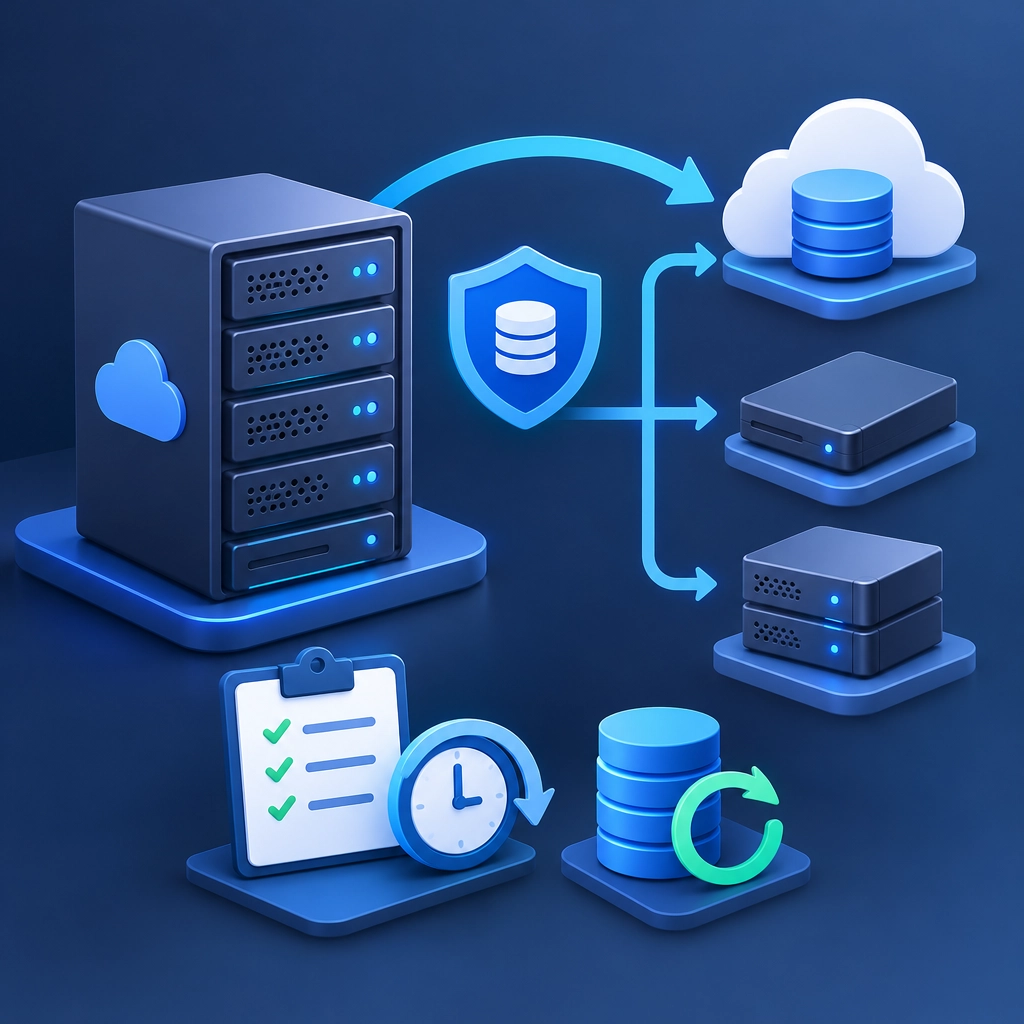
Crafting a Backup Strategy for Your Storage VPS
A storage VPS can hold everything from website files and databases to backups, media libraries, and business records. That makes it useful—and potentially risky. If a disk fails, a file gets deleted, or an account is compromised, having a VPS is not the same as having a backup.
A good backup strategy gives you a reliable way to recover, without turning routine maintenance into a complicated project. Here’s how to build one that fits your needs.
Start by deciding what matters most
Not every file deserves the same recovery plan. Begin by listing what your VPS stores and grouping it by importance:
- Critical data: databases, customer records, configuration files, and active website content
- Important but replaceable data: software packages, media, and archived project files
- Easy-to-rebuild data: caches, temporary files, and generated content
This helps you decide how often to back up each item and how quickly you need to restore it. A database that changes throughout the day may need frequent backups, while a static archive might only need a weekly copy.
Also consider how much data you can afford to lose. This is your recovery point objective (RPO). If losing one day of updates would be unacceptable, a daily backup is not enough. Think about recovery time, too: how long can a service be unavailable while you restore it?
Follow the 3-2-1 rule
A useful starting point is the 3-2-1 rule:
- Keep three copies of important data
- Store them on two different types of storage
- Keep one copy off-site
For example, you might keep your live files on the VPS, a backup on a separate storage server, and another copy in an object-storage service. The important idea is separation. A snapshot on the same VPS may help you recover from accidental changes, but it won’t protect you if the server or provider account becomes unavailable.
For especially sensitive data, consider an additional offline or immutable copy—one that cannot be easily changed or deleted by an attacker.
Automate backups and keep versions
Manual backups are easy to postpone. Use a scheduled process, such as a cron job or backup tool, to create them automatically. Back up databases with database-aware tools or commands rather than relying only on a live file copy; this helps avoid capturing a database in an inconsistent state.
Keep multiple versions, not just the latest backup. If unwanted changes go unnoticed for a few days, a single rolling backup may preserve the problem rather than help you recover. A retention plan could keep daily backups for a week, weekly backups for a month, and monthly backups for several months. Adjust this to your storage budget and how quickly your data changes.
Compression and deduplication can reduce storage use, but don’t let efficiency become a reason to skip off-site copies. A backup that is cheap but impossible to restore is not much of a backup.
Protect the backups themselves
Backups often contain the same sensitive information as the original files, so secure them accordingly. Encrypt data before sending it to remote storage, use strong, unique credentials, and limit access to the accounts or services that need it. If your backup provider supports multifactor authentication, enable it.
Keep backup credentials separate from the VPS where possible. If an attacker gains control of the server, they shouldn’t automatically gain the ability to erase every backup as well. Review permissions periodically and remove access that is no longer needed.
Test a restore, not just a backup job
A successful backup message only confirms that a process ran. It doesn’t prove the files are complete, usable, or easy to restore. Test recovery regularly by restoring a few files—or setting up a temporary environment and restoring a full application.
Check that file ownership and permissions are correct, databases open properly, and services start as expected. Write down the steps while you test them. A short recovery guide can save valuable time during a stressful outage.
It’s also smart to monitor backup jobs and storage capacity. Set alerts for failures, missed runs, and low space, and periodically verify that remote copies are still accessible.
Keep the plan practical
The best backup strategy is one you can maintain. Start with the data that would be hardest to replace, automate the process, and add safeguards as your needs grow. Revisit the plan whenever your VPS changes—new services, more data, or stricter recovery requirements can all affect what “good enough” means.
When a problem happens, a calm recovery often comes down to a few deliberate choices made well in advance: keeping copies apart, protecting them, and proving that they can be restored.
Welcome to DediRock, your trusted partner in high-performance hosting solutions. At DediRock, we specialize in providing dedicated servers, VPS hosting, and cloud services tailored to meet the unique needs of businesses and individuals alike. Our mission is to deliver reliable, scalable, and secure hosting solutions that empower our clients to achieve their digital goals. With a commitment to exceptional customer support, cutting-edge technology, and robust infrastructure, DediRock stands out as a leader in the hosting industry. Join us and experience the difference that dedicated service and unwavering reliability can make for your online presence. Launch our website.