
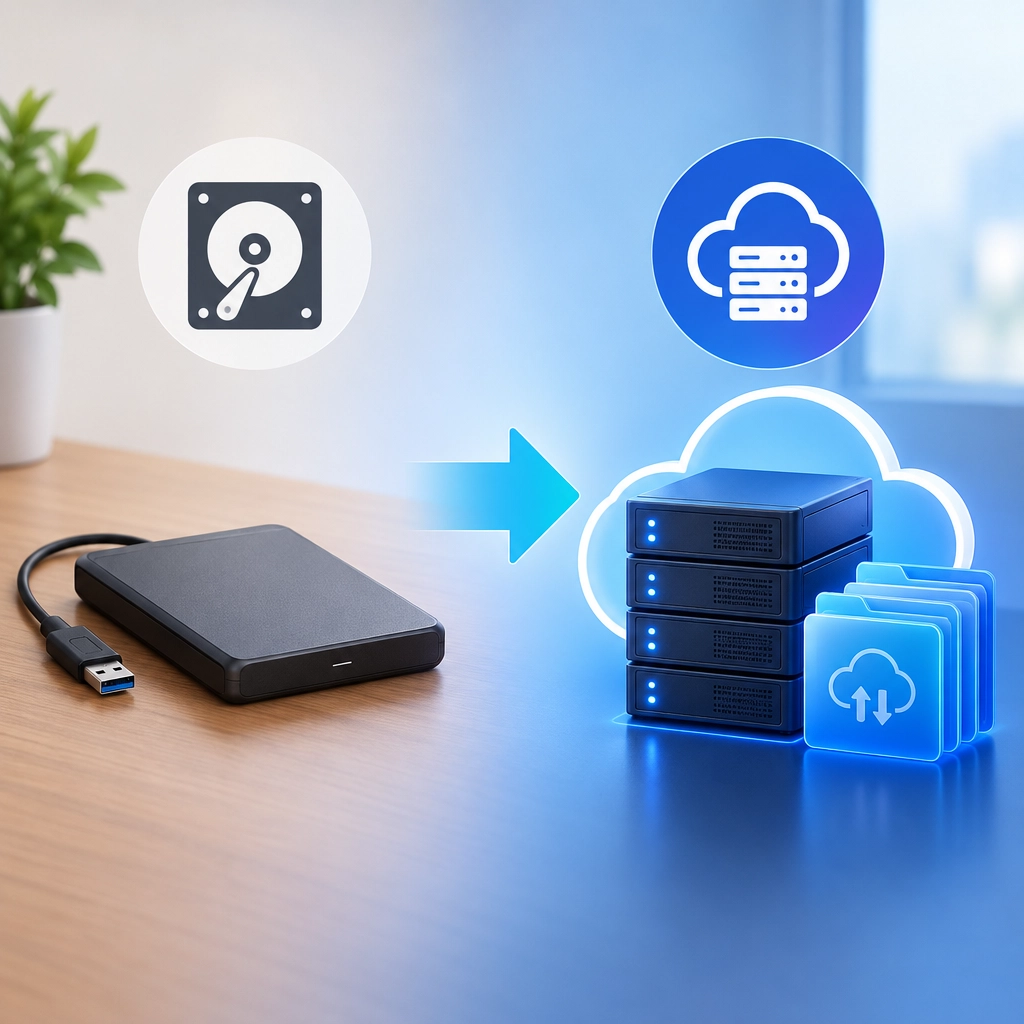
Can a Storage VPS Replace Your Local Backup Drive?
A storage VPS can be a handy place to keep backups: it’s online, accessible from multiple devices, and often offers more capacity than a laptop or desktop drive. But can it replace the external drive sitting on your desk?
It can replace some of what a local backup drive does, but relying on it as your only backup is usually a mistake. The safest setup combines online and offline copies, so one problem can’t take out everything.
What a storage VPS does well
A storage VPS is a virtual server with disk space you can use for files, backups, and other data. Unlike a portable drive, it’s reachable over the internet, which makes it useful when you’re away from home or want to back up several devices to one place.
It can also automate backups. Tools such as rsync, Restic, Borg, or other backup software can send files to a VPS on a schedule. Once configured, backups can happen quietly in the background without you remembering to plug in a drive.
Remote storage can also help if your computer is stolen or damaged. A backup stored somewhere else is still available when the original device is gone. This is especially useful for photos, work files, and server data you can’t easily recreate.
Where a VPS falls short
The biggest difference is that a VPS depends on your internet connection. Uploading a large first backup can take hours or days, and restoring it may be slow if you need a lot of data quickly. A local drive is often much faster for moving big folders.
There’s also the provider to consider. A VPS can have outages, storage failures, account issues, or unexpected changes to pricing and service. “It’s in the cloud” doesn’t automatically mean “it’s safe.” The provider may maintain its own systems, but that doesn’t guarantee your individual files can always be recovered.
Security is another responsibility. If your VPS account is compromised, an attacker could access or delete your backups—especially if the server is connected to your other devices with broad permissions. Encryption, strong authentication, and restricted access help reduce this risk, but they require setup and care.
And because a VPS is online, ransomware or a mistaken deletion can sometimes reach the backup too. If your backup simply mirrors your current files, deleted or encrypted files may be mirrored as well.
The case for keeping a local drive
An external drive gives you a fast, straightforward restore option. It doesn’t need a login, an internet connection, or a working VPS provider. You can also unplug it after a backup, keeping it out of reach of many online threats.
That offline quality matters. A drive that’s disconnected most of the time is less likely to be affected by malware on your computer. It’s not immune to theft, fire, or physical failure, of course, but it provides a useful layer of protection that an always-online server doesn’t.
Local drives are also convenient for large files. Restoring a video library or a full computer backup from a nearby drive is typically much faster than downloading it from a remote server.
A better backup plan: use both
Rather than treating the VPS and local drive as competitors, use them for different jobs. For example, you could back up your computer to an external drive every week and send an encrypted copy of important files to the VPS each day.
Keep multiple versions if your software supports it. Versioned backups let you recover a file from before it was deleted, overwritten, or encrypted. And occasionally test a restore—an untested backup is only a promise, not proof that your data is recoverable.
A common guideline is the 3-2-1 rule: keep three copies of important data, on two kinds of storage, with one copy stored off-site. A local drive and a VPS can cover much of that strategy, though a second local drive or another independent location may add resilience.
So, should you replace your drive?
A storage VPS can be a solid off-site backup destination and, for some people, a practical replacement for routinely plugging in a drive. But it’s best not to make it your sole copy. Internet dependence, provider risks, security mistakes, and slow restores all matter when something goes wrong.
Think of the VPS as one part of your backup plan: a convenient remote copy that protects against local disasters. Keep a separate, preferably disconnected copy as well, and you’ll be far better prepared for the day you actually need to restore your data.
Welcome to DediRock, your trusted partner in high-performance hosting solutions. At DediRock, we specialize in providing dedicated servers, VPS hosting, and cloud services tailored to meet the unique needs of businesses and individuals alike. Our mission is to deliver reliable, scalable, and secure hosting solutions that empower our clients to achieve their digital goals. With a commitment to exceptional customer support, cutting-edge technology, and robust infrastructure, DediRock stands out as a leader in the hosting industry. Join us and experience the difference that dedicated service and unwavering reliability can make for your online presence. Launch our website.