
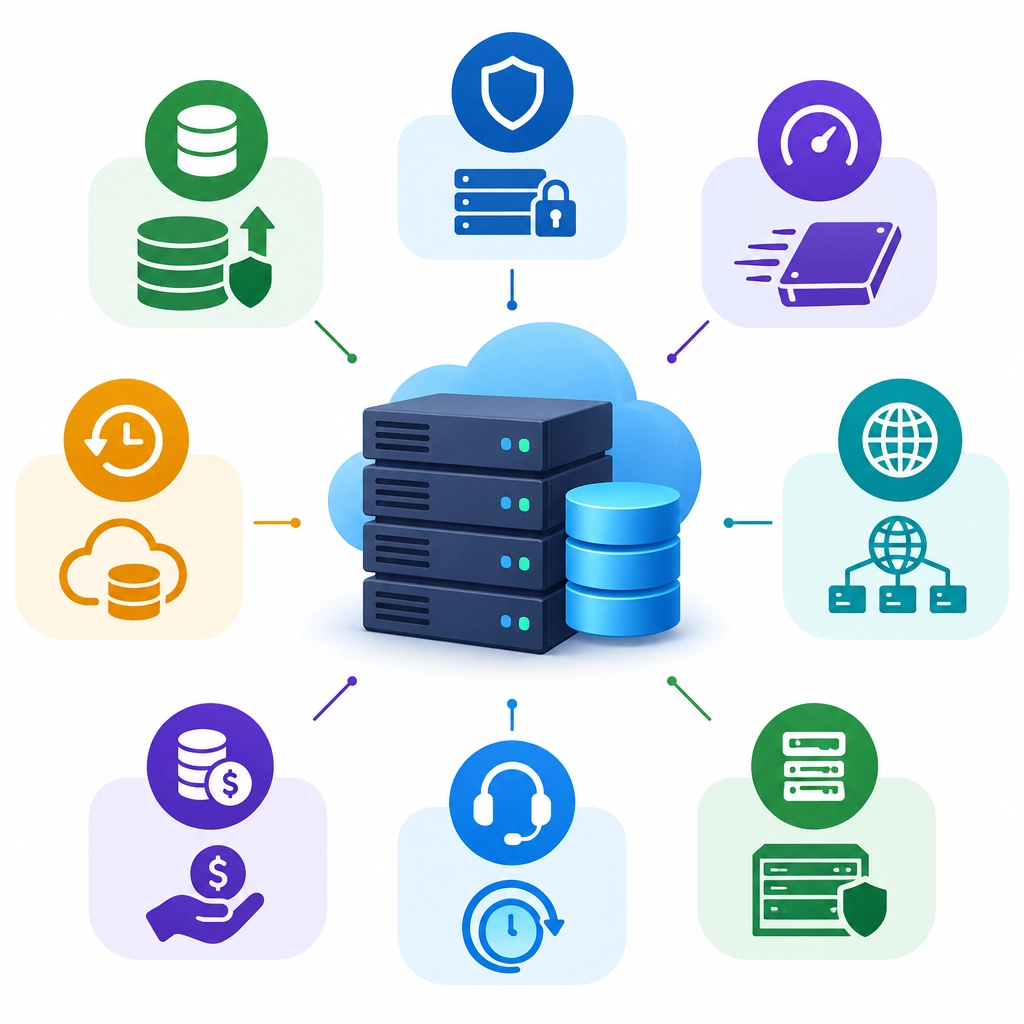
What to Look for in a Storage VPS Provider
A storage VPS can be a practical middle ground between a basic cloud drive and a fully managed dedicated server. It gives you a virtual server with room for files, backups, media, or application data—often at a lower cost than renting a whole physical machine.
But storage numbers alone don’t tell the whole story. A provider may advertise several terabytes of space while leaving important questions unanswered: How quickly can you access your files? What happens if a drive fails? Can you restore data easily? Before choosing a plan, look beyond the headline capacity.
Check the kind of storage
Storage technology affects both speed and price. SSDs and NVMe drives generally offer faster access and are useful for databases, frequently accessed files, or applications that need quick reads and writes. HDDs are often more affordable per terabyte and can make sense for archives, media libraries, and backups where capacity matters more than speed.
Ask whether the provider specifies the storage type and whether the advertised capacity is dedicated to your VPS. Also look for information about disk performance, such as input/output limits. A large disk can still feel sluggish if its performance is heavily constrained or shared with many other customers.
Understand bandwidth and transfer limits
A storage server is only useful if you can move data to and from it reliably. Review the plan’s monthly transfer allowance, network speed, and any limits on sustained traffic. “Unmetered” bandwidth can be appealing, but it may come with fair-use rules or undisclosed speed restrictions, so read the terms carefully.
Consider where your users or devices are located, too. A server close to your home, office, or audience may offer lower latency and smoother transfers. If you expect to serve large files publicly, check whether the provider’s acceptable-use policy allows that kind of traffic.
Look closely at backups and redundancy
A VPS provider’s infrastructure may include redundant hardware, but that does not necessarily mean your files are backed up. These are different protections: redundancy can help keep a service running after a component fails, while a backup gives you a recoverable copy of your data.
Find out whether backups are included, how often they run, how long they’re retained, and whether restores cost extra. For important data, keep an independent backup outside the VPS—even if the provider offers its own. A second copy in another location can protect you from accidental deletion, account issues, or a wider service outage.
Compare reliability and support
Check the provider’s uptime history or service-level agreement, but treat a guarantee as one part of the picture rather than a promise that nothing will ever go wrong. It’s also worth researching how the company communicates during maintenance or incidents.
Support matters most when something breaks. Look for clear contact options, published response expectations, and knowledgeable assistance with networking, storage, and server access. If you’re managing the operating system yourself, confirm exactly what the provider will—and won’t—help with.
Make sure the plan fits your workload
Storage VPS plans vary in CPU cores, RAM, and included features. Even a file-focused server needs enough resources for its operating system, encryption, file-sharing software, and any scheduled jobs. If you plan to run a database, sync service, or media application, check its requirements before choosing the smallest plan with the biggest disk.
Also review practical details: Can you expand storage later? Are snapshots available? Is there a setup fee? What happens to your data when you cancel? Knowing how upgrades and account closure work can prevent costly surprises.
Consider security and control
A VPS usually gives you more control than a standard hosting plan, but that also means more responsibility. Check whether the provider offers features such as private networking, firewall controls, DDoS protection, two-factor authentication, and secure management access. You’ll also want to know how the company protects its own platform and handles security incidents.
Plan to secure the server yourself with strong passwords or SSH keys, software updates, appropriate access permissions, and encryption where needed. No provider feature can replace good security habits.
The right storage VPS is not necessarily the one with the most terabytes or the lowest monthly price. It’s the one whose performance, reliability, backup options, network limits, and support match the way you’ll use it. A little comparison up front can help ensure your files are not just stored—but accessible, protected, and manageable when you need them.
Welcome to DediRock, your trusted partner in high-performance hosting solutions. At DediRock, we specialize in providing dedicated servers, VPS hosting, and cloud services tailored to meet the unique needs of businesses and individuals alike. Our mission is to deliver reliable, scalable, and secure hosting solutions that empower our clients to achieve their digital goals. With a commitment to exceptional customer support, cutting-edge technology, and robust infrastructure, DediRock stands out as a leader in the hosting industry. Join us and experience the difference that dedicated service and unwavering reliability can make for your online presence. Launch our website.