
Storage VPS vs. NAS: Which Storage Solution Fits Your Needs?
When you need somewhere to keep files, run backups, or share data between devices, two options often come up: a storage VPS and a NAS. Both can give you access to your files from multiple devices, but they work in very different ways.
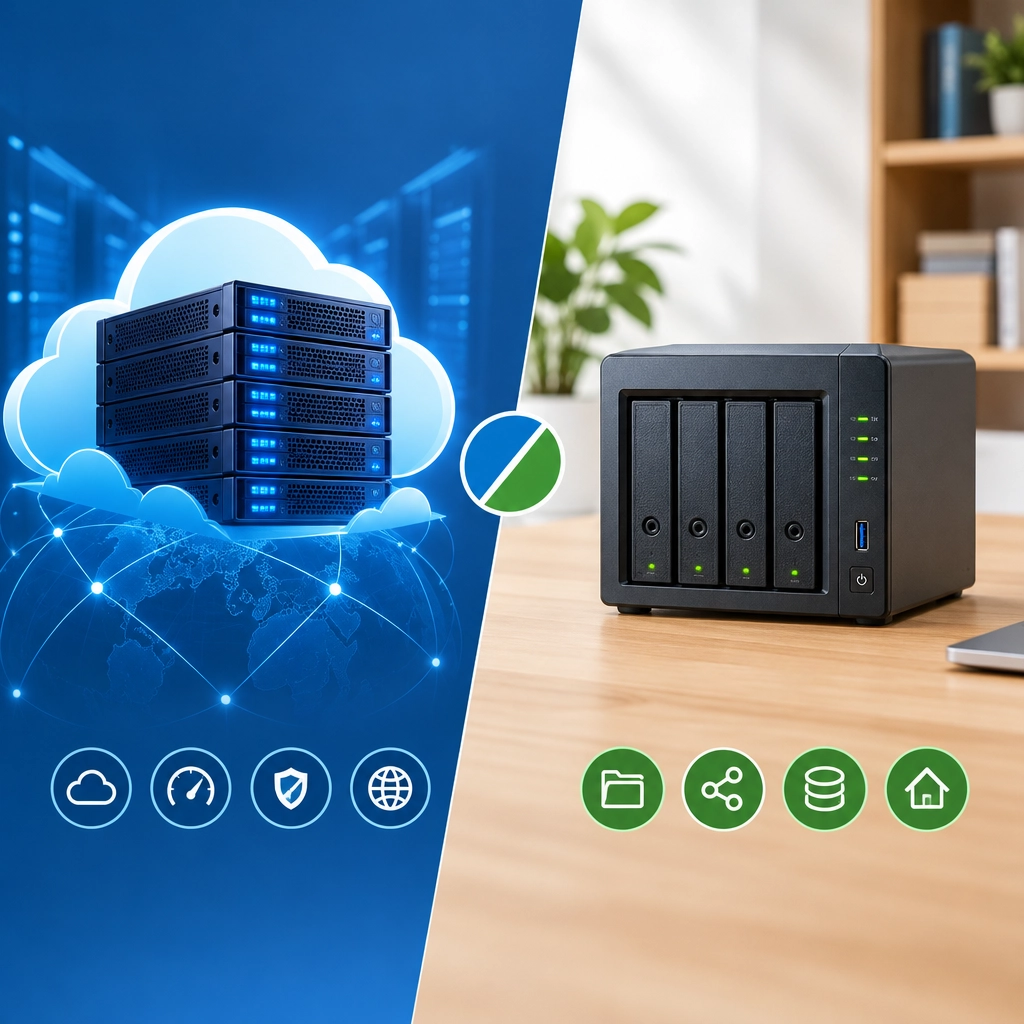
A NAS is physical hardware you keep at home or in an office. A storage VPS is a virtual server hosted in a data center and accessed over the internet. The right choice depends on what you store, how you access it, and how much maintenance you’re comfortable handling.
What is a NAS?
NAS stands for network-attached storage. It’s a dedicated device—often with one or more hard drives—that connects to your local network. Computers, phones, and other devices can access its files through your router.
Many NAS systems offer features beyond basic file storage, including automatic backups, media streaming, shared folders, and synchronization. Some can also run apps, such as a photo library or personal cloud service.
Because the device is in your home or office, you control the hardware and where your data lives. You’ll generally pay upfront for the NAS and its drives, then cover electricity and any maintenance or replacement parts.
What is a storage VPS?
A storage VPS is a virtual private server rented from a hosting provider. Its storage is located in a data center, and you connect to it over the internet. Depending on the provider and setup, you might use it for file backups, shared folders, archives, or applications that need persistent storage.
A VPS can be configured in many ways, but that flexibility can come with extra work. You may need to set up file-sharing software, manage user access, keep the operating system updated, and protect the server with sensible security settings. Some providers offer managed services, but these can cost more.
The differences that matter
Access and availability
A NAS is convenient when you’re on the same local network. Access from outside your home or office is possible, but it often requires additional configuration. That can mean setting up a secure remote-access feature or a VPN.
A storage VPS is designed to be reached online, making it a natural fit for people who need to access files while traveling or share data across locations. Your experience still depends on your internet connection and the provider’s network.
Cost
A NAS usually has a higher initial cost: you buy the device and drives. Over time, the cost may be attractive if you need lots of storage and already have reliable internet and a suitable place to keep the hardware.
A VPS typically uses a monthly or annual subscription. It avoids buying and maintaining a physical server, but recurring fees can add up—especially if you need a large amount of storage, backups, or extra bandwidth.
Control and maintenance
With a NAS, you choose the hardware and retain direct control over it. You’re also responsible for updates, drive health, power, and keeping the device physically secure.
With a VPS, the provider manages the underlying data-center hardware, power, and network infrastructure. You control the virtual server, though, so software updates, access permissions, and configuration may still be your job.
Privacy and reliability
A NAS keeps data in your chosen location, which may be important for privacy or regulatory reasons. But it’s not automatically safe: theft, fire, hardware failure, or a power outage could make your files unavailable.
A VPS benefits from professional data-center infrastructure, but you’re trusting a provider with your stored data. Neither option replaces a proper backup plan. For important files, keep another copy somewhere separate—such as an external drive or a second backup service.
Which one should you choose?
A NAS is often a good fit if you want large local storage, fast access at home or in an office, and control over your hardware. It can be especially useful for household backups, shared media, or a small team working on the same network.
A storage VPS may suit you better if you need remote access, don’t want to maintain physical storage hardware, or need a server that can run alongside other online services. It’s also useful when files need to be available to people in different locations.
There’s no universal winner. Think about the amount of storage you need, how often you’ll access it away from your local network, and whether you’d rather pay upfront or on a recurring basis. For many people, the best setup is even a combination: a NAS for everyday local storage and a VPS or other off-site service for an extra backup.
Welcome to DediRock, your trusted partner in high-performance hosting solutions. At DediRock, we specialize in providing dedicated servers, VPS hosting, and cloud services tailored to meet the unique needs of businesses and individuals alike. Our mission is to deliver reliable, scalable, and secure hosting solutions that empower our clients to achieve their digital goals. With a commitment to exceptional customer support, cutting-edge technology, and robust infrastructure, DediRock stands out as a leader in the hosting industry. Join us and experience the difference that dedicated service and unwavering reliability can make for your online presence. Launch our website.