
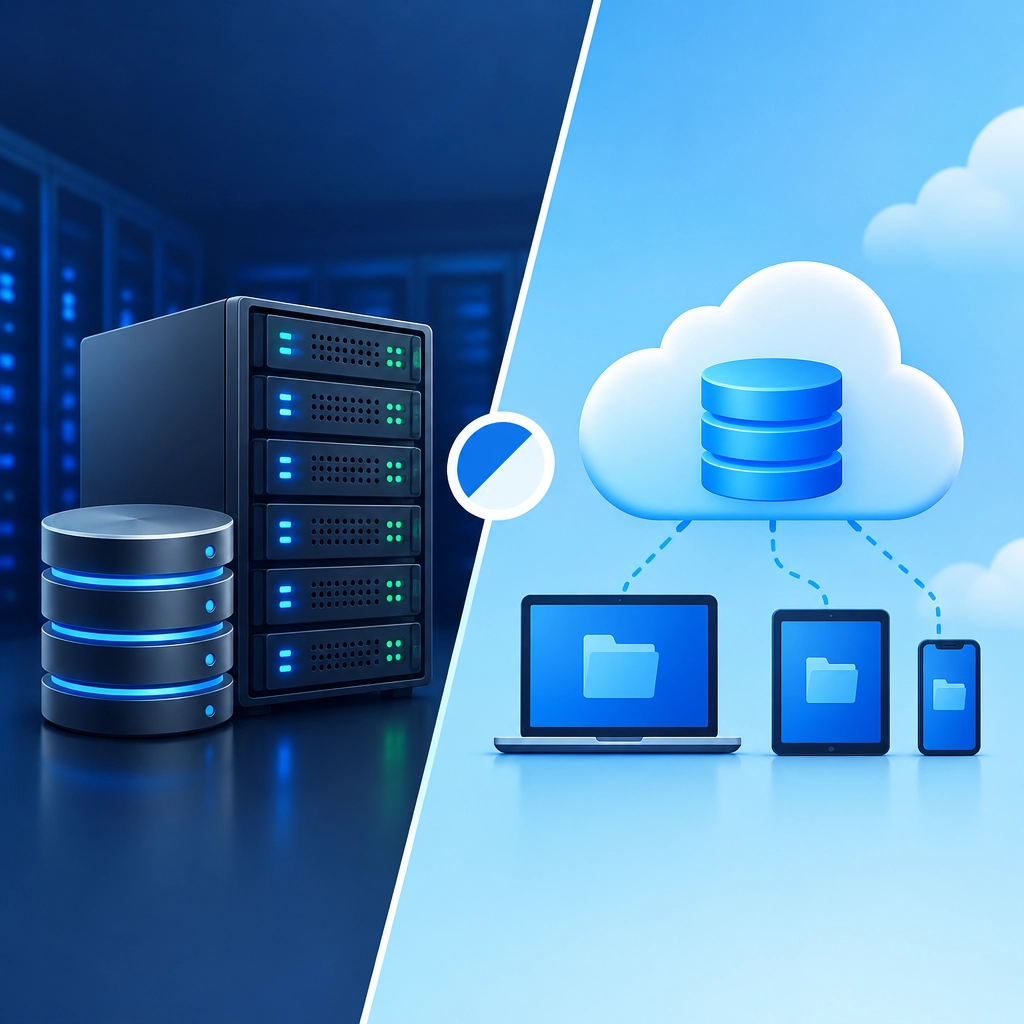
Storage VPS vs. Cloud Storage: Which Is Better for Your Data?
When you need somewhere to keep files, backups, or application data, two options often come up: a storage VPS and cloud storage. Both can hold your data online, but they work differently—and the right choice depends on how much control you want, how you’ll access your files, and what you’re willing to manage.
What’s a storage VPS?
A storage VPS is a virtual private server with storage space you can use for files, backups, media, or services. You typically connect over protocols such as SSH, SFTP, or WebDAV, or install your own software to create a file server.
Think of it as renting a small computer that’s always online. You decide how it’s configured, how users connect, and which tools run on it. That flexibility is useful, but it also means you’re responsible for more of the setup and upkeep.
What’s cloud storage?
Cloud storage is a managed service designed to store and retrieve data without requiring you to maintain a server. Consumer services offer apps and easy file sharing, while object-storage platforms provide APIs for software, backups, and large datasets.
The provider handles the underlying infrastructure. Depending on the service, features may include automatic redundancy, version history, access controls, and geographic replication. You usually trade some control for convenience.
The main differences
Control and customization
A storage VPS offers more freedom. You can choose your software, set up custom access rules, and build workflows around your needs. It can be a good fit for technically confident users who want a tailored file server.
Cloud storage is generally simpler to use, but you’re limited to the provider’s tools, features, and policies. That’s often a benefit: fewer settings to manage and less maintenance.
Setup and maintenance
With a VPS, you may need to configure user accounts, security, backups, updates, and monitoring. Some hosting providers manage parts of the server, but you should check exactly what’s included. A VPS isn’t automatically a complete backup solution just because it has plenty of disk space.
Cloud storage usually requires little infrastructure work. You upload files or connect through an app or API, and the provider handles the service. You still need to configure permissions carefully and protect account credentials, but routine server administration is mostly out of your hands.
Reliability and data protection
Both options can be reliable, but the details matter. A VPS may store data on one virtual server or disk system, so a hardware failure, account issue, or configuration mistake could affect access. Ask about redundancy, backups, and recovery options rather than assuming they’re included.
Cloud storage often offers built-in durability features, especially in business and object-storage plans. Still, redundancy is not the same as backup: accidental deletion, ransomware, or an incorrect sync can also affect cloud files. For important data, keep an independent copy and test that you can restore it.
Cost and scaling
A VPS commonly has a predictable monthly price with a set amount of storage and computing resources. That can be appealing if your storage needs are steady. However, you may also need to budget for backups, administration, and extra bandwidth.
Cloud storage can start cheaply and scale as you use more, but costs may include storage, downloads, requests, and data transfer. If you frequently retrieve large amounts of data, check the pricing carefully. Compare the expected monthly total—not just the headline price per gigabyte.
Access and collaboration
Cloud storage services often make sharing and collaboration straightforward, with browser access, mobile apps, and links for other users. If several people need to work with the same files, this convenience can save time.
A VPS can support shared access too, but you may need to install and maintain the software that makes it easy. It’s more adaptable, though usually less plug-and-play.
So, which should you choose?
Choose a storage VPS if you want hands-on control, need custom software or protocols, and are comfortable managing a server—or have someone who can. It may also suit workloads that benefit from a fixed monthly plan, provided you account for security and backup responsibilities.
Choose cloud storage if you want quick setup, easy sharing, and less infrastructure to maintain. It’s a natural choice for everyday documents, team collaboration, and applications that use managed storage APIs.
For valuable data, the best answer may be both: use one service for convenient access and keep a separate backup somewhere else. Whichever route you take, check the details that matter most—recovery options, access controls, transfer costs, and what happens if you delete the wrong file. The best storage is not simply the place with the most space; it’s the one you can afford, manage, and reliably restore when you need it.
Welcome to DediRock, your trusted partner in high-performance hosting solutions. At DediRock, we specialize in providing dedicated servers, VPS hosting, and cloud services tailored to meet the unique needs of businesses and individuals alike. Our mission is to deliver reliable, scalable, and secure hosting solutions that empower our clients to achieve their digital goals. With a commitment to exceptional customer support, cutting-edge technology, and robust infrastructure, DediRock stands out as a leader in the hosting industry. Join us and experience the difference that dedicated service and unwavering reliability can make for your online presence. Launch our website.