
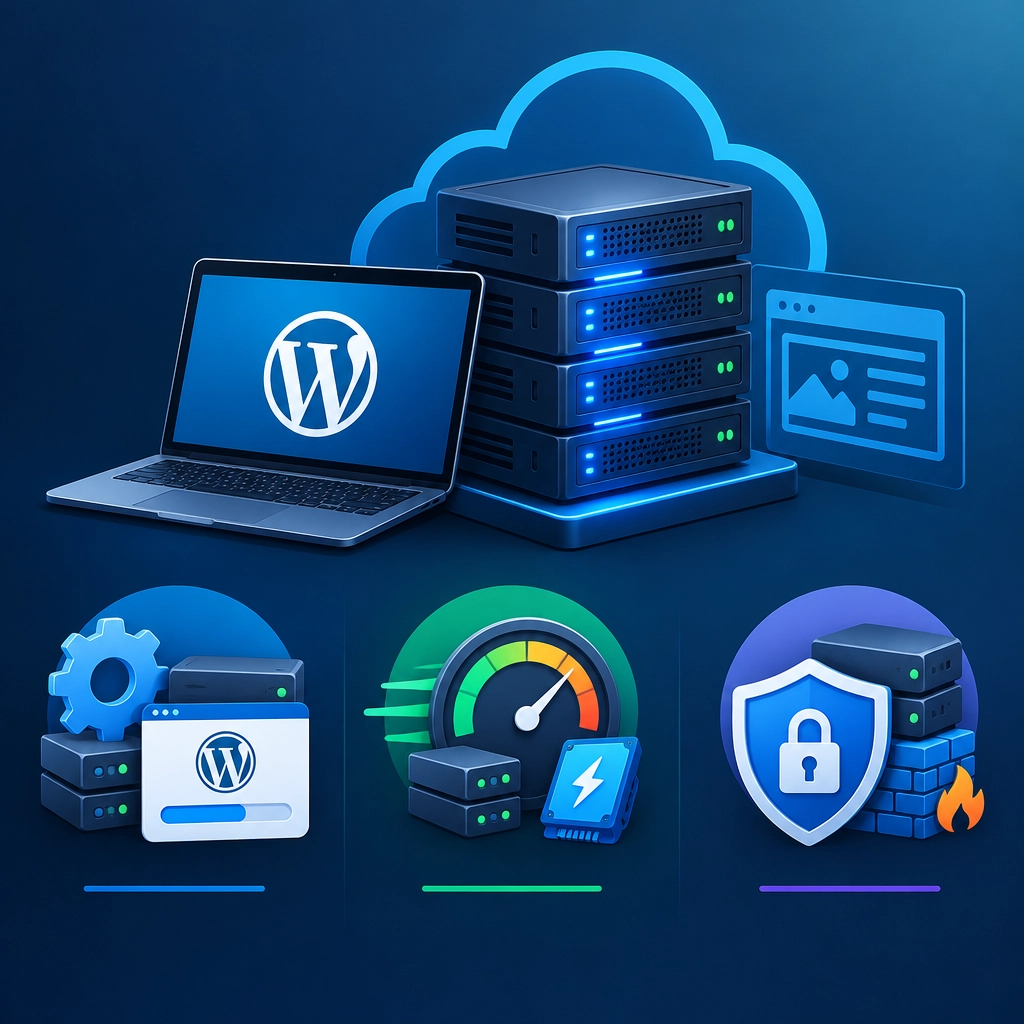
VPS Hosting for WordPress: Setup, Performance, and Security Tips
A WordPress site can start out perfectly happy on shared hosting. But as traffic grows—or as you add a busy store, membership area, or resource-heavy plugins—you may begin to notice slow pages, limited server options, or less control over security settings.
That’s where a virtual private server, or VPS, can help. A VPS gives your site a dedicated share of a physical server’s resources and more room to customize its environment. It can offer better performance and flexibility than basic shared hosting, but it also requires a little more planning. Here’s how to set up a WordPress VPS and keep it fast and secure.
Choose a VPS You Can Manage
Before comparing prices, think about how much server administration you want to handle. An unmanaged VPS gives you more control, but you’re responsible for tasks such as installing software, applying updates, and troubleshooting server problems. A managed VPS typically includes some level of provider support and maintenance, making it a better fit if you’d rather focus on your site than server administration.
Check that the plan supports a current, compatible version of PHP and offers enough memory and storage for your site. WordPress itself doesn’t require a massive machine, but traffic spikes, online stores, and plugins that perform frequent background tasks can increase demand. If you’re unsure, start with a modest plan that can be upgraded as you learn what your site needs.
Set Up the Server Before Installing WordPress
A clean setup makes future maintenance much easier. Choose a supported Linux distribution, then create a non-root user for routine administration. Use SSH keys instead of password-based SSH access where possible, and disable direct root login if your provider’s setup allows it.
Next, install the components WordPress needs: a web server such as Nginx or Apache, a supported PHP version, and a database such as MariaDB or MySQL. Many hosting providers offer one-click WordPress installers or ready-made server images. These can save time, but check what they install and whether you’ll be responsible for updates.
Configure a domain name, enable HTTPS with a trusted TLS certificate, and test that the site loads securely over https://. If you’re moving an existing site, copy its files and database carefully, then review URLs, redirects, and email settings before switching your domain’s DNS records.
Improve Performance Without Overcomplicating Things
A VPS gives you more resources to work with, but it won’t automatically make a poorly optimized site fast. Start with the basics:
- Use a lightweight theme and limit unnecessary plugins. Every extra feature can add code, database work, or external requests.
- Enable page caching. A good WordPress caching plugin can serve ready-made pages instead of rebuilding them for every visitor.
- Optimize images. Resize images to fit their display area and use modern formats such as WebP where appropriate.
- Consider a content delivery network (CDN). A CDN can serve static files from locations closer to visitors and help absorb traffic spikes.
- Monitor resource use. Keep an eye on CPU, memory, disk space, and database load. If slowdowns happen only during specific tasks—such as backups or product imports—look for ways to schedule or optimize them.
Database caching and server-level tuning can help, but they’re not always the first place to start. Test changes one at a time so you can tell what actually improves your site.
Treat Security as Ongoing Maintenance
A VPS is not secure just because it’s separate from other customers’ accounts. You still need to maintain it. Apply operating system, PHP, database, and WordPress updates promptly, and remove software you no longer use. Use strong, unique passwords and enable two-factor authentication for WordPress accounts that support it.
Set sensible file permissions, and avoid giving plugins or themes more access than they need. A firewall can restrict unwanted traffic, while tools such as fail2ban can help block repeated login attempts. These measures work best alongside regular monitoring—not as a substitute for updates and backups.
Backups deserve special attention. Keep copies of both your WordPress files and database, store them somewhere outside the VPS, and test a restore before you rely on the backup. A backup you’ve never tested is only a promise.
Keep the Setup Manageable
A VPS can give WordPress room to grow, but the best setup is one you can confidently maintain. Choose managed hosting if server administration feels like a distraction, and keep an unmanaged server simple if you’re comfortable handling it. With careful setup, regular updates, tested backups, and a few practical performance improvements, your VPS can provide a reliable foundation for a faster, more flexible WordPress site.
Welcome to DediRock, your trusted partner in high-performance hosting solutions. At DediRock, we specialize in providing dedicated servers, VPS hosting, and cloud services tailored to meet the unique needs of businesses and individuals alike. Our mission is to deliver reliable, scalable, and secure hosting solutions that empower our clients to achieve their digital goals. With a commitment to exceptional customer support, cutting-edge technology, and robust infrastructure, DediRock stands out as a leader in the hosting industry. Join us and experience the difference that dedicated service and unwavering reliability can make for your online presence. Launch our website.