
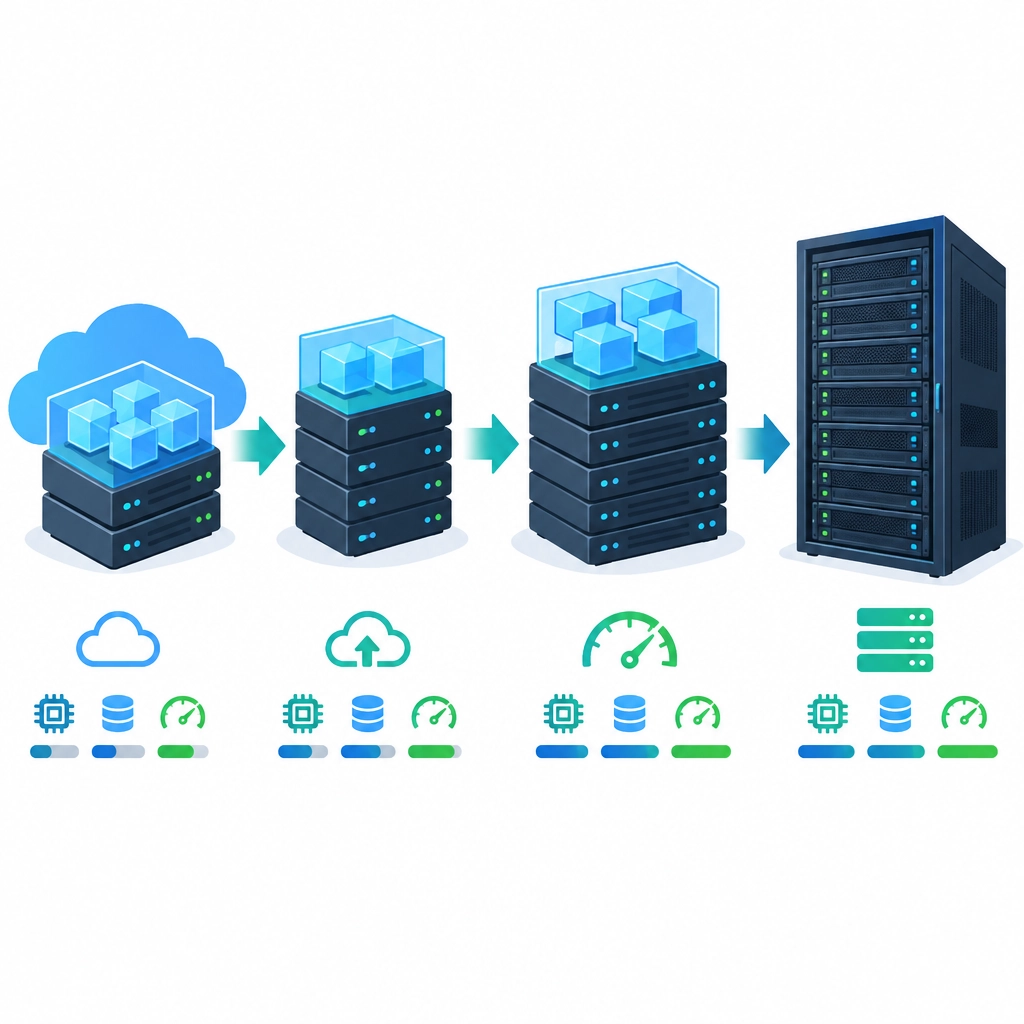
How to Scale from VPS Hosting to a Dedicated Server
A virtual private server (VPS) is a solid starting point for many websites and applications. It offers more control than shared hosting without the cost or complexity of managing physical hardware. But as traffic grows, workloads become heavier, or reliability matters more, you may start wondering whether it’s time to move to a dedicated server.
The transition doesn’t have to be a leap in the dark. With a little planning, you can scale up without overspending or disrupting your users.
Know when your VPS is holding you back
A busy-looking dashboard doesn’t automatically mean you need a dedicated server. First, identify the specific limits you’re running into.
Look for persistent CPU or memory pressure, slow response times during traffic spikes, storage running low, or frequent resource-limit warnings from your host. It’s also worth checking whether database queries, inefficient code, or oversized images are causing the slowdown. Fixing an application bottleneck may be cheaper and simpler than upgrading your infrastructure.
A dedicated server makes more sense when your workload consistently needs more resources than your VPS can provide, when you need predictable performance, or when you require greater control over the hardware and software environment.
Estimate what you actually need
Before shopping for a server, review your current usage and think about how it may change over the next year. Consider:
- CPU: How many cores does your application need, and are workloads steady or bursty?
- Memory: Does your database or application benefit from keeping more data in RAM?
- Storage: How much space do you need, and is fast SSD or NVMe storage important?
- Bandwidth: How much traffic do you serve, and are there transfer limits?
- Redundancy: Would mirrored disks or backup network connections reduce your risk?
Don’t simply multiply your current VPS specifications by a large number. A dedicated machine can have different performance characteristics, and the right configuration depends on your application. If possible, use monitoring data from several weeks or months rather than relying on a single busy day.
Choose managed or unmanaged hosting
A dedicated server gives you access to an entire physical machine, but someone still needs to maintain it. With unmanaged hosting, you’re usually responsible for operating system updates, security configuration, monitoring, backups, and troubleshooting. It can be cost-effective if you have the expertise and time.
With managed hosting, the provider handles some or many of those tasks. This usually costs more, but it can be a good trade-off if server administration isn’t part of your team’s core work. Before choosing, clarify exactly what “managed” includes. Support for hardware failures doesn’t necessarily mean support for your application or database.
Plan the migration before moving
Treat the change as a migration project, not just a hardware upgrade. Make a list of everything running on your VPS: websites, databases, scheduled tasks, email services, DNS settings, SSL certificates, firewall rules, and third-party integrations. This inventory helps you avoid the classic surprise—moving the website but forgetting the nightly job that keeps it working.
Set up the dedicated server with a similar software environment where practical. Apply security updates, configure access controls and firewalls, and install monitoring before transferring live traffic. Create a full backup of your VPS, then move your files and databases and verify that the new server works using a temporary domain or local hosts-file entry.
Test important user journeys, not just whether the homepage loads. Check logins, forms, payments, uploads, scheduled tasks, and database-dependent features. Compare performance and review error logs before making the new server public.
Switch traffic with a rollback plan
Once testing looks good, lower your DNS time-to-live (TTL) ahead of the change so updates can propagate more quickly. Then point your domain to the new server during a quiet period. Keep the old VPS available for a short while, and avoid deleting it until you’re confident the migration is complete.
The old server also gives you a fallback if something unexpected happens. Decide in advance who will handle the switch, how you’ll check that it worked, and how you’ll restore the previous setup if needed. After traffic moves, monitor CPU, memory, storage, application errors, and response times closely.
Make sure the upgrade is worth it
A dedicated server can deliver more predictable performance and room to grow, but it also introduces new responsibilities and costs. Include backups, management, monitoring, and recovery planning in your budget—not just the monthly server fee. And remember, scaling doesn’t have to be permanent: if your traffic changes, you can review the setup and adjust again.
The best time to move is when you understand what your VPS can’t handle, know what the next stage requires, and have a tested path between the two. With that groundwork in place, upgrading becomes less of a risky jump and more of a measured step forward.
Welcome to DediRock, your trusted partner in high-performance hosting solutions. At DediRock, we specialize in providing dedicated servers, VPS hosting, and cloud services tailored to meet the unique needs of businesses and individuals alike. Our mission is to deliver reliable, scalable, and secure hosting solutions that empower our clients to achieve their digital goals. With a commitment to exceptional customer support, cutting-edge technology, and robust infrastructure, DediRock stands out as a leader in the hosting industry. Join us and experience the difference that dedicated service and unwavering reliability can make for your online presence. Launch our website.