
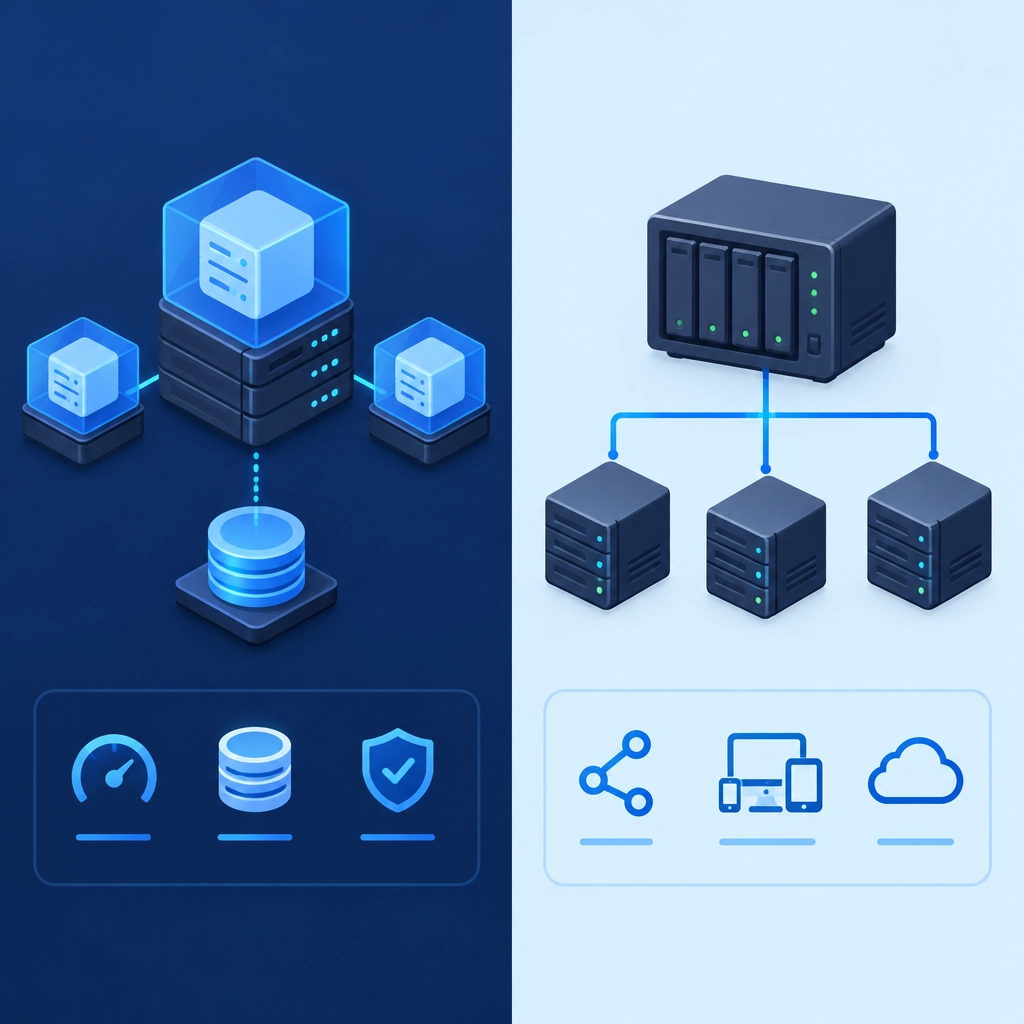
Storage VPS vs. Network-Attached Storage: What’s the Difference?
When you need extra space for files, backups, or applications, two options may come up: a storage VPS and network-attached storage (NAS). Both can hold data and make it available over a network, but they’re built for different jobs.
The simplest distinction? A storage VPS is a rented virtual server in a data center. A NAS is a dedicated storage device—usually a small computer with multiple drives—that connects to your home or office network. Here’s how that difference plays out in practice.
What is a storage VPS?
A storage VPS is a virtual private server with an emphasis on disk space. You rent it from a hosting provider, which runs the physical hardware in a data center. Depending on the plan, you may also get a processor, memory, an operating system, and a public internet connection.
You can use a storage VPS to hold website files, backups, archives, media, or data for software you run on the server. Many plans provide administrative access, so you can install tools and configure the system to fit your needs. However, you’re still working within the limits of your plan—and the provider manages the underlying hardware.
Because it’s hosted remotely, a storage VPS can be reached from almost anywhere with an internet connection. You don’t need to keep a device running at home or manage its physical drives.
What is network-attached storage?
A NAS is a physical device connected to your local network. It typically contains one or more hard drives or SSDs and uses software to share files with computers, phones, media players, or other devices.
Many NAS systems are designed to be easy to manage. They can offer automatic backups, shared folders, media streaming, and drive-redundancy features. With a NAS at home, your files can be available to everyone on your Wi-Fi or office network without sending them through a third-party hosting service.
Remote access is possible on many NAS devices, but it usually requires some extra configuration. You may need to set up a secure connection, such as a VPN, or use the manufacturer’s remote-access service.
The biggest differences
Where your data lives
With a storage VPS, your data sits in a provider’s data center. With a NAS, it’s stored on hardware you own and keep at home or at work.
That affects both convenience and control. A VPS can be easier to reach when you’re away, while a NAS gives you direct physical control over the device and drives. But owning the hardware also means you’re responsible for its upkeep.
Internet access and performance
A VPS usually has a data-center internet connection, which may be faster and more consistent than a typical home connection. It’s often a good fit for services that need to be available online.
A NAS can be very fast on a local network, especially when connected through wired Ethernet. But accessing it remotely depends on your internet connection. If your home upload speed is limited, large transfers may take a while.
Cost and maintenance
A VPS is usually paid for monthly or annually. The price may include hosting, connectivity, and hardware maintenance, though storage limits and other features vary by provider.
A NAS requires an upfront purchase. You may also need to buy drives separately, replace them over time, and maintain the device. It can be cost-effective over several years, especially for lots of local storage, but you take on more responsibility.
Control and reliability
A NAS gives you physical ownership of your drives, but it doesn’t automatically protect your data. A failed device, theft, fire, or accidental deletion can still cause problems. Drive redundancy can help with some hardware failures, but it’s not the same as a separate backup.
A VPS provider handles the physical infrastructure, but you’re trusting that provider to keep its systems available and secure. You should still keep independent backups and understand what the provider’s service does—and doesn’t—include.
Which one should you choose?
A storage VPS may suit you if you need files available over the internet, want to host online services, or prefer not to manage physical hardware. It can also be useful when collaborators are spread across different locations.
A NAS is often a better match for local file sharing, home media libraries, and regular backups for devices on the same network. It’s appealing if you want hands-on control and are comfortable managing equipment.
Some people use both: a NAS for fast local storage and a VPS or other off-site service for a copy of important files. That approach can offer convenience without relying on a single device or location. The right choice depends less on which option is “better” and more on where you need your data to be—and who you want responsible for keeping it available.
Welcome to DediRock, your trusted partner in high-performance hosting solutions. At DediRock, we specialize in providing dedicated servers, VPS hosting, and cloud services tailored to meet the unique needs of businesses and individuals alike. Our mission is to deliver reliable, scalable, and secure hosting solutions that empower our clients to achieve their digital goals. With a commitment to exceptional customer support, cutting-edge technology, and robust infrastructure, DediRock stands out as a leader in the hosting industry. Join us and experience the difference that dedicated service and unwavering reliability can make for your online presence. Launch our website.