
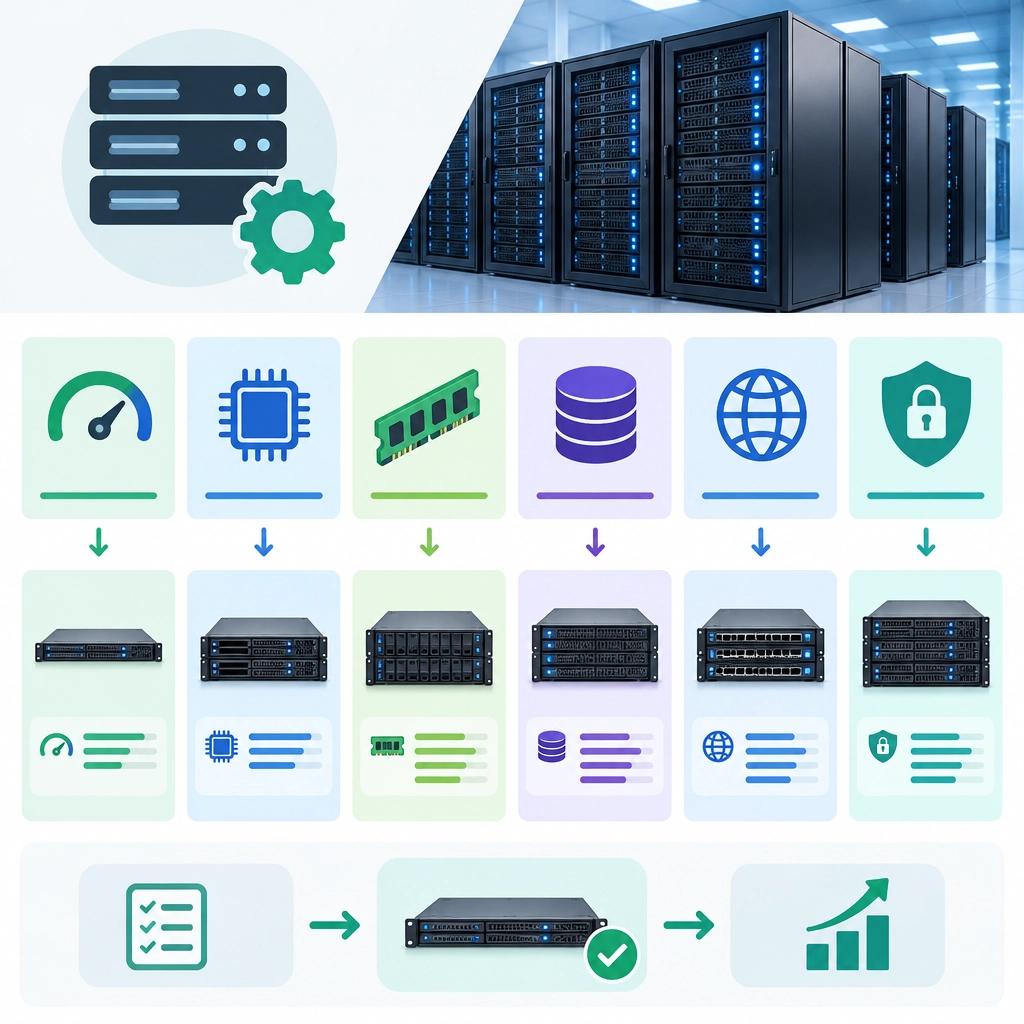
How to Choose the Right Dedicated Server Configuration
Choosing a dedicated server isn’t just about picking the biggest processor or the most storage you can afford. The right setup depends on what you’re running, how many people rely on it, and how your needs may change over time. A well-matched server can keep applications responsive and costs predictable; an oversized or poorly balanced one can waste money—or become a bottleneck when traffic picks up.
Here’s how to work through the decision.
Start with the workload
First, identify what the server will actually do. A database, game server, e-commerce site, backup system, and machine-learning workload all put different demands on hardware.
Consider:
- CPU-intensive tasks: Video encoding, analytics, and scientific calculations may need more cores or faster individual cores.
- Memory-heavy applications: Large databases, virtual machines, and in-memory caches often need substantial RAM.
- Storage-intensive workloads: File hosting, backups, and media libraries may prioritize capacity and dependable drives.
- High-traffic services: Busy websites and APIs need enough processing power, memory, and network capacity to handle concurrent requests.
If you’re migrating from an existing server, use monitoring data rather than guesswork. Look at CPU utilization, memory use, storage activity, and network traffic during both normal and peak periods.
Choose a CPU for the job
The number of cores is only one part of processor performance. Some applications can spread work across many cores, while others depend more on the speed of a single core.
For example, a heavily parallel rendering task may benefit from a high core count. A lightly threaded application may run better with fewer, faster cores. Check the software’s recommendations and test the workload when possible.
Also think about room to grow. A server that is already near its limits during ordinary traffic may struggle during a seasonal spike, software update, or sudden burst of visitors.
Size memory with breathing room
RAM has a direct effect on how many applications and processes the server can run smoothly. If memory fills up, the operating system may rely on disk space as temporary memory, which can slow things down considerably.
Estimate the needs of your operating system, application, database, and any caching or virtualization layers. Leave capacity for unexpected demand rather than choosing a configuration that only works under ideal conditions.
For virtual machines or containers, account for the memory assigned to each workload, along with overhead for the host system.
Pick storage for both speed and capacity
Storage decisions involve a trade-off between performance, space, and cost.
- NVMe SSDs offer very fast access and suit databases, busy applications, and workloads with frequent reads and writes.
- SATA SSDs are often a practical choice for general-purpose hosting.
- HDDs provide more capacity for the price and can work well for archives, backups, and less frequently accessed files.
You may not need the fastest drives for every purpose. For instance, an application can run from SSDs while long-term backups sit on larger, more affordable storage.
If the data is important, consider redundancy—but remember that RAID is not a backup. It can help keep a system available after certain drive failures, but it won’t protect against accidental deletion, corruption, or a security incident. Maintain separate, tested backups.
Check bandwidth and network needs
A server’s network connection matters just as much as its hardware. Estimate how much data your applications send and receive, and find out whether the provider sets monthly transfer limits, charges overages, or offers unmetered traffic with a speed cap.
A content-heavy website, streaming service, or download platform may need more bandwidth than an internal application. Also consider latency: if your users are concentrated in a particular region, a server location closer to them may improve the experience.
Factor in reliability and support
Hardware specifications are only part of the decision. Look at the provider’s monitoring, replacement policies, backup options, security features, and technical support availability. Ask how quickly failed components are replaced and what assistance is included if the server becomes unreachable.
If downtime would have a serious impact, plan for redundancy beyond a single server. That might mean a failover system, load balancing, or a disaster-recovery setup in another location.
Balance budget with future growth
Start with the smallest configuration that comfortably supports your real workload—not the cheapest option that barely runs it, and not the most powerful one available. Include recurring costs such as bandwidth, backups, management, licenses, and additional storage.
It’s also worth checking how easy it is to upgrade. A provider that allows straightforward changes can make it simpler to respond as traffic grows, without forcing an expensive migration.
The best dedicated server configuration is the one that fits your workload, protects your data, and leaves sensible room to grow. Start with what you know, measure performance after launch, and adjust based on real usage. That approach is usually more reliable—and more cost-effective—than trying to predict every future need in a single hardware purchase.
Welcome to DediRock, your trusted partner in high-performance hosting solutions. At DediRock, we specialize in providing dedicated servers, VPS hosting, and cloud services tailored to meet the unique needs of businesses and individuals alike. Our mission is to deliver reliable, scalable, and secure hosting solutions that empower our clients to achieve their digital goals. With a commitment to exceptional customer support, cutting-edge technology, and robust infrastructure, DediRock stands out as a leader in the hosting industry. Join us and experience the difference that dedicated service and unwavering reliability can make for your online presence. Launch our website.