
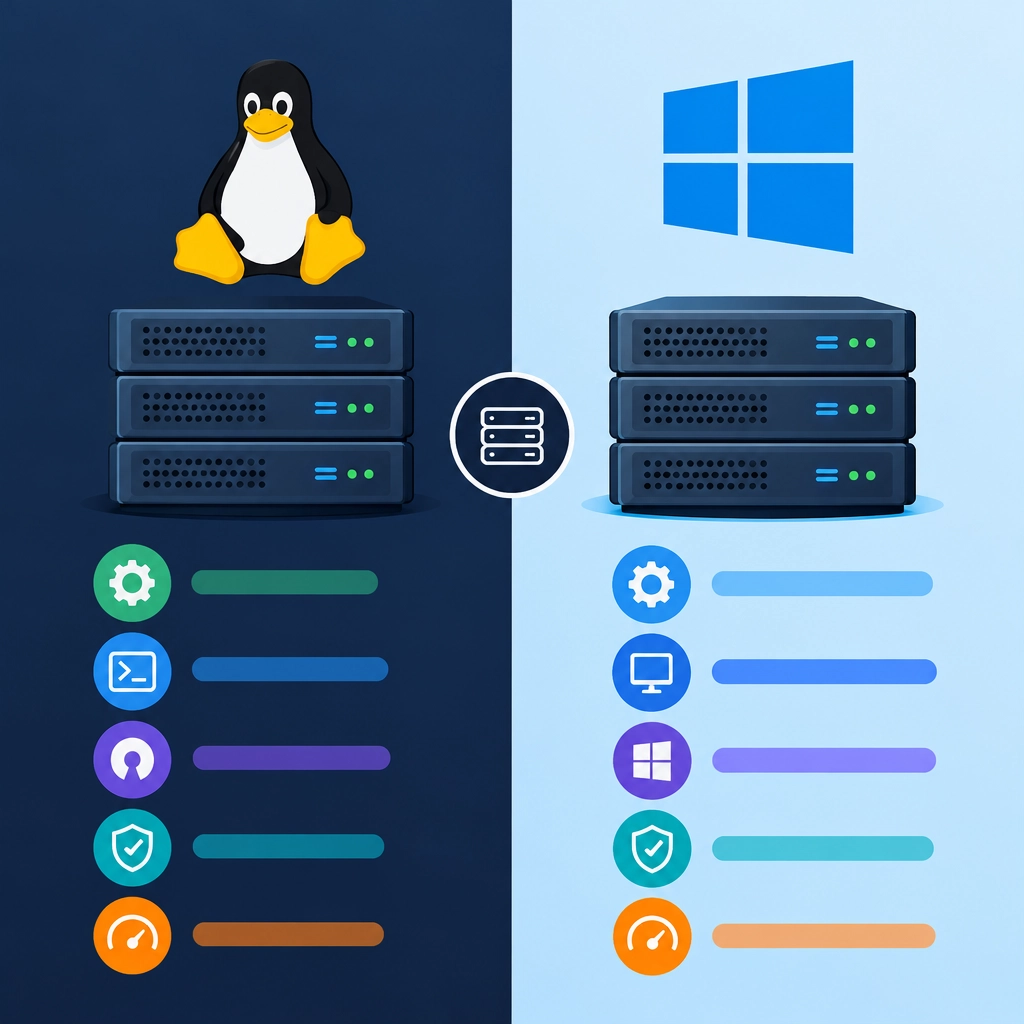
Linux VPS Hosting vs. Windows VPS Hosting: Which Is Right for You?
Choosing a virtual private server (VPS) is a little like choosing the operating system for a new computer: the best option depends on what you need to run and how you prefer to work. Linux and Windows VPS hosting both give you dedicated server resources and more control than shared hosting, but they differ in software compatibility, management, cost, and day-to-day experience.
Here’s how to compare them—and decide which one suits your project.
What’s the difference?
A VPS is a virtual server hosted on a physical machine. It has its own allocated resources, such as memory and storage, and typically offers more control than a shared hosting plan.
The key distinction is the server operating system:
- Linux VPS hosting runs a Linux distribution such as Ubuntu, Debian, or AlmaLinux.
- Windows VPS hosting runs a version of Windows Server.
That difference affects which applications you can use, how you administer your server, and sometimes how much hosting costs.
Software compatibility
Start by checking what your website or application requires.
Linux is widely used for websites built with PHP, Python, Ruby, and many JavaScript frameworks. It also works well with common web technologies such as Apache, Nginx, and MySQL or MariaDB. If you’re hosting a WordPress site, for example, Linux is a popular and well-supported choice.
Windows VPS hosting is often the natural fit for applications that depend on Microsoft technologies. That includes software built with ASP.NET or .NET Framework, as well as applications that need Microsoft SQL Server or Windows-specific services. Some business tools and custom applications may only run properly in a Windows environment.
Before choosing, check your software’s documentation. A technically powerful server won’t help much if it can’t run the application you need.
Cost and licensing
Linux distributions are generally open source, so they often don’t require an operating system license fee. That can make Linux VPS plans less expensive, though the final price still depends on the provider, resources, backups, support, and other included features.
Windows Server usually involves licensing costs, which may be reflected in the monthly price. If your setup also needs commercial software—such as Microsoft SQL Server—those licenses can add to the overall expense.
Look beyond the headline price. Compare what’s included, and ask whether licensing, technical support, backups, and control panel software cost extra.
Ease of use and management
Windows can feel familiar if you’re already comfortable with the Windows desktop environment. Many providers offer remote desktop access, giving you a graphical interface for managing the server. This can be helpful for administrators who prefer point-and-click tools, although a graphical interface doesn’t eliminate the need to understand server security and maintenance.
Linux servers are commonly managed through a command line. That can take some getting used to, but it’s also fast and flexible once you know the basics. Many hosting panels provide a graphical way to manage websites, databases, and email, so you don’t always need to work directly in the terminal.
Neither option is automatically easier for everyone. Your experience, the applications you’ll run, and the tools offered by your host all matter.
Performance, security, and customization
Both systems can perform well on a properly configured VPS. Performance usually depends more on the server’s hardware, resource allocation, software setup, and traffic than on whether the operating system is Linux or Windows.
Linux is often chosen for its flexibility and broad support across web-hosting tools. Windows offers strong integration with Microsoft products and services. In either case, security requires ongoing attention: apply updates, use strong authentication, limit unnecessary access, and keep reliable backups.
You’ll also want to check what level of control your plan provides. Some VPS plans are unmanaged, meaning you handle most server setup and maintenance yourself. Managed plans include more help from the hosting provider, which can be valuable if you don’t want server administration to become part of your regular workload.
How to choose
A Linux VPS is a strong option if you’re hosting a typical web application, using open-source tools, or looking for a flexible server with potentially lower licensing costs.
A Windows VPS makes more sense when your application depends on Windows Server, ASP.NET, Microsoft SQL Server, or other Microsoft-specific software.
If you’re unsure, make a short checklist: identify your application’s operating system requirements, estimate your resource needs, compare the total monthly cost, and decide how much server management you’re comfortable handling. The right VPS isn’t the one with the most features on paper—it’s the one that runs your software reliably without adding unnecessary cost or complexity.
Welcome to DediRock, your trusted partner in high-performance hosting solutions. At DediRock, we specialize in providing dedicated servers, VPS hosting, and cloud services tailored to meet the unique needs of businesses and individuals alike. Our mission is to deliver reliable, scalable, and secure hosting solutions that empower our clients to achieve their digital goals. With a commitment to exceptional customer support, cutting-edge technology, and robust infrastructure, DediRock stands out as a leader in the hosting industry. Join us and experience the difference that dedicated service and unwavering reliability can make for your online presence. Launch our website.