
What Is a Storage VPS, and Who Needs One?
If you’ve ever run out of room on your laptop, struggled to share a large collection of files, or wanted a reliable place to keep backups, you’ve probably considered cloud storage. A storage VPS offers another option: online storage hosted on a virtual private server that you can configure and manage yourself.
It sits somewhere between a simple cloud-storage account and a dedicated physical server. But what does that mean in practice—and who is it actually useful for?
What is a storage VPS?
A VPS, or virtual private server, is a virtual machine hosted on a physical server. It has its own allocated resources, such as storage, memory, and processing power, and runs an operating system you can usually manage with administrative access.
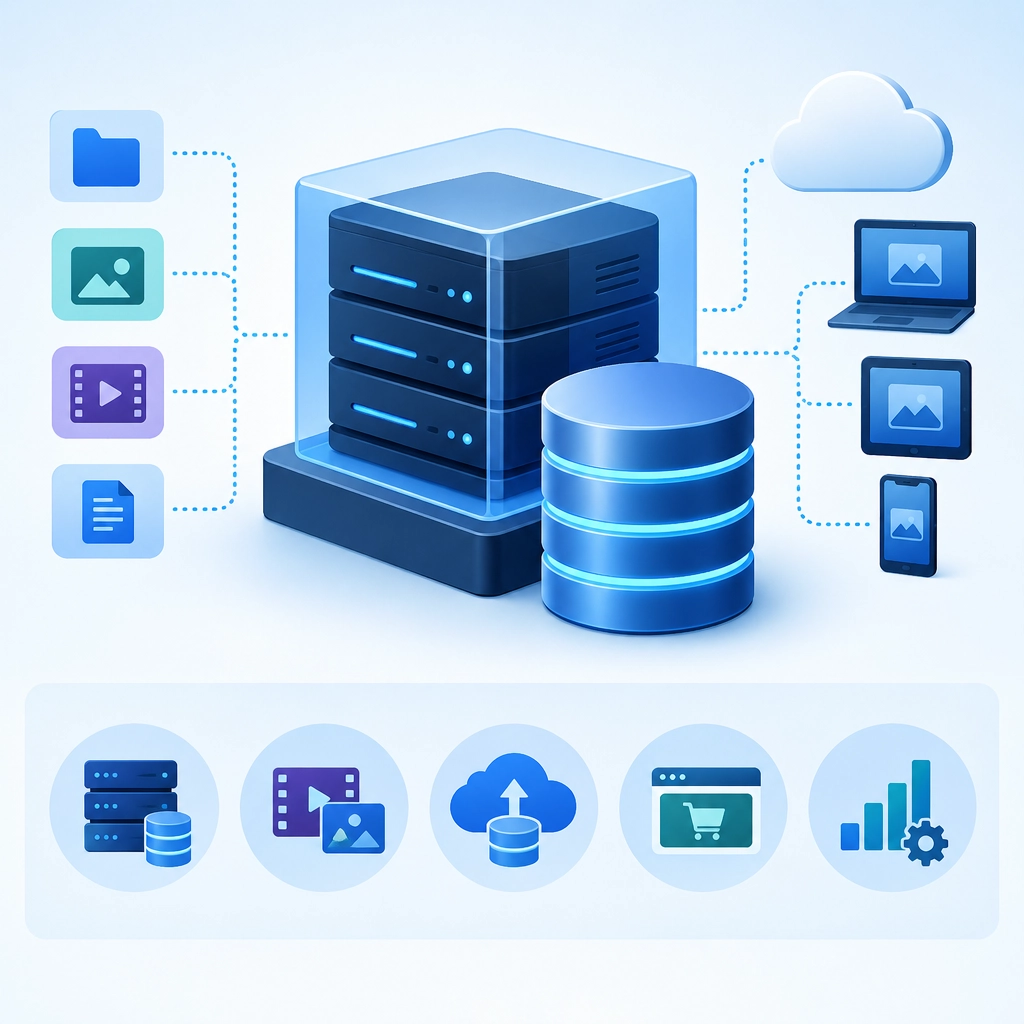
A storage VPS is a VPS plan designed primarily around disk space. Rather than prioritizing high-powered processors, it may offer a large amount of storage at a relatively low cost. You can install software to turn it into a file server, backup destination, media library, or private cloud.
Depending on your setup, you might access it through familiar file-transfer tools, a web interface, or apps such as Nextcloud. The key difference from a typical cloud-storage service is control: you choose much of the software, access method, and file organization.
How is it different from regular cloud storage?
Services like Google Drive and Dropbox are designed to be easy to use. You create an account, upload files, and let the provider handle the technical details. That convenience is a major advantage, especially for people who don’t want to configure servers.
A storage VPS gives you more flexibility, but also more responsibility. You may need to install and update software, set up secure access, monitor available space, and plan backups. Some VPS providers offer managed options, but many expect you to handle at least part of the administration.
It’s also worth remembering that a VPS is not automatically a backup system. If the server fails, software is misconfigured, or an account is compromised, your files could still be lost. A separate copy—ideally stored somewhere else—is a smart precaution.
Who might need one?
Creators and media professionals
Photographers, videographers, designers, and podcasters often work with large files. A storage VPS can provide a central place to keep project assets, transfer files, or archive completed work. It may also be useful when collaborators need access to a shared collection.
That said, a VPS may not be ideal for editing directly from, especially if the connection is slow or the server’s disk performance is limited. It can work better as an archive or transfer hub than as a replacement for a fast local drive.
Small businesses
A small team might use a storage VPS for internal documents, project files, or scheduled backups. Hosting the storage themselves can offer more control over how data is organized and who can access it.
Businesses handling sensitive information should take extra care. Secure configuration, access controls, encryption, and backup policies matter—and regulatory requirements may affect where and how data can be stored.
Developers and self-hosting enthusiasts
If you like setting up your own services, a storage VPS can host tools for syncing files, sharing downloads, or maintaining a personal media library. It can also serve as a destination for website backups or data from other servers.
This option tends to suit people who enjoy managing software and troubleshooting the occasional technical problem. If you’d rather have everything work with a few clicks, a standard cloud-storage service may be a better fit.
People who need a remote backup location
A VPS can store copies of files from a home computer or another server, keeping them off-site in case of theft, damage, or hardware failure. For a backup to be dependable, it should run automatically and be tested periodically. A backup that exists but can’t be restored isn’t much help.
What should you check before choosing one?
Look beyond the advertised storage size. Check whether the disk is an SSD or a slower drive, how much bandwidth is included, and whether there are limits on file sharing or network traffic. Consider the provider’s uptime, support, backup policies, and data-center location, too.
Also ask yourself how much maintenance you’re comfortable with. A storage VPS can be cost-effective and customizable, but it’s not always the simplest or cheapest choice once setup and administration are included.
For people who want control, flexibility, and a place to store substantial amounts of data, a storage VPS can be a useful tool. For those who just need effortless file syncing, a conventional cloud-storage service may be easier. The best choice depends less on the word “VPS” and more on whether you want to manage your own storage—or simply use it.
Welcome to DediRock, your trusted partner in high-performance hosting solutions. At DediRock, we specialize in providing dedicated servers, VPS hosting, and cloud services tailored to meet the unique needs of businesses and individuals alike. Our mission is to deliver reliable, scalable, and secure hosting solutions that empower our clients to achieve their digital goals. With a commitment to exceptional customer support, cutting-edge technology, and robust infrastructure, DediRock stands out as a leader in the hosting industry. Join us and experience the difference that dedicated service and unwavering reliability can make for your online presence. Launch our website.