
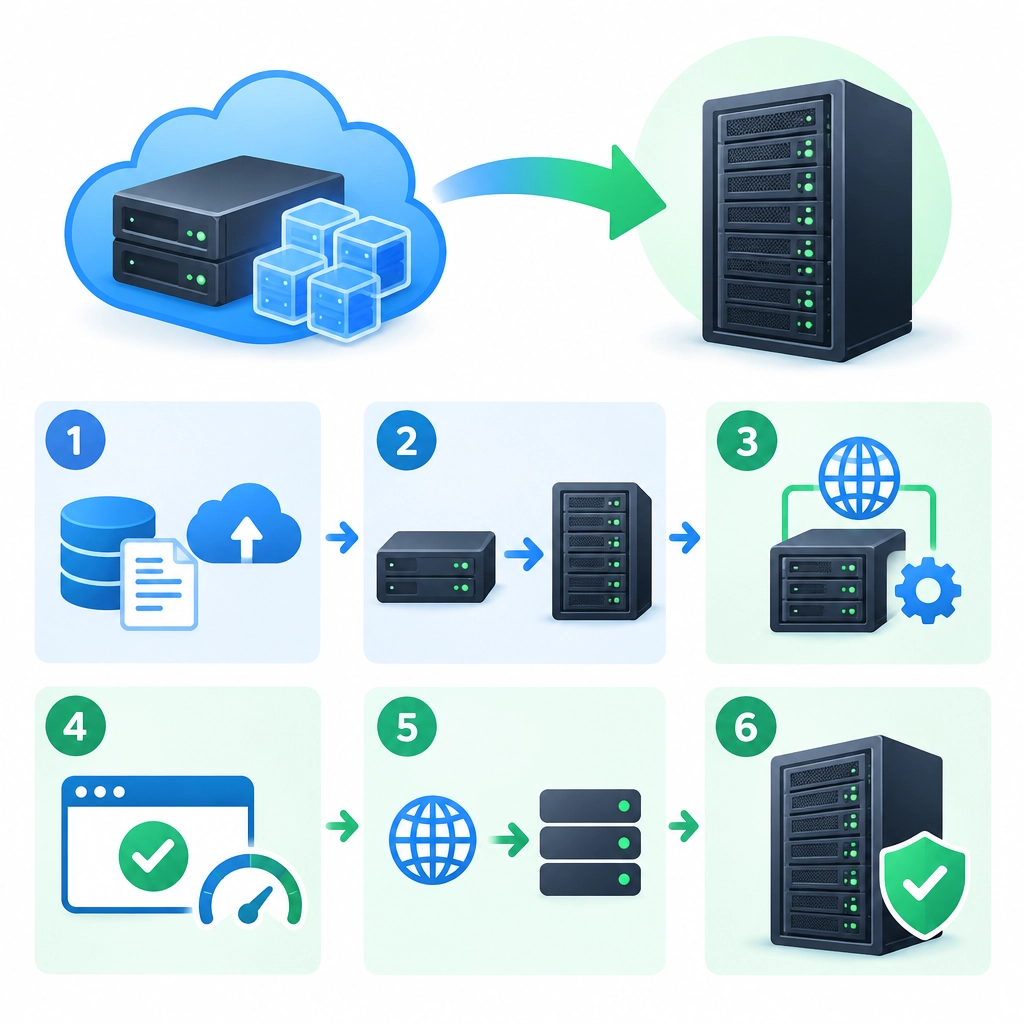
How to Migrate from VPS Hosting to a Dedicated Server
Moving from a virtual private server (VPS) to a dedicated server can be a major step for a growing website or application. A dedicated machine gives you exclusive access to its hardware, which can mean more predictable performance, greater control, and room to handle heavier workloads. But migration involves more than copying files. A careful plan helps keep downtime low and prevents small configuration differences from becoming big problems.
1. Confirm that a dedicated server is the right move
Before choosing a server, look at what’s prompting the change. Are you regularly running out of memory or CPU capacity? Is traffic growing, or do you need more control over security and server software? A dedicated server may address these needs, though it also brings more responsibility for maintenance, monitoring, and security.
Review your current VPS resource usage, including processor load, memory, storage, and network traffic. This gives you a practical baseline for choosing a server. Don’t size only for today: allow some room for growth, but avoid paying for capacity you’re unlikely to use.
2. Inventory your current environment
Make a detailed list of what runs on your VPS before making changes. Include:
- Operating system and version
- Web server, runtime, and database software
- Websites, applications, and background jobs
- Domains, DNS records, and SSL certificates
- Firewall rules, scheduled tasks, and monitoring tools
- Email services, file storage, and external integrations
Also document important settings, such as PHP versions, database configuration, environment variables, and file permissions. A setup that “just works” can be difficult to recreate if its details live only on the old server.
3. Prepare the dedicated server
Once you’ve selected your dedicated server, install an operating system that’s compatible with your applications. Update it, create administrator and application accounts, configure SSH access, and set up a firewall. Disable services you don’t need and use secure authentication practices.
Next, install the software your sites require. Try to match the VPS environment closely at first—especially versions of the operating system, database, and programming language. Upgrading everything during migration can introduce extra variables, so it’s usually safer to migrate first and modernize later.
If the server is managed by your hosting provider, check which tasks they handle. “Dedicated” describes the hardware, not necessarily the level of support.
4. Back up your data
Create fresh, verified backups of your files and databases before transferring anything. Keep a copy somewhere separate from both servers, such as secure object storage or another backup system. A backup is useful only if it can be restored, so test the restoration process when possible.
For busy sites, plan how you’ll handle changes made during migration. You might initially copy the bulk of the data, then perform a final database sync during a short maintenance window.
5. Transfer files and databases
Use a secure transfer method such as rsync over SSH for files. It can copy large directories efficiently and, on a repeat run, transfer only changes. Export databases using the appropriate database tools, then import them on the dedicated server.
After transferring, check file ownership and permissions. Paths, service names, and configuration files may differ between systems, so don’t assume that a direct copy will be enough. Update application settings to point to the new database or services, and confirm that background jobs and scheduled tasks are enabled.
6. Test before changing DNS
Test the new server while your domain still points to the VPS. You can often do this by editing your computer’s hosts file or using a staging domain. Check important pages and workflows, including logins, forms, uploads, checkout processes, APIs, and email delivery.
Review error logs and monitor resource usage during testing. Fix issues before the public switch, and keep the old VPS available as a fallback.
7. Move traffic and monitor
Lowering your DNS time-to-live (TTL) ahead of the move can help changes propagate more quickly, though DNS updates are not instant everywhere. Once testing is complete, update the relevant DNS records to point to the dedicated server.
For a busy site, consider temporarily pausing changes or using a final data sync around the cutover. Afterward, monitor uptime, response times, logs, and application behavior closely. Don’t cancel the VPS immediately: retain it until you’re confident the new server is stable and the latest data is present.
A successful migration is as much about preparation as hardware. By documenting your existing setup, testing the new environment, and keeping a rollback option, you can make the move with less stress—and start using your dedicated server with confidence.
Welcome to DediRock, your trusted partner in high-performance hosting solutions. At DediRock, we specialize in providing dedicated servers, VPS hosting, and cloud services tailored to meet the unique needs of businesses and individuals alike. Our mission is to deliver reliable, scalable, and secure hosting solutions that empower our clients to achieve their digital goals. With a commitment to exceptional customer support, cutting-edge technology, and robust infrastructure, DediRock stands out as a leader in the hosting industry. Join us and experience the difference that dedicated service and unwavering reliability can make for your online presence. Launch our website.