
Common Storage VPS Challenges and How to Solve Them
A storage VPS can be a practical home for backups, media libraries, archives, and shared files. It gives you more control than many cloud storage services, often at a lower cost per terabyte. But “lots of disk space” doesn’t automatically mean “easy and reliable.” Storage servers bring their own set of challenges, from slow transfers to silent data loss.
Here are some common problems—and straightforward ways to tackle them.
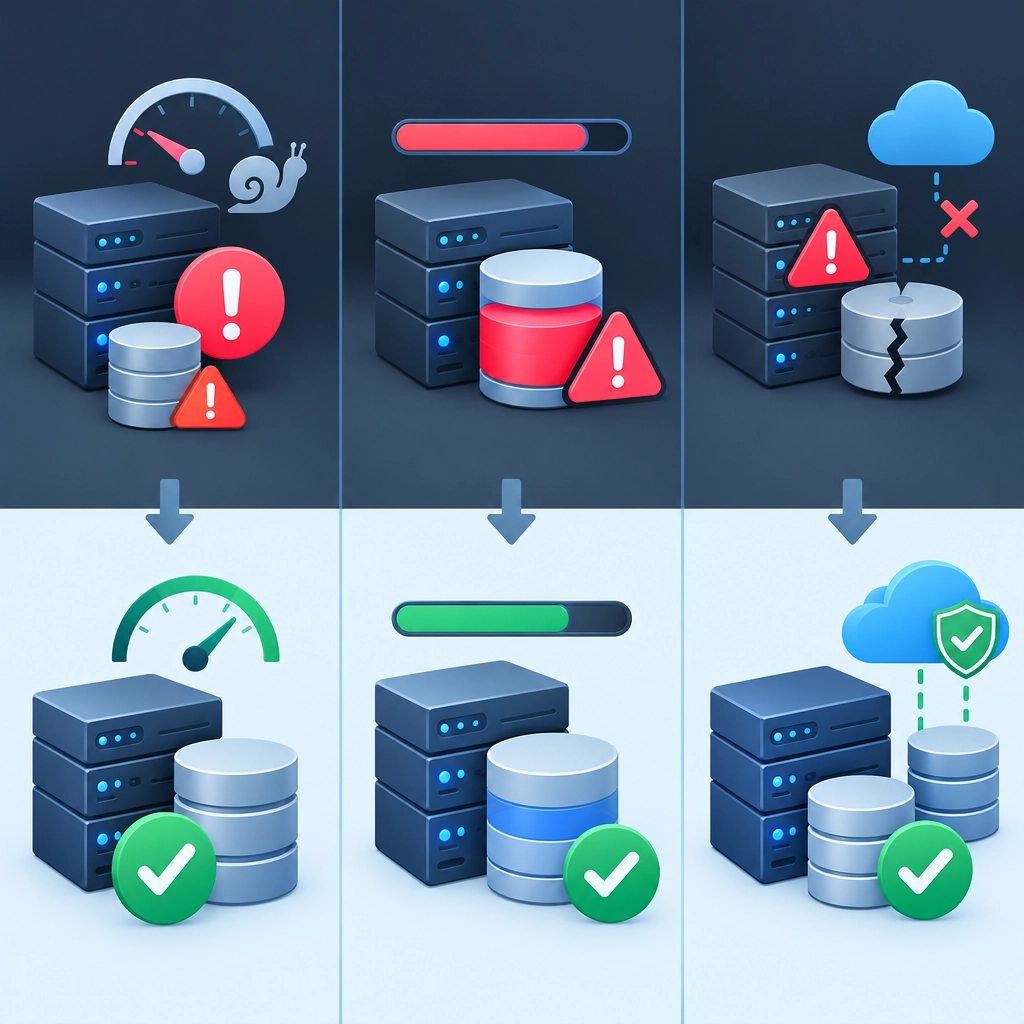
Slow upload and download speeds
A server may have plenty of disk space but still feel sluggish when moving files. The bottleneck could be your home internet connection, the VPS’s network capacity, disk performance, or the route between you and the server.
Start by measuring rather than guessing. Test network speed from both the VPS and your local machine, and check disk performance with a suitable benchmarking tool. If network speeds are poor at certain times or from specific locations, try another transfer method or compare routes from different networks.
For large transfers, tools such as rsync can resume interrupted jobs and avoid copying files that haven’t changed. If you’re transferring many small files, compressing them into an archive first may reduce overhead. Also check whether your provider places limits on sustained bandwidth or disk I/O; those limits can matter more than the advertised connection speed.
Running out of space unexpectedly
It’s easy to fill a storage VPS with backups, duplicate files, old logs, and temporary data. The warning signs can appear late—especially if nobody is checking usage.
Set up regular disk-space checks and alerts before the drive is nearly full. On Linux, commands such as df -h show overall filesystem usage, while du can help identify large directories. Keep an eye on inodes too: a disk can have free capacity but run out of room for new files if it contains an enormous number of small ones.
Create a simple retention policy. For example, keep daily backups for a week, weekly backups for a month, and monthly copies for longer. Review the policy periodically, and make sure temporary files and logs are rotated or removed. Automatic cleanup is useful, but test it carefully so it doesn’t delete data you still need.
Data loss and unreliable backups
A storage VPS is not automatically a backup. If it’s the only place a file exists, it’s a single point of failure. Hardware problems, account issues, accidental deletion, or ransomware could make the data unavailable.
Follow the 3-2-1 backup principle: keep three copies of important data, on two different types of storage, with one copy off-site. A VPS can be one of those copies, but it shouldn’t be the only one. Use automated backups and enable versioning or snapshots when available, so you can recover an earlier version after accidental changes.
Most importantly, test restores. A backup that has never been restored is only a promise. Periodically recover a few files—or a complete system—to confirm that the process works and that your credentials and instructions are up to date.
Security gaps
Storage servers often contain sensitive personal or business files, so weak access controls can turn a convenient setup into a serious risk. Default passwords, outdated software, and unnecessary open ports are common culprits.
Use SSH keys instead of password-based login where possible, disable root login, and keep the operating system and storage software updated. Give each user only the access they need. A firewall can limit incoming connections to the services you actually use, and encryption can protect data if a disk or backup is exposed.
Also consider how files are shared. Public links are convenient, but they can be forwarded or discovered. Use authentication, expiration dates, or access restrictions for sensitive files, and remove accounts or keys that are no longer needed.
Choosing the wrong storage setup
Not all storage VPS plans are designed for the same workload. A plan built for large, infrequently accessed archives may not perform well for a busy media server or a database. Disk type, I/O limits, network capacity, and backup options all affect the experience.
Before signing up, estimate how much space you need now and how quickly you expect to grow. Check the provider’s details on disk performance, bandwidth policies, data-center location, and support. If possible, begin with a small test workload before migrating everything.
A storage VPS works best when it’s treated as part of a system, not just a large virtual hard drive. Monitor it, secure it, plan for growth, and keep a separate recovery path. Those habits take little effort compared with the time and stress they can save when something goes wrong.
Welcome to DediRock, your trusted partner in high-performance hosting solutions. At DediRock, we specialize in providing dedicated servers, VPS hosting, and cloud services tailored to meet the unique needs of businesses and individuals alike. Our mission is to deliver reliable, scalable, and secure hosting solutions that empower our clients to achieve their digital goals. With a commitment to exceptional customer support, cutting-edge technology, and robust infrastructure, DediRock stands out as a leader in the hosting industry. Join us and experience the difference that dedicated service and unwavering reliability can make for your online presence. Launch our website.