
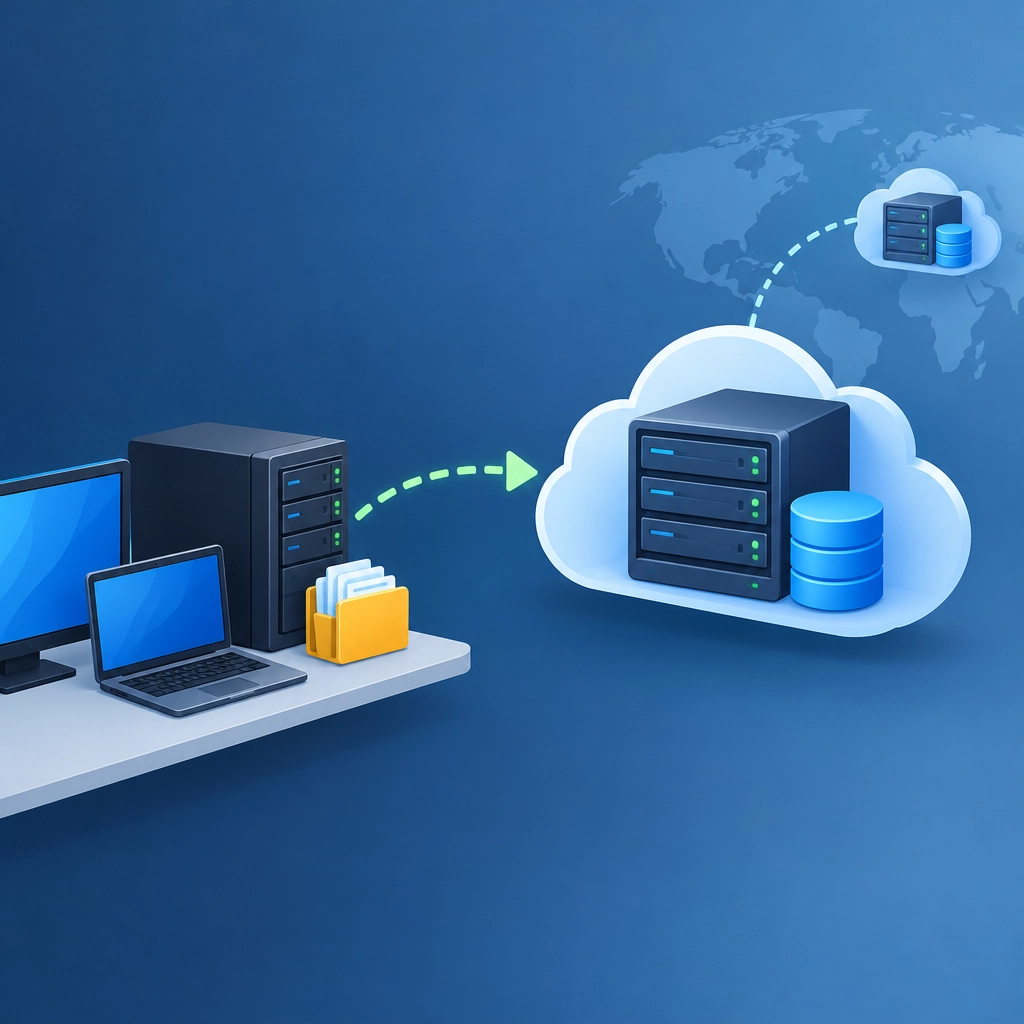
Using a Storage VPS for Off-Site Backups
A backup sitting next to the computer it protects isn’t much protection at all. A hardware failure, theft, fire, or ransomware attack can take out both your original files and your nearby copy. That’s why off-site backups matter: they put a separate copy of your data somewhere else, ready for the day you need it.
One practical option is a storage VPS—a virtual private server configured with plenty of disk space. It can give you more control than a typical cloud-storage service, while keeping your backups accessible over the internet.
What makes a storage VPS useful?
A storage VPS is essentially a remote computer with storage attached. You can connect to it using tools such as SSH, SFTP, rsync, or backup software that supports remote destinations.
That flexibility is a major benefit. You choose how data is organized, how often backups run, and which tools handle encryption and retention. You can back up a website, database, home server, or several computers to the same destination. For technically confident users, a VPS can also be more cost-effective than paying for a large commercial storage plan—though pricing, bandwidth limits, and support vary by provider.
There’s an important distinction, though: a VPS is not automatically a backup service. You’re responsible for setting it up correctly and checking that it works.
Start with the right provider
Before choosing a plan, estimate how much data you need to store now and how quickly it’s growing. Remember that keeping multiple backup versions requires extra room. A server with just enough space for one copy of your files may fill up sooner than expected.
Check the details that matter for your workload:
- Storage type and limits: Confirm the usable capacity, not just the advertised disk size.
- Network transfer limits: Some plans restrict monthly traffic or charge for extra usage.
- Reliability and support: Look for clear uptime information and a practical way to get help.
- Server location: For resilience, choose a data center in a different location from your primary systems.
- Security options: Make sure you can use encrypted connections and manage your own access keys.
A low price is less appealing if the service has restrictive transfer caps or makes recovery difficult. Consider how quickly you’d need to restore data, not only how cheaply you can store it.
Protect the backup before it leaves your network
Off-site storage improves resilience, but it also means sensitive files are traveling to a server you may not physically control. Use encryption in transit, such as SSH or TLS, and consider encrypting the backup itself before uploading it.
Client-side encryption is especially useful: it means your data is encrypted on your own system, before the VPS receives it. Keep encryption keys somewhere safe and separate from the server. If you lose the key, a backup can be perfectly intact and still impossible to use.
Use a dedicated account for backups rather than your main administrator login. Give it only the permissions it needs, protect access with SSH keys, and disable password login where practical. Those small steps reduce the damage a stolen password or compromised machine could cause.
Automate backups—and keep versions
A backup that depends on someone remembering to run it is easy to neglect. Set up a scheduled process using a tool such as rsync, Borg, Restic, or another backup program that supports your needs. Many tools can transfer only changed data, encrypt files, and retain multiple versions.
Versioning is essential. If a file is accidentally deleted—or encrypted by ransomware—you want to restore an earlier copy rather than overwrite it with the damaged one. Set a retention policy that balances recovery needs with available storage. For example, you might keep frequent short-term snapshots and fewer older versions.
Where possible, configure the backup server so that your everyday machine cannot freely delete every stored version. Restricted permissions, append-only settings, or separate credentials can help limit the impact of an attack.
Test the restore, not just the upload
A successful backup log is reassuring, but it doesn’t prove that you can recover what you need. Every so often, restore a few files to a temporary location. For important systems, test a fuller recovery process and note the steps, passwords, and keys required.
Also keep an eye on storage usage and backup errors. A routine that quietly stopped running months ago can create a false sense of security.
A storage VPS can be a flexible and affordable part of a strong backup plan, especially if you’re comfortable managing the setup. Treat it as one layer of protection, not a magic safety net: encrypt your data, automate versioned backups, separate access, and practice restoring files. The best backup is the one you can actually get back when you need it.
Welcome to DediRock, your trusted partner in high-performance hosting solutions. At DediRock, we specialize in providing dedicated servers, VPS hosting, and cloud services tailored to meet the unique needs of businesses and individuals alike. Our mission is to deliver reliable, scalable, and secure hosting solutions that empower our clients to achieve their digital goals. With a commitment to exceptional customer support, cutting-edge technology, and robust infrastructure, DediRock stands out as a leader in the hosting industry. Join us and experience the difference that dedicated service and unwavering reliability can make for your online presence. Launch our website.