
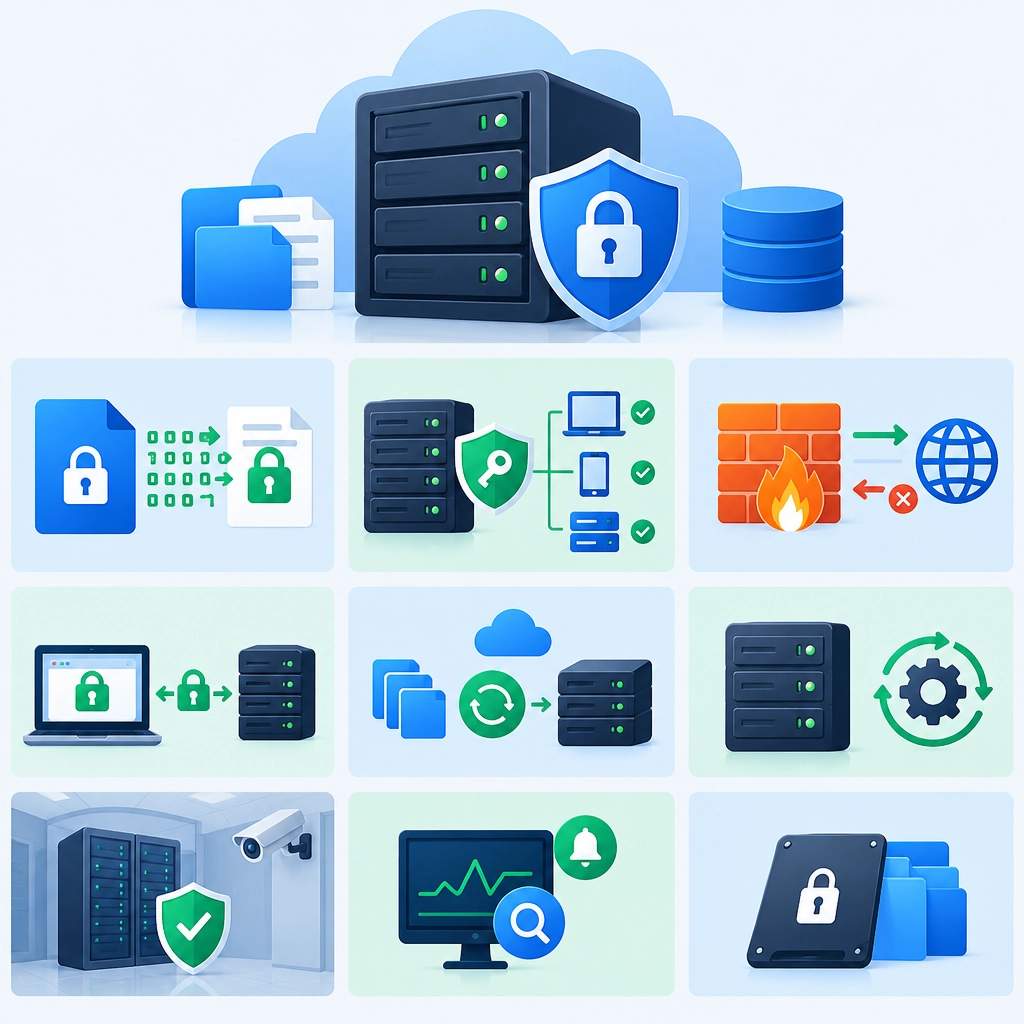
How to Secure Files on a Storage VPS
A storage VPS can be a convenient place to keep backups, project files, media, or shared documents. But putting files on a server doesn’t automatically make them safe. A misconfigured login, outdated software, or exposed service can turn a useful storage box into an easy target.
The good news: a few practical steps can significantly reduce the risk of unauthorized access, accidental loss, and data exposure.
Start with strong account security
Change any default passwords as soon as you receive the VPS. Use a long, unique password for each account, stored in a password manager. If your hosting provider offers multi-factor authentication for its control panel, enable it too. That protects the account used to manage the server, not just the files on it.
For Linux servers, SSH keys are generally safer than password-based SSH logins. Create a key pair on your own computer, add the public key to the VPS, and confirm that key-based access works before considering whether to disable SSH password authentication. Keep the private key secure, and never send it to anyone or upload it to the server.
If several people need access, give each person an individual account. Shared logins make it harder to tell who changed or deleted a file and create problems when someone no longer needs access.
Limit who can reach the server
Only expose the services you actually use. A storage VPS may need SSH, a file-sharing service, or a web interface—but it probably doesn’t need every port open to the internet. Use the provider’s firewall or a server firewall to allow required traffic and block the rest.
Where practical, restrict SSH access to trusted IP addresses, such as your home or office connection. If your IP changes often, consider a VPN rather than leaving remote access broadly available. Avoid relying on an unusual SSH port as your main security measure; it may reduce routine scanning, but it doesn’t replace authentication and firewall rules.
Keep software and permissions tidy
Install security updates regularly, including updates to the operating system and any software used to transfer or manage files. Enable automatic security updates if that suits your setup, and check periodically that they’re working.
File permissions matter too. Give users access only to the folders and files they need. On Linux, avoid making storage directories world-readable or world-writable unless there is a clear reason. Be especially careful with folders served through a web server: anything placed in a publicly accessible directory may be reachable by anyone who knows—or guesses—the URL.
Remove unused accounts, services, and applications. Less software running means fewer things to maintain and fewer potential entry points.
Encrypt sensitive data
Encryption can help protect files if a disk, snapshot, or backup is accessed by someone who shouldn’t see it. For sensitive documents, you might encrypt files before uploading them, using a reputable encryption tool. This keeps the decryption key under your control rather than relying only on the VPS configuration.
If you encrypt an entire disk or volume, understand how it will be unlocked after a reboot. Some VPS setups require manual intervention to restore access, which can be inconvenient during an outage. Whatever method you choose, store recovery keys securely and separately from the encrypted data.
Encryption does not prevent someone with access to an already-unlocked server from reading files. It works best alongside strong logins, careful permissions, and a hardened server.
Back up—and test your backups
A storage VPS is not a backup plan by itself. If files are deleted, corrupted, encrypted by malware, or lost during a provider issue, a second copy on the same server may not help.
Keep another copy in a separate location, such as an external drive or a different cloud provider. Consider using versioned backups, which let you recover older versions after accidental changes or ransomware. Protect backup accounts with unique credentials and multi-factor authentication, and avoid giving the VPS unrestricted access to every backup.
Test restoring a few files now and then. A backup that can’t be restored when needed is only a reassuring-looking folder.
Watch for warning signs
Review login and system logs occasionally, especially after setting up the server or changing access rules. Unexpected login attempts are common, but successful logins you don’t recognize deserve attention. Monitoring tools can also alert you to unusual resource use, failed services, or storage changes.
Security isn’t a one-time setup. As your files and users change, revisit who has access, which services are exposed, and where your backups live. With a few consistent habits—strong authentication, limited access, timely updates, encryption for sensitive data, and tested off-site backups—a storage VPS can be a much safer place for the files you depend on.
Welcome to DediRock, your trusted partner in high-performance hosting solutions. At DediRock, we specialize in providing dedicated servers, VPS hosting, and cloud services tailored to meet the unique needs of businesses and individuals alike. Our mission is to deliver reliable, scalable, and secure hosting solutions that empower our clients to achieve their digital goals. With a commitment to exceptional customer support, cutting-edge technology, and robust infrastructure, DediRock stands out as a leader in the hosting industry. Join us and experience the difference that dedicated service and unwavering reliability can make for your online presence. Launch our website.