
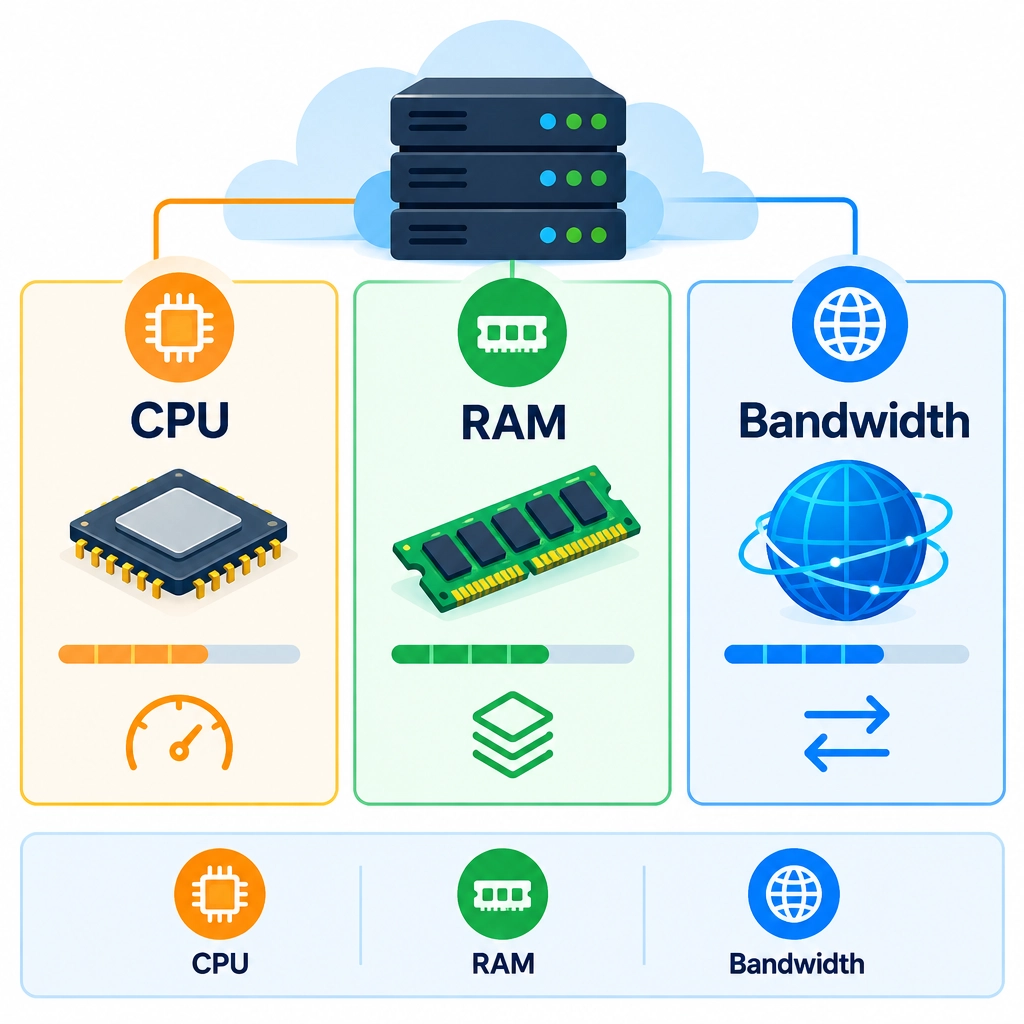
Understanding VPS Resources: CPU, RAM, and Bandwidth
Choosing a virtual private server (VPS) can feel like comparing boxes of mystery parts. One plan offers more CPU, another more RAM, and a third promises generous bandwidth. What do those numbers actually mean—and which ones matter for your website or app?
Think of a VPS as a rented computer that runs your projects online. Its CPU, RAM, and bandwidth each handle a different job. Knowing how they work makes it easier to choose a plan that fits without paying for resources you won’t use.
CPU: The server’s ability to get work done
The CPU, or central processing unit, handles instructions and calculations. It’s the part of the server that processes requests, runs application code, and works with databases.
VPS plans often describe CPU capacity in cores or vCPUs. A vCPU is a share of a physical processor assigned to your virtual server. More vCPUs can help when your workload needs to handle multiple tasks at once, such as serving many visitors, running background jobs, or processing data.
CPU matters especially for dynamic websites and applications. A simple, mostly static site may need very little processing power. An online store, game server, or busy API may need more.
If CPU usage stays high for long periods, your site can become slow even if it has plenty of RAM. But bigger isn’t always better: extra cores won’t necessarily speed up software that mainly performs one task at a time. Look at your workload, not just the biggest number in the pricing table.
RAM: Space for active work
RAM, or memory, is where the server keeps information it needs right now. Your operating system, web server, database, and applications all use it while they’re running.
When there’s enough RAM, programs can work smoothly without constantly fetching data from slower storage. When memory runs low, the server may rely on swap space—using disk storage as a backup. That can help prevent a crash, but it’s much slower than RAM, so performance may suffer.
The right amount depends on what you run. A small website might be comfortable with a modest amount of memory. A database, several applications, or multiple services running together can use considerably more. Keep in mind that the operating system also needs some RAM; the full advertised amount won’t be available to one application.
If your server feels sluggish, check memory usage before upgrading. A steadily full memory reading, frequent swapping, or processes being stopped for lack of memory are signs that more RAM may help.
Bandwidth: Moving data to and from visitors
Bandwidth describes how much data your server can transfer over a period of time. Providers may show it as a monthly transfer allowance—such as a certain number of gigabytes—or as a network speed, such as a port measured in megabits per second.
These are related but different. A transfer allowance limits the total amount of data you can send and receive in a billing period. Port speed affects how quickly data can move at a given moment. A fast port doesn’t automatically mean unlimited monthly transfer.
Bandwidth use depends on traffic and what your site delivers. A text-based site typically transfers little data per visit. Large images, downloads, video, software files, and frequent backups can add up quickly. For example, a site with thousands of visits may use less bandwidth than a smaller site offering large downloadable files.
Check how your provider measures bandwidth, what happens if you exceed the limit, and whether inbound traffic counts too. Content delivery networks (CDNs) can also reduce the amount of data your VPS sends directly by serving cached files from locations closer to visitors.
How to choose a balanced plan
CPU, RAM, and bandwidth work together, but they aren’t interchangeable. More bandwidth won’t fix a memory shortage, and extra RAM won’t solve a CPU bottleneck. Start by estimating what your project runs, how much traffic it gets, and whether it serves large files or performs heavy processing.
When possible, choose a plan with room to grow, then monitor actual usage. Many VPS dashboards and server tools show CPU load, memory consumption, and network transfer. These numbers help you upgrade based on evidence rather than guesswork.
A good VPS isn’t necessarily the one with the largest specifications. It’s the one whose resources match your workload—and leave enough headroom for busy days, new features, and the occasional unexpected spike.
Welcome to DediRock, your trusted partner in high-performance hosting solutions. At DediRock, we specialize in providing dedicated servers, VPS hosting, and cloud services tailored to meet the unique needs of businesses and individuals alike. Our mission is to deliver reliable, scalable, and secure hosting solutions that empower our clients to achieve their digital goals. With a commitment to exceptional customer support, cutting-edge technology, and robust infrastructure, DediRock stands out as a leader in the hosting industry. Join us and experience the difference that dedicated service and unwavering reliability can make for your online presence. Launch our website.