
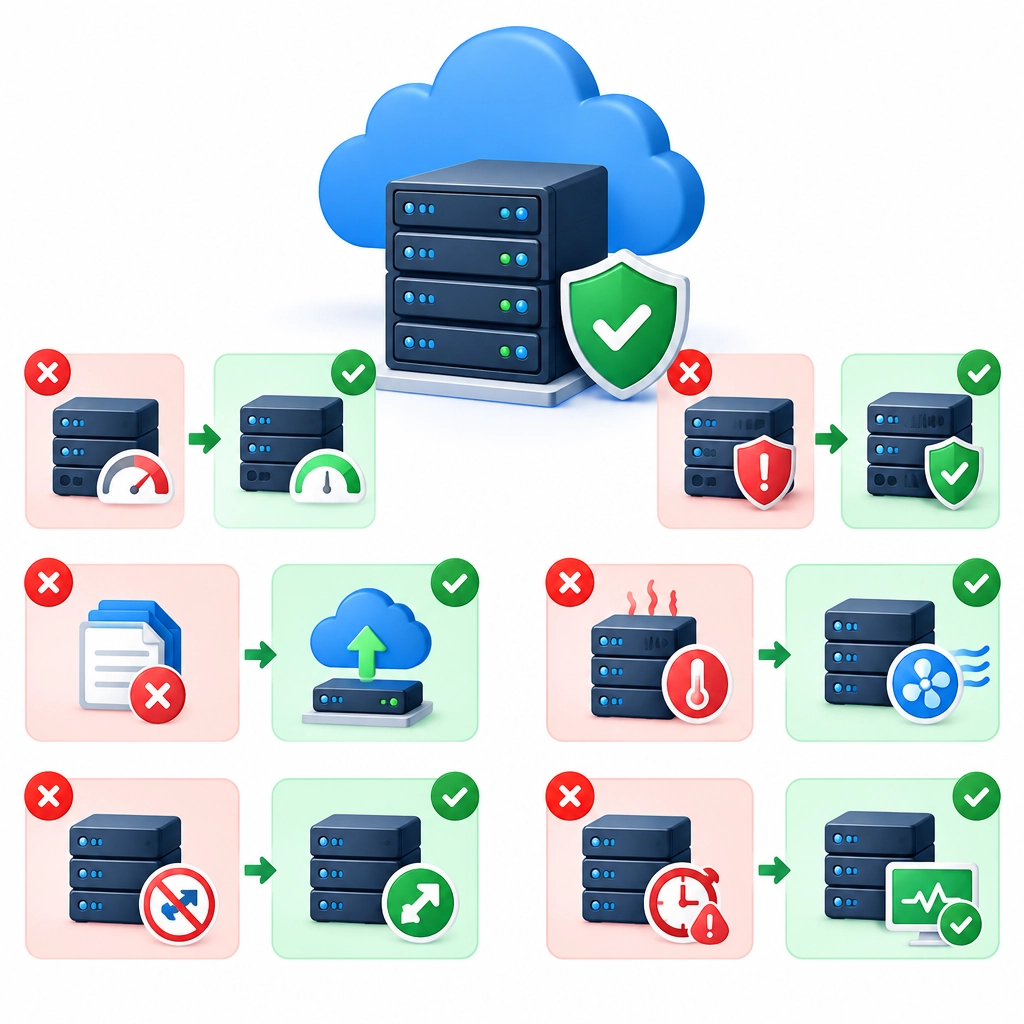
Common VPS Hosting Mistakes and How to Avoid Them
A virtual private server (VPS) gives you more control than shared hosting without the cost of a dedicated machine. That freedom is useful—but it also means you’re responsible for more of the setup, security, and upkeep. A few easy-to-miss choices can lead to slow performance, avoidable downtime, or security problems.
Here are some common VPS hosting mistakes and practical ways to avoid them.
Choosing a plan based on price alone
The cheapest VPS may look like a bargain, but it can become expensive if it lacks the resources your site needs. Too little memory or CPU power may cause slow page loads, failed updates, or crashes during traffic spikes. On the other hand, paying for a large server you don’t use is wasteful.
Estimate your needs based on your applications, expected traffic, and growth plans. Check whether the provider makes it easy to upgrade resources later. If you’re unsure, start with a modest plan, monitor performance, and scale when the data shows it’s necessary.
Treating the server like shared hosting
A VPS often gives you root access, but that doesn’t mean it’s ready to use straight out of the box. Leaving default settings in place or installing software without considering compatibility can create performance and security issues.
Start with a deliberate setup. Remove services you don’t need, keep software versions compatible, and use a control panel only if it genuinely helps you manage the server. A simpler system is usually easier to maintain and troubleshoot.
Ignoring security basics
One weak password or outdated package can put a VPS at risk. Common oversights include leaving remote root login enabled, using the default SSH port without additional safeguards, or forgetting to apply security patches.
Create a non-root administrator account, use strong passwords or SSH keys, and restrict access to necessary users and services. Set up a firewall, install security updates regularly, and enable multi-factor authentication where available. These steps won’t guarantee perfect security, but they significantly reduce common risks.
Skipping backups—or never testing them
Backups are easy to postpone until something goes wrong. But a server failure, accidental deletion, or compromised site can leave you without a reliable way to recover. A backup that exists but can’t be restored is little help.
Automate backups and store copies somewhere separate from the VPS, such as a different server or cloud storage account. Decide how often to back up based on how much recent data you can afford to lose. Most importantly, test restoration occasionally so you know the files are complete and the process works.
Overlooking updates
Outdated operating systems, applications, and plugins can expose vulnerabilities or cause compatibility problems. Updates can also include performance fixes and improvements.
Set a regular maintenance schedule and keep an eye on security notices for important software. Before major updates, take a backup and check whether the change could affect your applications. For critical sites, test updates in a staging environment before applying them to the live server.
Failing to monitor performance
Without monitoring, you may not notice a problem until visitors do. High memory use, a full disk, or a sudden jump in CPU load can slow down the server or take services offline.
Use basic monitoring tools to track CPU, memory, disk space, and network activity. Set alerts for unusual usage or low storage. If performance dips, investigate the cause rather than immediately upgrading: an inefficient script, runaway process, or misconfigured database may be the real issue.
Underestimating server management
A managed VPS can include help with maintenance, while an unmanaged VPS usually leaves more technical work to you. Choosing an unmanaged plan because it costs less—without the time or experience to maintain it—can be a frustrating trade-off.
Before signing up, check what the provider actually manages. If you’re comfortable handling updates, security, troubleshooting, and backups, an unmanaged VPS may suit you. If not, a managed plan or a trusted system administrator could save you time and reduce risk.
A VPS can be a reliable foundation for a website or application, but good results depend on more than the hardware. Choose resources carefully, secure the server, keep dependable backups, and pay attention to performance. With a little routine maintenance, you can make the most of the extra control without letting it become extra trouble.
Welcome to DediRock, your trusted partner in high-performance hosting solutions. At DediRock, we specialize in providing dedicated servers, VPS hosting, and cloud services tailored to meet the unique needs of businesses and individuals alike. Our mission is to deliver reliable, scalable, and secure hosting solutions that empower our clients to achieve their digital goals. With a commitment to exceptional customer support, cutting-edge technology, and robust infrastructure, DediRock stands out as a leader in the hosting industry. Join us and experience the difference that dedicated service and unwavering reliability can make for your online presence. Launch our website.