
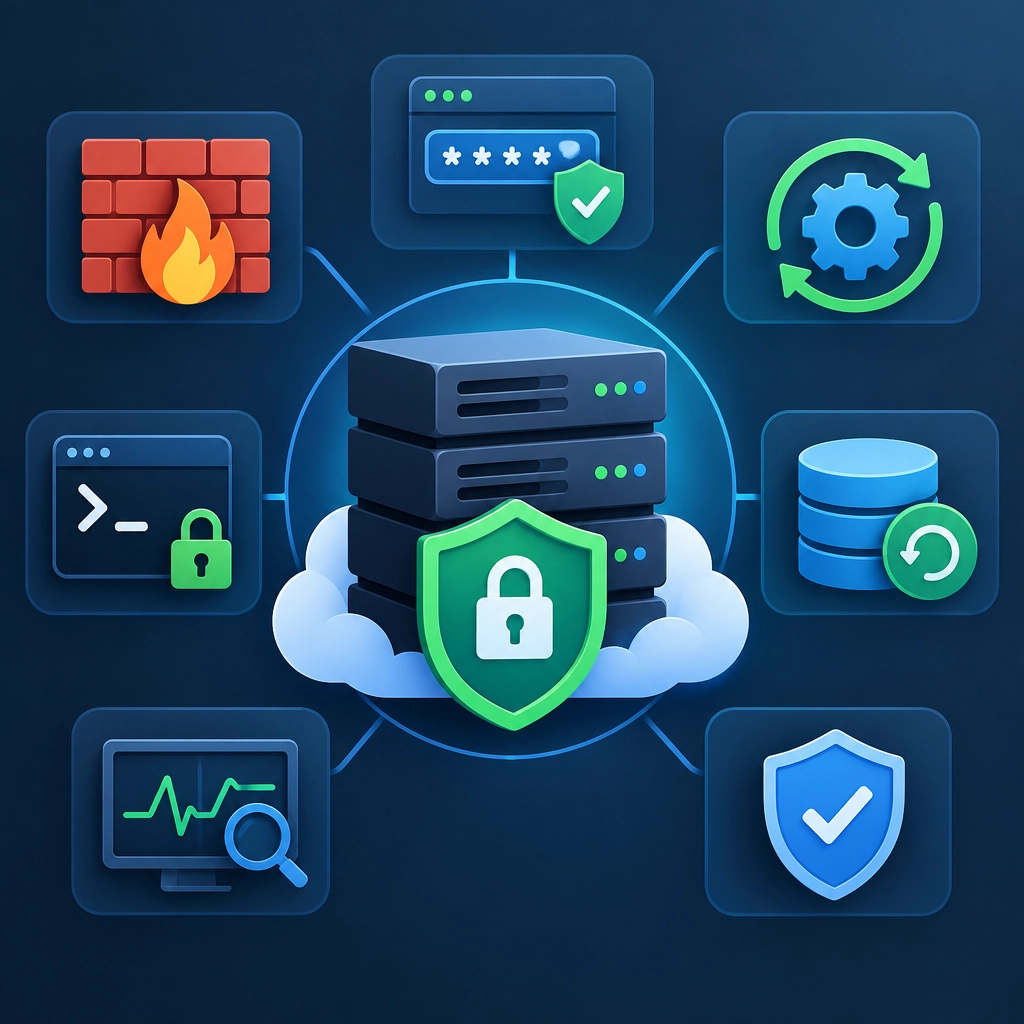
Essential VPS Security Practices for Beginners
A virtual private server gives you more control than shared hosting—but that control comes with responsibility. If you rent a VPS for a website, app, or personal project, you’re also responsible for keeping its operating system, accounts, and services secure.
The good news: you don’t need to be a security expert to make a big difference. Start with these practical habits, and build from there.
Keep the system updated
Outdated software can contain vulnerabilities attackers already know how to exploit. As soon as you set up your VPS, install available security updates. Then make updates part of your regular routine.
On many Linux distributions, package managers can check for and install updates. The exact commands vary, so follow the documentation for your operating system. Some systems can also install security updates automatically, which is useful if you might forget to check manually.
Updates may occasionally require a restart. Plan for this, especially if your server runs a production site or app, and keep a backup before major changes.
Use a non-root account
The root account can make any change on the server. That’s powerful, but it also means a mistake—or a stolen password—can do serious damage.
Create a regular user account for everyday administration, then grant it only the privileges it needs. On Linux, administrators often use sudo to run specific commands with elevated permissions. Keep root access available for recovery, but avoid logging in as root for routine work.
Secure SSH access
SSH is a common way to manage a VPS remotely, which makes it a frequent target for automated login attempts.
A strong first step is to use SSH keys instead of password-based login. A key pair lets your computer prove its identity without sending a reusable password over the connection. Protect the private key with a passphrase, and never share it.
Once you’ve confirmed key-based access works, consider disabling SSH password authentication and direct root login. Be careful: changing SSH settings incorrectly can lock you out. Keep your current session open, test a second login, and make sure you know how to reach your provider’s recovery console before applying changes.
Limit what can connect
A firewall controls which network traffic can reach your server. Allow only the ports your services actually need—for example, web traffic for a public website and SSH for administration. Close unused ports and disable services you don’t need.
Many VPS providers offer a firewall in their control panel, while your operating system may also have one. These controls can complement each other, but make sure you understand where rules are applied. Test your access after changing firewall settings so you don’t accidentally block SSH or your website.
Use strong, unique credentials
Every server-related account matters: your VPS provider, administrator accounts, databases, dashboards, and applications. Give each one a long, unique password. A password manager makes it easier to create and store them safely.
Turn on multi-factor authentication (MFA) for your hosting-provider account whenever it’s available. This is especially important because someone who controls that account may be able to reset passwords, change server settings, or access backups.
Back up your data
Security isn’t only about preventing attacks. Hardware failures, accidental deletions, broken updates, and ransomware can all take a server offline or destroy files.
Set up regular backups and store copies somewhere separate from the VPS. A backup kept only on the same server may disappear along with it. Just as importantly, test restoring a backup. A backup you’ve never tested is a promise, not a proven recovery plan.
Monitor activity and reduce risk
Check system logs and resource usage occasionally. Unexpected login attempts, unfamiliar processes, or sudden spikes in CPU and bandwidth can be early warning signs. Monitoring tools and alerts can help, but even a periodic manual check is better than ignoring the server entirely.
Also remove software and user accounts you no longer need. Every unused service or old account adds another place that could be misconfigured or abused. If you host a website, keep its software and plugins updated too—server security and application security go hand in hand.
Make security a habit
No single setting makes a VPS completely safe. Strong security comes from layers: timely updates, limited access, a sensible firewall, secure authentication, and reliable backups. Start with the basics, change one thing at a time, and verify that your services still work afterward.
A few steady habits can protect your VPS far better than a complicated setup you don’t understand.
Welcome to DediRock, your trusted partner in high-performance hosting solutions. At DediRock, we specialize in providing dedicated servers, VPS hosting, and cloud services tailored to meet the unique needs of businesses and individuals alike. Our mission is to deliver reliable, scalable, and secure hosting solutions that empower our clients to achieve their digital goals. With a commitment to exceptional customer support, cutting-edge technology, and robust infrastructure, DediRock stands out as a leader in the hosting industry. Join us and experience the difference that dedicated service and unwavering reliability can make for your online presence. Launch our website.