
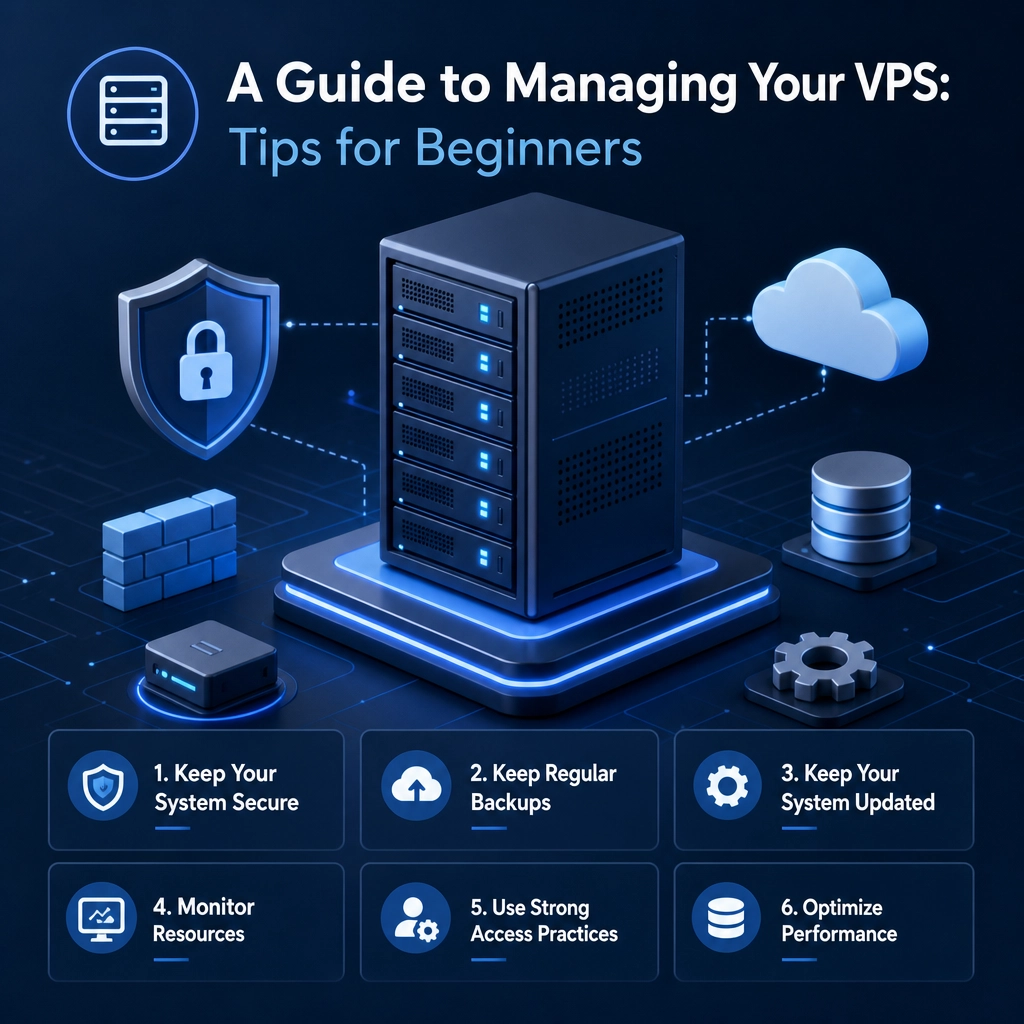
A Guide to Managing Your VPS: Tips for Beginners
So, you’ve taken the plunge and invested in a Virtual Private Server (VPS). Congratulations! You’ve unlocked a world of enhanced performance, customization, and control over your online projects. But as fantastic as a VPS can be, it can also feel a bit overwhelming, especially if you’re new to the concept. No need to worry, though. With this guide, we’ll walk through some essential tips to help you manage your VPS like a pro!
Understanding Your VPS
First off, let’s quickly clarify what a VPS is. A Virtual Private Server combines the affordability of shared hosting with the dedicated resources of a private server. Think of it as having your own slice of a powerful machine, complete with its operating system and allocated resources. This gives you more control than shared hosting, but without the hefty price tag of a full dedicated server.
Now that we have that covered, let’s dive into some helpful tips for managing your VPS effectively.
Start with SSH Access
Getting familiar with Secure Shell (SSH) is a must for anyone managing a VPS. SSH allows you to access your server securely and perform administrative tasks. Most VPS providers give you SSH access right from the start. To connect to your server, you’ll typically use a terminal application on your computer. If you’re using Windows, consider using an SSH client like PuTTY.
Once connected, you can install software, manage files, and tweak server settings. If you’re new to the command line, don’t fret! There are plenty of tutorials online to help you get comfortable with the basics.
Choose the Right Software
One of the most significant advantages of having a VPS is the ability to install software tailored to your needs. The software you choose may depend on what you plan to do with your server. For instance, if you’re hosting a website, you might want to install a web server like Apache or Nginx. For application hosting, consider using Node.js, Ruby on Rails, or Python frameworks, depending on your preference.
It’s essential to research and select a stack that fits your project. The more familiar you are with the software, the easier it will be to maintain!
Secure Your Server
Security should be one of your top priorities. The last thing you want is to become a victim of cyber attacks or security breaches. Here are a few quick tips:
- Change the default SSH port: By default, SSH runs on port 22. Changing it to something less common can help deter unauthorized access.
- Use strong passwords: This goes for all accounts connected to your VPS. Consider using a password manager to create and store secure passwords.
- Regularly update your software: Keeping software up-to-date is crucial as updates often contain security patches.
Implementing a basic firewall and engaging in regular security audits will also help keep your server safe.
Regular Backups
Imagine the worst happens, and your server goes down or gets hacked. Without backups, you could potentially lose everything. To avoid this nightmare, set up regular backups of your data. Many VPS providers offer backup solutions, or you can use external services like DigitalOcean Spaces or Amazon S3.
Make a habit of testing your backups to ensure they are easily restorable. It’s better to discover any issues when you’re calm than in the heat of a crisis!
Monitor Performance
Keeping an eye on your server’s performance is essential. Tools like Nagios or Munin can help you track metrics such as CPU load, memory usage, and disk space. Monitoring these metrics can help you identify potential bottlenecks before they become significant problems.
It’s also a good idea to log errors and analyze them periodically. By understanding what’s happening on your server, you can make adjustments that enhance your website’s speed and performance.
Learn Continuously
Running a VPS is a great opportunity to learn and grow. The digital landscape is constantly evolving, and staying informed about the latest best practices and technologies will serve you well. Engaging with online communities, watching tutorials, and reading blogs like this one can help you build confidence in your VPS management skills.
Taking the time to educate yourself will not only improve your current skill set but also empower you to tackle more complex projects in the future.
Final Thoughts
Managing a VPS is a journey filled with challenges and rewards. While there may be a learning curve at first, with time and effort, you’ll find that the control and capabilities you gain far outweigh the initial hurdles. Remember to take it one step at a time, don’t hesitate to tap into community resources, and enjoy the process of becoming more adept at server management. Happy hosting!
Welcome to DediRock, your trusted partner in high-performance hosting solutions. At DediRock, we specialize in providing dedicated servers, VPS hosting, and cloud services tailored to meet the unique needs of businesses and individuals alike. Our mission is to deliver reliable, scalable, and secure hosting solutions that empower our clients to achieve their digital goals. With a commitment to exceptional customer support, cutting-edge technology, and robust infrastructure, DediRock stands out as a leader in the hosting industry. Join us and experience the difference that dedicated service and unwavering reliability can make for your online presence. Launch our website.