
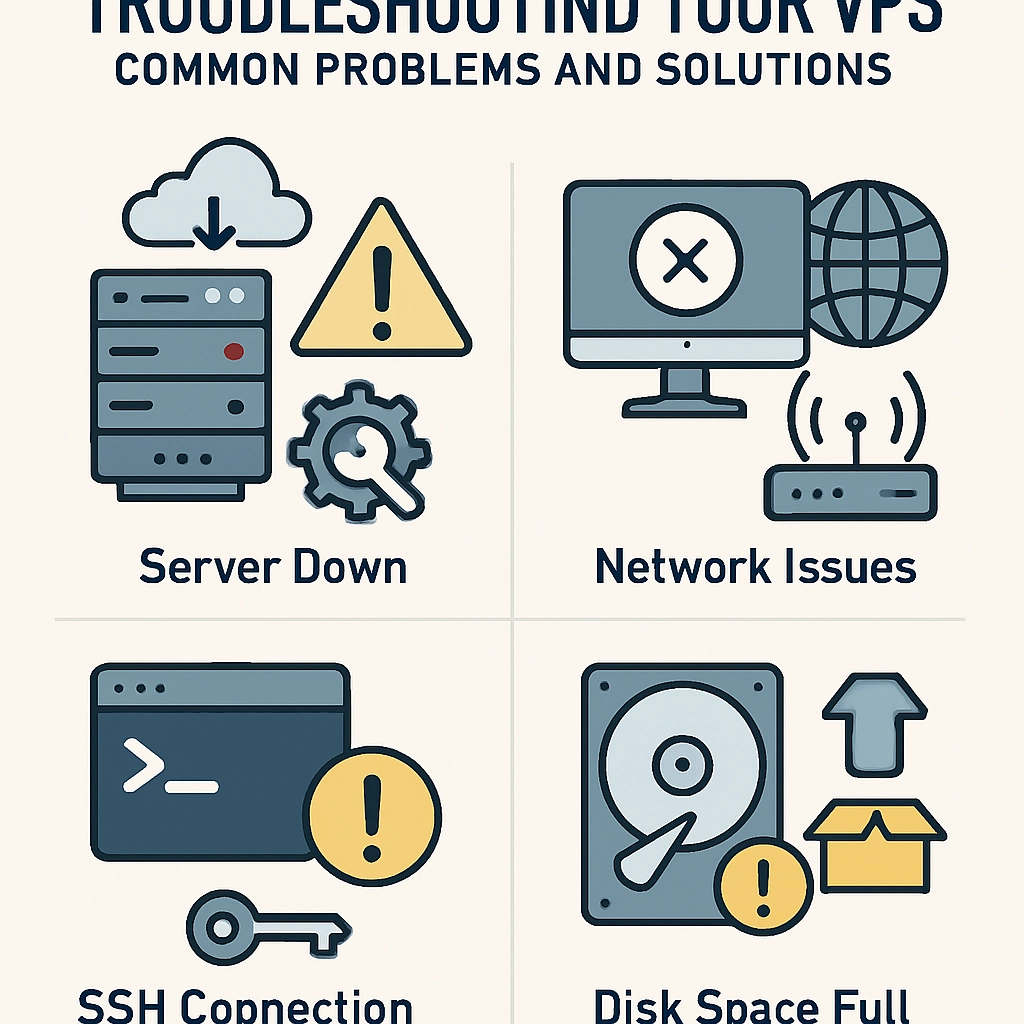
Troubleshooting Your VPS: Common Problems and Solutions
Virtual Private Servers (VPS) have become a popular choice for hosting websites, applications, and various services. They strike a perfect balance between shared hosting’s cost-effectiveness and the dedicated server’s power. However, as with any technology, issues can arise. Whether you’re an experienced developer or an entrepreneur just starting your journey, knowing how to troubleshoot some common problems with your VPS can save you time, stress, and money. Let’s dive into some typical issues you might encounter, along with effective solutions.
1. Slow Performance
Nothing frustrates users (and you!) like a slow server. If your VPS is lagging, there are a few things to check:
-
Resource Usage: Log into your VPS dashboard and check the CPU and RAM usage. If either is consistently running at high levels, you might need to upgrade your VPS plan to handle more traffic.
-
Background Processes: Sometimes, runaway processes or applications hog resources unnecessarily. Use tools like
toporhtopin Linux to identify these processes and terminate them if necessary. -
Disk Space: A full disk can also slow your server down. Use commands like
df -hto see your disk usage. If you’re running low, consider deleting unnecessary files or expanding your disk size.
2. Connectivity Issues
Experiencing downtime or intermittent connectivity? It can be frustrating, but there are a few steps you can take:
-
Ping Tests: Start with a simple ping test to determine if the server is online. From your local machine, open a terminal and type
ping your-VPS-IP. If you receive replies, it’s a good sign. If not, the server may be down or facing network issues. -
Check Firewall Settings: Sometimes, the firewall settings on your VPS can block incoming or outgoing connections. Ensure that your firewall isn’t inadvertently causing connectivity problems. Tools like
ufworiptablescan help manage these settings. -
Network Configuration: Review your network settings to ensure that they’re correctly configured. Check for any recent changes that might have affected the connection.
3. Security Breaches
Given the rise in cyber threats, keeping your VPS secure is essential. If you suspect your server has been compromised, follow these steps:
-
Check for Unusual Activity: Look at your logs (
/var/log/auth.logfor SSH access attempts, for instance) to spot suspicious login attempts or unfamiliar IPs. -
Implement Security Measures: Enable SSH keys for authentication instead of passwords, install a firewall, and consider using Fail2Ban to protect against brute-force attacks.
-
Update Regularly: Keeping your software up to date mitigates many vulnerabilities. Make a habit of applying updates to your OS and applications frequently.
4. Application Errors
If an application is misbehaving, it can stem from several issues.
-
Log Files: Check the application’s log files for errors. Most applications will offer logs in a specific directory; examining them often points to the problem directly.
-
Dependency Issues: Sometimes, applications require specific versions of libraries or dependencies. Ensure that your server has the appropriate versions installed.
-
Configuration Files: Validate that your application’s configuration files are correctly set up. An overlooked syntax error can prevent applications from running properly.
5. DNS Problems
Is your website not loading? It could be a DNS problem. Here’s how to address it:
-
Configuration Check: Verify your domain’s DNS settings. Make sure they point to the correct IP address of your VPS.
-
Propagation Delays: Remember that DNS changes can take time to propagate. If you recently changed your DNS settings, it might take up to 48 hours for changes to reflect globally.
-
Validation Tools: Use online DNS checking tools like DNS Checker to see if your domain resolves to the correct IP from different locations around the globe.
Wrapping It All Up
Navigating the ups and downs of managing a VPS can be challenging, but understanding the common pitfalls prepares you to tackle them head-on. By monitoring system resources, securing your applications, and checking configurations regularly, you can minimize downtime and optimize performance. Moreover, knowing how to troubleshoot these common issues not only empowers you but can also keep your projects running smoothly, allowing you to focus on what truly matters: growing your business and delivering value to your users. Remember, every problem has a solution; it’s all about staying calm and methodically working through your VPS challenges!
Welcome to DediRock, your trusted partner in high-performance hosting solutions. At DediRock, we specialize in providing dedicated servers, VPS hosting, and cloud services tailored to meet the unique needs of businesses and individuals alike. Our mission is to deliver reliable, scalable, and secure hosting solutions that empower our clients to achieve their digital goals. With a commitment to exceptional customer support, cutting-edge technology, and robust infrastructure, DediRock stands out as a leader in the hosting industry. Join us and experience the difference that dedicated service and unwavering reliability can make for your online presence. Launch our website.