
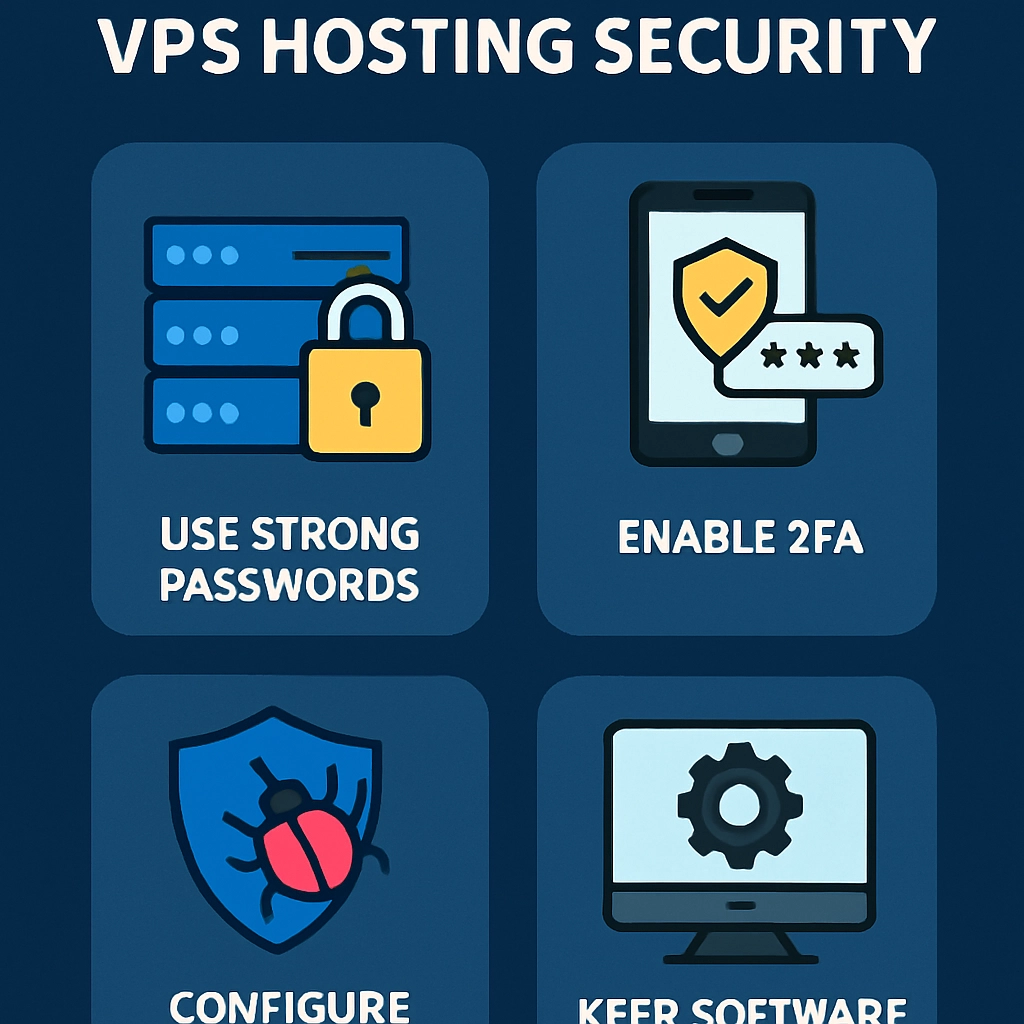
Expert Tips for Enhancing Your VPS Hosting Security
Virtual Private Servers (VPS) offer a fantastic alternative to shared hosting, providing dedicated resources and greater control over your environment. However, with this increased autonomy comes an important responsibility: maintaining security. While VPS hosting provides a layer of protection, it’s up to you to enhance that security. Here are some expert tips to help you lock down your VPS and keep your data safe from prying eyes.
1. Choose a Reputable Hosting Provider
Before you even get to the nitty-gritty of securing your VPS, it’s worth spending some time selecting a hosting provider. Look for one that prioritizes security features like DDoS protection, firewalls, and automated backups. A good provider should also offer 24/7 customer support, so you can get assistance when needed.
2. Keep Your Software Updated
This might sound repetitive, but it’s crucial: always keep your operating system and any installed software up to date. Software developers frequently release updates to patch vulnerabilities that could be exploited by attackers. Make it a habit to check for and apply updates regularly, or consider setting your system to update automatically if that’s an available option.
3. Implement Firewalls
Utilizing a firewall is one of the most effective ways to bolster your VPS security. A firewall acts as a barrier between your VPS and external networks, filtering out potentially harmful traffic. You can configure software firewalls like iptables or use a hardware firewall provided by your hosting service. Just remember to keep your firewall rules updated and enable logs to keep track of any suspicious activity.
4. Secure SSH Access
Secure Shell (SSH) is the most common protocol for accessing your VPS, but if it’s not configured properly, it can be a gateway for attackers. Here are some handy tips for securing your SSH access:
- Change the default port: By default, SSH uses port 22. Changing it to a higher, less common port can reduce the number of brute-force attacks.
- Use key-based authentication: Passwords can be cracked, but SSH keys are more secure. Generate an SSH key pair and use the private key to authenticate.
- Disable root login: Preventing direct root access will make it harder for attackers to gain control over your server. Create a separate user account with administrative privileges instead.
5. Regular Backups
Even the best security measures can fail, so having a robust backup strategy is essential. Regularly back up your data to a remote location. Ideally, these backups should be automated, ensuring you don’t forget. A good backup process will give you peace of mind knowing that your data can be restored quickly should anything go awry.
6. Use HTTPS and SSL Certificates
If you’re running a website on your VPS, ensure that you’re using HTTPS. This protocol encrypts the data sent between your server and your visitors, making it nearly impossible for attackers to eavesdrop or tamper with the information. Consider obtaining an SSL certificate, which is often available for free through services like Let’s Encrypt. Not only does this enhance security, but it also boosts your SEO rankings—win-win!
7. Monitor Your Server
Keeping an eye on your server’s activity is key to detecting unauthorized actions early. Use monitoring tools to log access attempts and file changes. Look out for unusual traffic patterns and consider setting up alerts for any suspicious activity, so you can take immediate action if needed.
8. Employ Intrusion Detection Systems (IDS)
An Intrusion Detection System can help identify potential threats by monitoring your system for abnormal behavior. Tools like Snort or OSSEC can alert you to suspicious activity, enabling fast reactions to any potential breaches.
9. Set Up User Permissions Wisely
Understand who needs access to your VPS and grant user permissions accordingly. Each user should have the minimum level of access necessary to perform their tasks. This "principle of least privilege" reduces the risk of accidental or malicious changes to your server.
10. Regular Security Audits
Finally, conducting regular security audits will help you identify any vulnerabilities and outdated configurations. Whether it’s reviewing user access levels or analyzing software and system settings, these checks are vital to staying ahead of potential threats.
With the right measures in place, your VPS can become a fortress of security. It’s a continuous journey, not a one-time task. By combining solid practices, awareness, and the right tools, you can significantly reduce the risks and provide a safer environment for your applications. Remember, in the realm of online hosting, being proactive is always better than being reactive. Let your security be your strength!
Welcome to DediRock, your trusted partner in high-performance hosting solutions. At DediRock, we specialize in providing dedicated servers, VPS hosting, and cloud services tailored to meet the unique needs of businesses and individuals alike. Our mission is to deliver reliable, scalable, and secure hosting solutions that empower our clients to achieve their digital goals. With a commitment to exceptional customer support, cutting-edge technology, and robust infrastructure, DediRock stands out as a leader in the hosting industry. Join us and experience the difference that dedicated service and unwavering reliability can make for your online presence. Launch our website.