
Best Practices for Securing Your VPS Hosting Account
In our increasingly digital world, making sure your virtual private server (VPS) is secure is more crucial than ever. Whether you run a personal website, an online shop, or a blog, a compromised VPS can lead to data loss, downtime, and reputational damage. Fortunately, there are several best practices you can implement to bolster the security of your VPS hosting account. Let’s dive in!
Choose a Reputable Hosting Provider
Your VPS security journey begins with selecting a trustworthy hosting provider. Research companies that prioritize security features, offer robust support, and have a strong track record. Look for options that provide automated backups, DDoS protection, and regular security updates. A good foundation is essential—you wouldn’t build a house on shaky ground, right?
Keep Your Software Up to Date
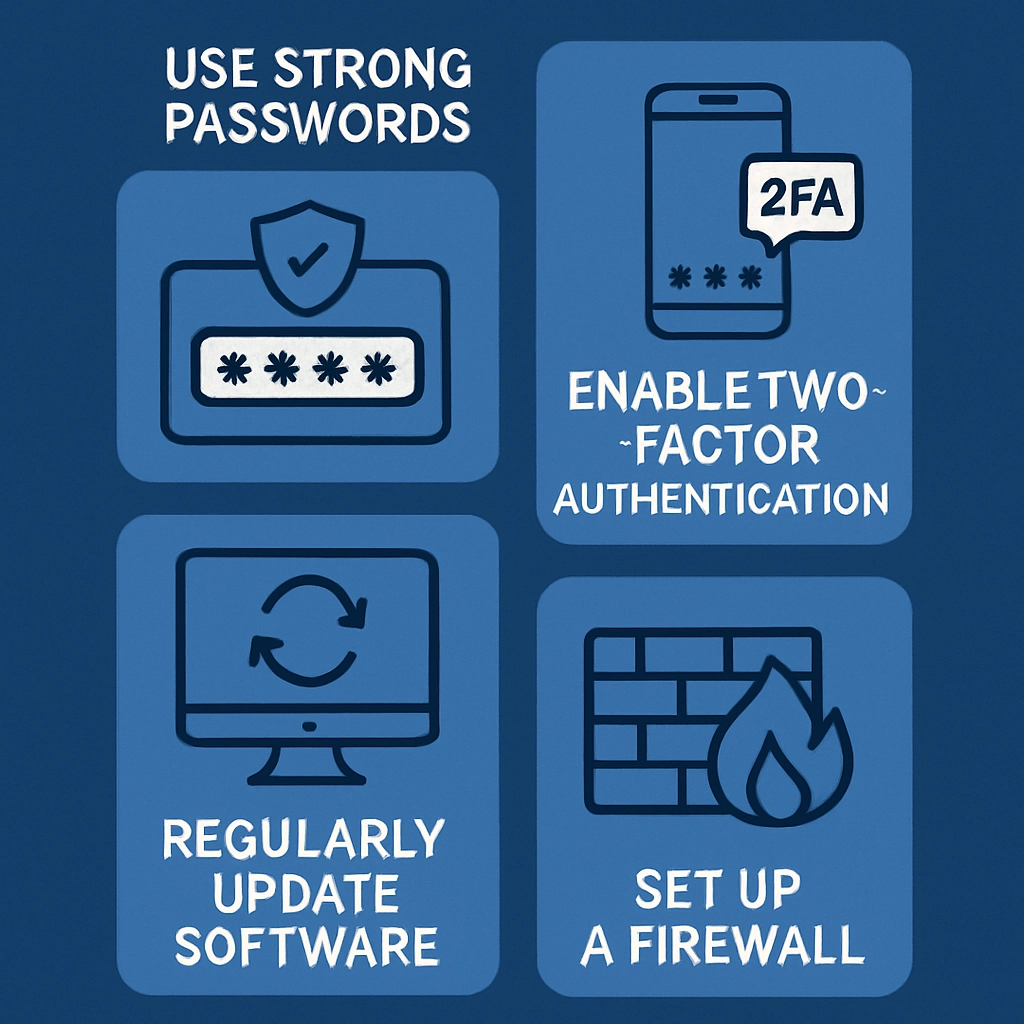
One of the primary vulnerabilities of any server, including VPS, comes from running outdated software. Regularly updating your operating system and applications is crucial to protect against the latest threats. Most providers will allow you to automate updates, making this process easier. Set reminders on your calendar to check for updates or enable automatic updates to ensure nothing slips through the cracks.
Use Strong Passwords and Two-Factor Authentication
When it comes to passwords, “123456” just won’t cut it. Create strong, unique passwords for your VPS account—ideally, a mix of upper and lower case letters, numbers, and special characters. Consider utilizing a password manager to help you maintain these passwords securely.
Adding an extra layer of security like two-factor authentication (2FA) can significantly reduce the risk of unauthorized access. This typically requires a code sent to your mobile device or generated by an authentication app when logging in. It’s a simple step that adds a fortress-like robustness to your account security.
Configure a Firewall
Think of a firewall as your first line of defense. Configure a firewall specifically for your VPS hosting to manage incoming and outgoing traffic responsibly. Many VPS setups come with a built-in firewall, but you can always enhance it with additional tools and configurations. Set rules that only allow traffic from trusted IP addresses and restrict access to non-essential ports.
Regular Backups are Your Safety Net
Even with the best security measures in place, something could go wrong—malware might sneak in, or you might accidentally delete a critical file. Regularly backing up your data can save you a world of trouble. Set up automated backups and ensure they are stored in a secure location separate from your VPS. This way, you can easily restore your site in case of a mishap.
Monitor Access and Activity
Keep an eye on who’s accessing your VPS and what actions they are taking. Many VPS hosting providers offer dashboards or tools that allow you to monitor user activity in real-time. Check for any unusual access attempts or unauthorized changes. Setting up alerts for suspicious activity can save a whole lot of hassle down the line. The sooner you catch a threat, the quicker you can address it.
Implement Security Protocols
If you’re running a web application or a database, it’s important to utilize security protocols like SSL certificates to encrypt data. These protocols not only help protect sensitive information but also increase the trustworthiness of your site in the eyes of your visitors. Many hosting providers offer free SSL certificates through services like Let’s Encrypt, making it easy to implement this security measure.
Disable Root Logins and Secure SSH
While accessible root privileges may seem convenient, they also provide a back door for malicious players. Instead, configure a separate user account for administrative tasks and disable root logins through SSH. Additionally, modify the default SSH port (usually 22) to a different port to make it more difficult for attackers to find your server.
Consider Additional Security Tools
There are several tools available that can add extra layers of security to your VPS. Intrusion detection systems (IDS), antivirus software, and security scanners can monitor your server for vulnerabilities and potential threats. Investing in these tools can be worthwhile, especially if your VPS holds sensitive data.
Educate Yourself and Stay Informed
Lastly, security isn’t a one-time task—it’s an ongoing process. Stay up-to-date with the latest security threats and trends in the hosting world. Following blogs, forums, or cybersecurity news will help you understand evolving threats. Being informed empowers you to make proactive decisions about your VPS security.
Implementing these best practices can significantly enhance the security of your VPS hosting account. While it may seem daunting at times, taking the time to secure your server will save you countless headaches in the future. Remember, a secure VPS not only ensures the safety of your data but also offers peace of mind for you and your visitors. Happy hosting!
Welcome to DediRock, your trusted partner in high-performance hosting solutions. At DediRock, we specialize in providing dedicated servers, VPS hosting, and cloud services tailored to meet the unique needs of businesses and individuals alike. Our mission is to deliver reliable, scalable, and secure hosting solutions that empower our clients to achieve their digital goals. With a commitment to exceptional customer support, cutting-edge technology, and robust infrastructure, DediRock stands out as a leader in the hosting industry. Join us and experience the difference that dedicated service and unwavering reliability can make for your online presence. Launch our website.