
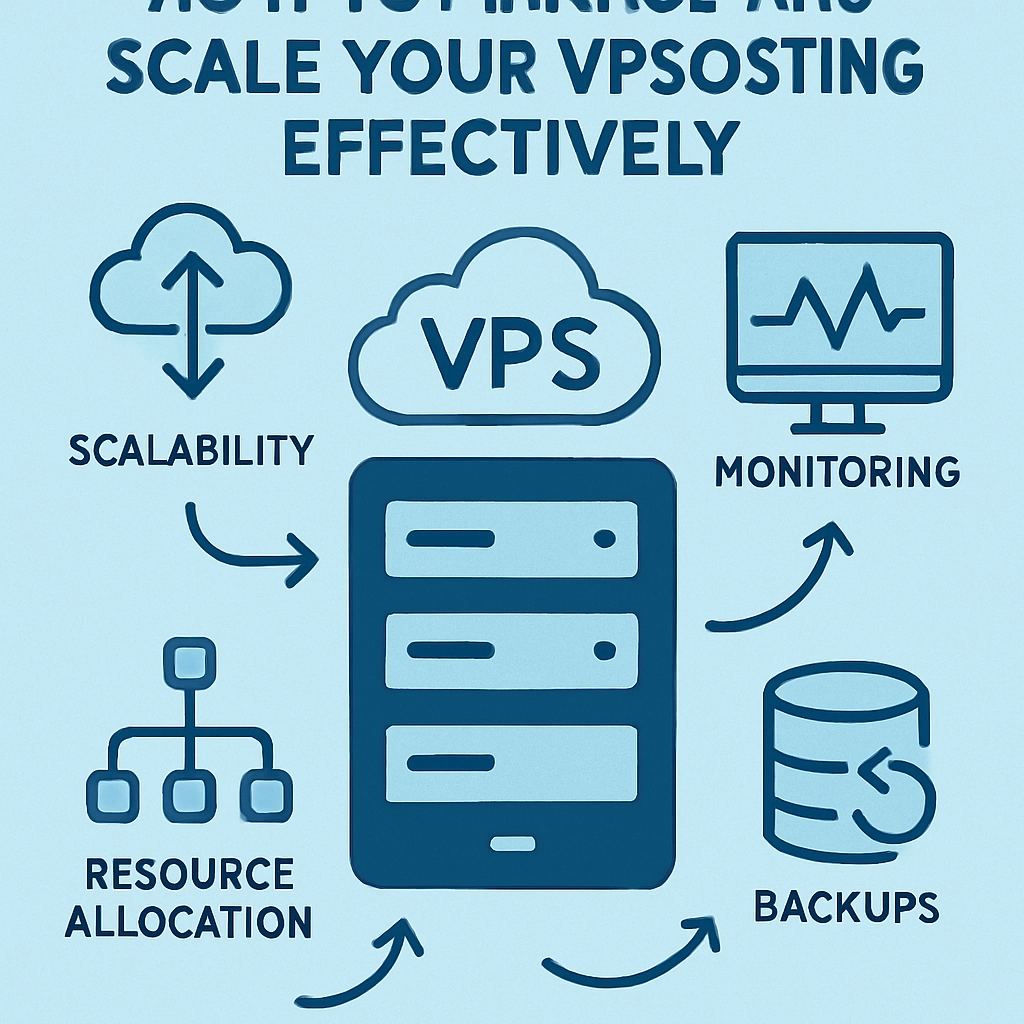
How to Manage and Scale Your VPS Hosting Effectively
In the ever-evolving landscape of online business, having a reliable hosting solution can make all the difference. Virtual Private Servers (VPS) are a popular choice because they offer a sweet spot between shared hosting and dedicated servers, providing greater control, performance, and security. But as your online presence grows, so do the demands on your VPS. Managing and scaling your VPS effectively is essential to keep things running smoothly without breaking the bank. Let’s dive into some practical tips to make the most out of your VPS hosting.
Understanding Your VPS Environment
Before jumping into management techniques, it’s crucial to understand what a VPS really is. Think of it as a dedicated mini-server that lives in the cloud. You have your operating system and can install software just like you would on a dedicated server, but you share the physical resources with other users. This setup gives you more flexibility compared to regular shared hosting.
Getting a good handle on your VPS setup is the first step. Familiarize yourself with the control panel provided by your hosting service. Common options include cPanel, Plesk, or a custom dashboard. Knowing where everything lives – from security settings to performance monitoring tools – will empower you to act quickly when issues pop up.
Regular Maintenance is Key
Just like a car needs regular check-ups, your VPS requires maintenance to run at optimal levels. Start with automated updates. Keeping your operating system and software up to date is crucial for security and performance. You can schedule regular updates for both your OS and applications, ensuring everything is running the latest version.
Also, consider implementing regular backups. There’s nothing worse than losing critical data due to a server failure or unexpected attack. Most VPS providers offer backup solutions, but you might want to look into additional options to add another layer of security. It’s better to be safe than sorry!
Monitor Performance Consistently
Monitoring your VPS is non-negotiable. Tools like New Relic or Nagios can help you track performance metrics such as CPU usage, memory load, and disk I/O. By keeping an eye on these metrics, you can anticipate potential bottlenecks before they become a significant issue.
If you notice specific spikes in usage, it may be time to assess your configuration or, even better, optimize the code if you’re running a website or application. Performance optimization could involve caching static content, minimizing server requests, or even refactoring code.
Scaling Your VPS When Needed
As your traffic starts to grow, you might hit a point where your current VPS just isn’t cutting it anymore. Fortunately, scaling up is typically seamless with VPS hosting. You can scale vertically by upgrading to a plan with higher resources (more CPU, RAM, or storage) or horizontally by moving to a more powerful server or even a cluster of servers if your needs grow significantly.
Most good VPS providers allow for on-the-fly resource adjustments. This flexibility means you can continue providing a smooth experience for your users without incurring costs for unnecessary resources. Just keep an eye on your analytics to make data-driven decisions about when to scale.
Utilize Virtualization for Flexibility
One powerful feature of VPS hosting is virtualization. If you have a variety of projects or websites, consider setting up different environments on your VPS. This way, you can segregate apps or services that require distinct configurations without impacting others. With tools like Docker, you can create lightweight containers, making it even easier to manage different applications.
Having diverse environments will help mitigate risks and can also streamline your development process. Any changes or updates can be tested in one environment without impacting the others.
Optimize Security Practices
Security isn’t just a checkbox; it’s integral to maintaining a healthy VPS. Implement firewalls, SSH keys for server access, and regular security audits on your applications to ensure everything is fortified against attacks. Also, educate your team about security best practices – a single oversight can compromise the entire system.
Regularly monitoring user access and permissions will also help ensure that only authorized individuals can make changes to vital settings or access sensitive data.
In Summary
Managing and scaling VPS hosting effectively may seem daunting at first, but with a bit of knowledge and proactive maintenance, it can be a smooth journey. By staying on top of your VPS’s performance metrics, performing regular updates and backups, and implementing solid security practices, you’ll create a reliable foundation for your online projects.
Remember, as your business evolves, so too will your hosting needs. Embrace the flexibility of VPS, and don’t be afraid to scale up or optimize as necessary. Ultimately, a well-managed VPS can empower your online presence, allowing for growth and success in the digital landscape.
Welcome to DediRock, your trusted partner in high-performance hosting solutions. At DediRock, we specialize in providing dedicated servers, VPS hosting, and cloud services tailored to meet the unique needs of businesses and individuals alike. Our mission is to deliver reliable, scalable, and secure hosting solutions that empower our clients to achieve their digital goals. With a commitment to exceptional customer support, cutting-edge technology, and robust infrastructure, DediRock stands out as a leader in the hosting industry. Join us and experience the difference that dedicated service and unwavering reliability can make for your online presence. Launch our website.