
How to Manage Resources Effectively on Shared vs VPS Hosting
When it comes to hosting your website, choosing the right plan can feel overwhelming, especially with two popular options: shared hosting and Virtual Private Server (VPS) hosting. Both offer distinct advantages and drawbacks, particularly regarding resource management. Understanding how to efficiently manage your resources can have a significant impact on your site’s performance, user experience, and overall success.
What Are Shared and VPS Hosting?
Before we dive into resource management, let’s clarify what shared and VPS hosting actually entail.
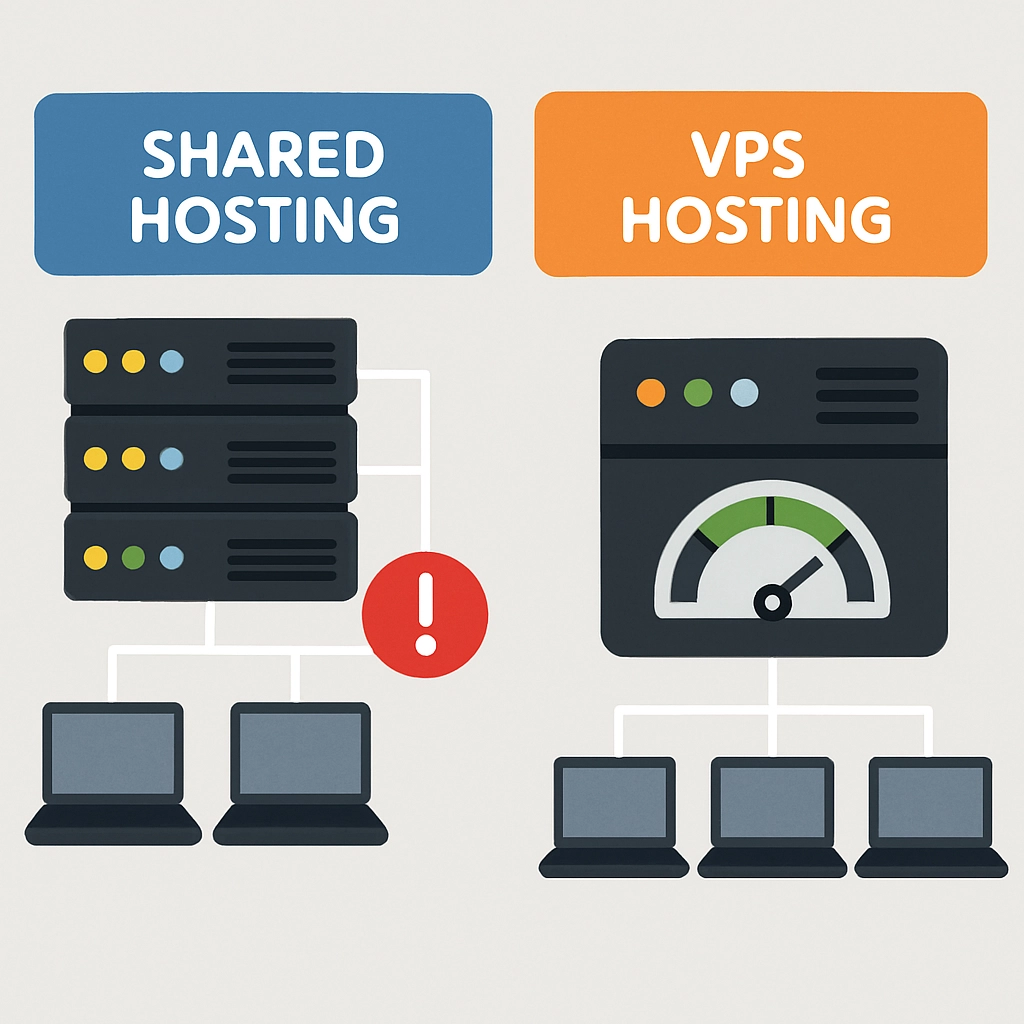
Shared Hosting is like living in a crowded apartment complex. Multiple websites share a single server, which means they also share the server’s resources—CPU, RAM, and storage. This can be a cost-effective option for small blogs and personal websites but comes at the cost of performance and control.
On the other hand, VPS Hosting is akin to leasing a condo in a larger building. You still share the server with other users, but you have your dedicated portion of the server’s resources. This means you’ll typically enjoy better performance, more control, and greater flexibility over how you manage your hosting environment.
Now, how do you make the most of your resources in each setup? Let’s dig in!
Resource Management on Shared Hosting
Managing resources effectively on shared hosting can be a bit tricky because you’re sharing with others, but there are some smart strategies you can employ:
-
Select the Right Plan: Most hosting companies offer various plans. Choose one that aligns with your actual traffic and resource needs. If you think your website may grow, a plan that allows easy upgrades can be a lifesaver later.
-
Optimize Website Content: Keep your files optimized for the web. Compress images, use appropriate file formats, and minimize large scripts. The lighter your website, the less server resources it will consume, making it faster for users.
-
Utilize Caching Plugins: If you’re using a content management system like WordPress, caching plugins can reduce resource usage by storing static versions of your site, rather than fetching dynamic content from the database every time a user visits.
-
Limit Plugins and Add-ons: Each plugin can use a portion of shared resources, so be judicious with what you install. Stick to necessary plugins and remove any unused ones.
-
Monitor Website Traffic: Regularly check your traffic to ensure you’re not exceeding your site’s limits. If you notice substantial growth, it might be time to consider upgrading plans.
-
Schedule Regular Backups: Regularly back up your website to a cloud service rather than storing excessive data on your shared server. This not only frees up space but also secures your data in case of server failure.
Resource Management on VPS Hosting
While VPS hosting provides more flexibility, it also requires more input when it comes to resource management:
-
Understand Your Allocated Resources: Familiarize yourself with your VPS’s resource allocation—CPU cores, RAM, and storage. Too many processes can lead to performance issues, so keep an eye on how much you are using.
-
Use Monitoring Tools: Employ server monitoring tools that can keep track of your resource usage. Knowing your peak times can help you manage load more effectively and prevent performance lags.
-
Implement a CDN: A Content Delivery Network reduces the load on your VPS by distributing content across multiple servers worldwide. This not only speeds up delivery but also helps balance the load, allowing your VPS to manage resources more efficiently.
-
Optimize Server Settings: Don’t shy away from adjusting server settings. Tweak configurations for your web server, database, and other applications to get the most from your resources.
-
Regular Maintenance: Clean up your server regularly, removing unused or outdated software and files. Keep everything running smoothly by ensuring that your operating system and all applications are updated.
-
Plan for Growth: Unlike shared hosting, a VPS allows for easier scaling. Keep scalability in mind if you anticipate increased traffic or larger data needs. Invest in a scalable solution so you can upgrade resources without downtime.
The Bottom Line
In the world of web hosting, managing resources effectively can make all the difference. Whether you opt for shared or VPS hosting, understanding your needs and employing strategic practices can optimize performance, enhance user experience, and potentially save you from unnecessary headaches down the road.
Ultimately, the right choice of hosting—and how you manage it—should align with the objectives of your website, whether that’s delivering a personal blog or running a bustling e-commerce store. With a little diligence and the right approach, you can navigate your hosting journey with confidence and success. Happy hosting!
Welcome to DediRock, your trusted partner in high-performance hosting solutions. At DediRock, we specialize in providing dedicated servers, VPS hosting, and cloud services tailored to meet the unique needs of businesses and individuals alike. Our mission is to deliver reliable, scalable, and secure hosting solutions that empower our clients to achieve their digital goals. With a commitment to exceptional customer support, cutting-edge technology, and robust infrastructure, DediRock stands out as a leader in the hosting industry. Join us and experience the difference that dedicated service and unwavering reliability can make for your online presence. Launch our website.