
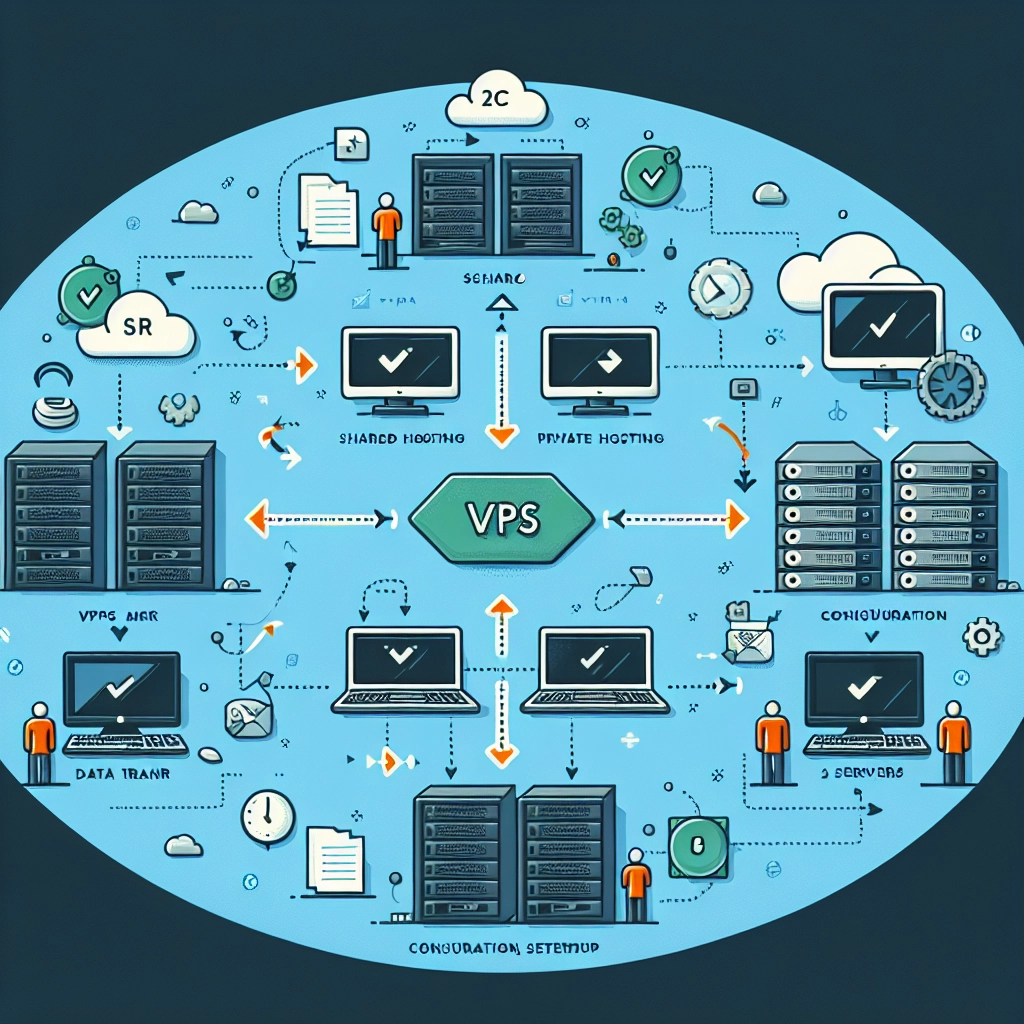
Migrating your website from shared hosting to a Virtual Private Server (VPS) hosting can feel a bit like upgrading from a cozy apartment to a spacious house. You get more control, better performance, and the ability to scale your business without the limitations often associated with shared environments. However, the transition can come with its own set of challenges. Fear not! In this guide, we’ll walk you through the key steps to make the migration as smooth as possible.
Why Upgrade to VPS Hosting?
Before diving into the migration process, let’s quickly touch on why you might want to make this leap. Shared hosting means your website shares server resources with other sites, which can lead to slower speeds and potential security risks. With VPS hosting, you have your own dedicated portion of a server, which translates to:
- Improved speed and performance
- Greater security and isolation from other websites
- The ability to install custom software and configurations
- Better support for high-traffic periods
These factors can significantly enhance your users’ experience and provide a more professional look for your business.
Preparing for the Migration
-
Choose the Right VPS Provider: Start by researching various VPS providers. Look for one that fits your budget and has a good reputation for uptime and customer support. Some popular options include DigitalOcean, Linode, and Vultr.
-
Backup Your Data: Before making any changes, create a complete backup of your website files and databases. This might involve downloading files via FTP and exporting databases using tools like phpMyAdmin.
-
Document Your Current Setup: Take note of your current server configurations, including software versions, domain settings, and any custom configurations. This might be useful for setting up your new VPS environment.
The Migration Process
With your preparations set, it’s time to start the migration. Here’s a step-by-step guide:
-
Set Up Your VPS: Once you’ve chosen a provider, set up your VPS. Generally, this involves selecting your OS (often Linux-based) and choosing your server specifications, such as RAM and storage.
-
Install Required Software: Depending on your website’s needs, you might need to install software such as Apache or Nginx (for web serving), MySQL or PostgreSQL (for databases), and PHP or Python (for web programming).
-
Transfer Your Files: You can use FTP for this, or a command-line tool like SCP or rsync for a more advanced option. Just upload your backed-up website files to the new server. If you prefer, you can use a control panel (like cPanel or Plesk) to manage your files easily.
-
Import Your Database: Use your database management tool to import your old database to the VPS. If you’ve exported your database in SQL format, this is as simple as running an import command.
-
Update Configuration Files: Adjust configuration files (like
wp-config.phpfor WordPress) to reflect any changes in your database connection, file paths, or server settings. You’ll want to ensure everything points correctly to your new VPS environment. -
Test Your Site: Before going live, test your website on the VPS to make sure everything is functioning correctly. Access it through a temporary URL or by modifying your local
hostsfile to point your domain to the new IP address.
Final Touches
-
Update Your DNS Records: Once everything looks good, it’s time to update your domain’s DNS settings to point to your new VPS. Keep in mind that DNS changes can take time to propagate, so be patient.
-
Monitor Performance: After the switch, closely monitor your website’s performance and traffic. Check server logs and analytics to troubleshoot any potential issues.
-
Secure Your Site: Don’t forget to implement security measures on your VPS. This includes setting up firewalls, using SSH keys for access, and regularly updating your software.
Wrapping it Up
Migrating from shared hosting to VPS hosting can seem daunting, but with careful planning and execution, it can be a smooth process that pays off with improved performance and control. By following the steps outlined here, you’re setting yourself up for success as you take this critical step forward in your online journey. Just remember, the goal is to create a better experience for your users while giving yourself the flexibility to grow. Happy hosting!
Welcome to DediRock, your trusted partner in high-performance hosting solutions. At DediRock, we specialize in providing dedicated servers, VPS hosting, and cloud services tailored to meet the unique needs of businesses and individuals alike. Our mission is to deliver reliable, scalable, and secure hosting solutions that empower our clients to achieve their digital goals. With a commitment to exceptional customer support, cutting-edge technology, and robust infrastructure, DediRock stands out as a leader in the hosting industry. Join us and experience the difference that dedicated service and unwavering reliability can make for your online presence. Launch our website.