
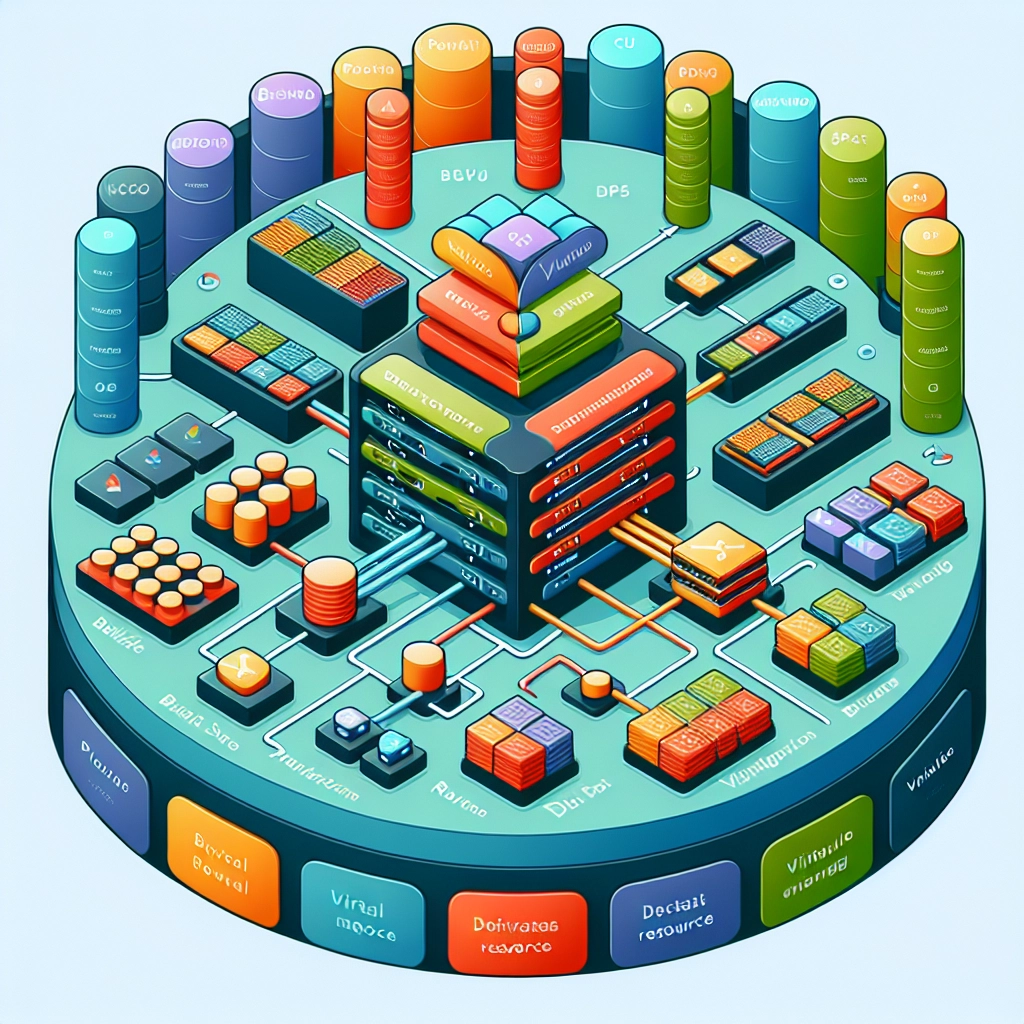
Understanding Resource Allocation in VPS Hosting
Virtual Private Server (VPS) hosting tends to be one of those technical terms that can sound more complicated than it actually is. For businesses and tech-savvy individuals alike, understanding VPS hosting can be a gateway to improved website performance, enhanced security, and better resource management. So, what’s the deal with resource allocation in VPS hosting? Let’s dive in!
What is VPS Hosting?
Before jumping into resource allocation, it’s vital to grasp what VPS hosting actually is. Essentially, a VPS is a virtualized server that mimics a dedicated server within a shared hosting environment. In simpler terms, think of a VPS like an apartment in a large building. You share the overall structure with others, but within your own apartment, you have private access to your space and the freedom to customize it as you wish. This gives you the benefits of a dedicated server—like increased control and reliability—without the hefty price tag.
Resource Allocation: The Nitty-Gritty
Resource allocation in VPS hosting refers to how resources like CPU, RAM, disk space, and bandwidth are divided among the different VPS instances on the physical server. When you opt for a VPS, you’re essentially securing a designated slice of the server’s total resources just for you.
CPU (Central Processing Unit)
Think of the CPU as the brain of your server. It’s responsible for processing instructions and running your applications. The allocation of CPU resources means you have a specific amount at your disposal. If you’re running a website that requires heavy computation, like a gaming server or a data analysis platform, you’ll want to opt for a plan that grants you more CPU power.
RAM (Random Access Memory)
RAM is like the server’s short-term memory. The more RAM you have, the more data your server can process simultaneously. This is particularly crucial for websites or applications that process a high volume of requests or require running numerous scripts. If you’ve ever been frustrated with a slow-loading website, it could very well be that the hosting plan lacked sufficient RAM. Upgrading your VPS plan to include more RAM can help keep things running smoothly.
Disk Space
This one’s straightforward—disk space is how much data you can store on your server. This includes your website files, databases, and emails. Different VPS plans come with various allocations of SSD or HDD storage. If your website has a lot of media files, like videos or images, then ensuring you have ample disk space is crucial.
Bandwidth
Bandwidth refers to the amount of data that can be transferred between your server and the outside world over a specific period. Think of it as the size of a freeway lane: more lanes mean more cars (or data) can travel simultaneously. Sufficient bandwidth is essential for websites with high traffic. If your monthly allocation runs out, visitors may experience slow speeds or even downtime, which is never good for business.
Importance of Understanding Resource Allocation
With all these resources in play, you can probably see why understanding them is vital. Resource allocation impacts your website’s performance, security, and scalability. It also affects how much you’ll end up paying monthly for your hosting services.
Choosing the right VPS plan that aligns with your resource needs is akin to picking the right vehicle for a road trip. Sure, you could drive a tiny sedan for a solo adventure, but what if you’re packing for a family vacation? A larger vehicle not only fits your family but also provides comfort and flexibility for the journey. Similarly, picking the right VPS with the right resource allocation can save you from potential website hiccups later down the line.
Scaling Resources as Your Needs Grow
One of the best aspects of using VPS hosting is the ability to scale. If your traffic increases unexpectedly or your app demands more resources, upgrading your VPS plan can usually be done without significant downtime. Many providers offer a seamless upgrade process, so you can keep your site up and running while expanding your resource allocation.
The Bottom Line
In the world of web hosting, resource allocation matters—whether you’re running a personal blog or a business ecommerce platform. A solid understanding of CPU, RAM, disk space, and bandwidth can empower you to make informed decisions about your hosting needs. As your website grows, being aware of these resources will not only help you maintain high performance but will also set you up for scaling successfully without a hitch. Ultimately, it’s all about finding that balance between performance and cost, so you can enjoy a seamless hosting experience as you navigate the digital landscape.
Welcome to DediRock, your trusted partner in high-performance hosting solutions. At DediRock, we specialize in providing dedicated servers, VPS hosting, and cloud services tailored to meet the unique needs of businesses and individuals alike. Our mission is to deliver reliable, scalable, and secure hosting solutions that empower our clients to achieve their digital goals. With a commitment to exceptional customer support, cutting-edge technology, and robust infrastructure, DediRock stands out as a leader in the hosting industry. Join us and experience the difference that dedicated service and unwavering reliability can make for your online presence. Launch our website.