
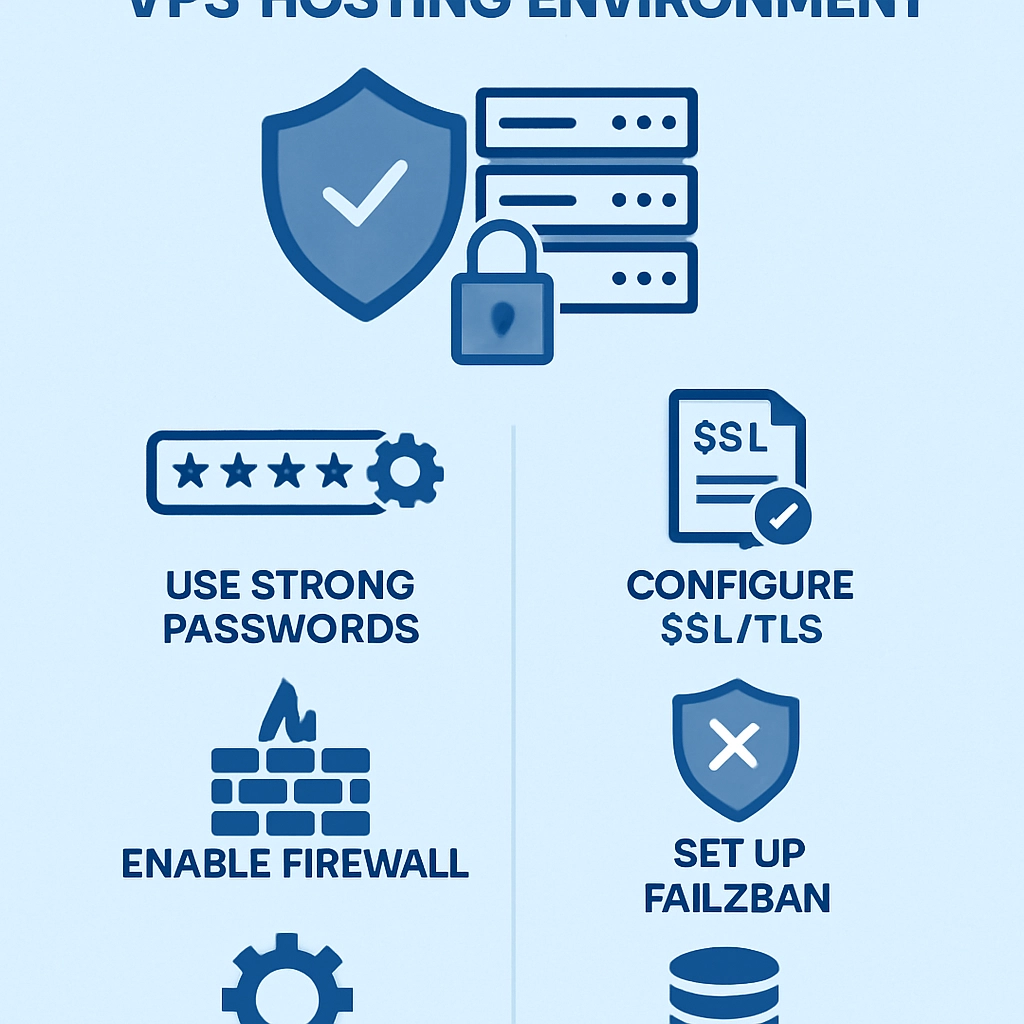
How to Secure Your VPS Hosting Environment
So, you’ve invested in a Virtual Private Server (VPS) to host your website or application. That’s a great choice for enhanced performance and control! However, with great power comes great responsibility—especially when it comes to security. The internet can be a surprisingly dangerous place, and without the right precautions, your VPS could become vulnerable to attacks. Don’t worry, though! In this blog post, we’ll explore practical ways to secure your VPS hosting environment so you can focus on what really matters—growing your online presence or business.
1. Choose a Strong Operating System
The foundation of your VPS security starts with the operating system (OS). Some OS are more secure than others, so it’s vital to start with a robust and well-supported option. Popular choices such as Ubuntu, CentOS, and Debian can be configured for higher security.
Once you’ve made your OS choice, ensure you’re using a version that actively receives updates and security patches. Regular updates can significantly reduce the risk of vulnerabilities being exploited.
2. Keep Your Software Up to Date
Speaking of updates, it’s not just your OS that needs attention! Any software running on your VPS—including web servers, databases, and applications—should be kept up to date. Developers frequently release patches to correct security vulnerabilities, so enabling automatic updates (or regularly checking for updates) can save you from potential threats.
3. Use Firewalls
Think of a firewall as your VPS’s first line of defense. Firewalls can be software-based, installed directly on your server (like UFW for Ubuntu), or hardware-based solutions if you’re using a cloud provider. A properly configured firewall will filter incoming and outgoing traffic, ensuring that only authorized users and applications can access your VPS.
Don’t forget to customize firewall rules to fit the specific needs of your applications, blocking any unnecessary ports and restricting access to only the IPs or networks that require it.
4. Implement SSH Key Authentication
Using SSH (Secure Socket Shell) is a common way to access your VPS securely. However, while the traditional username and password approach can be convenient, it’s also much more susceptible to brute-force attacks. Instead, consider implementing SSH key authentication.
This method uses a public/private key pair for authentication, making it almost impossible for unauthorized users to access your server. Simply generate an SSH key on your local machine, add the public key to your VPS, and disable password-based authentication. Voilà! You’ve boosted your security tenfold.
5. Disable Root Login
It’s tempting to access your VPS directly as the root user, but this is like giving out your house key to everyone. Instead, create a non-root user with sudo privileges. This way, you can perform administrative tasks without logging in as root, which reduces the potential damage if your account is compromised.
Remember, if you must use the root account, consider allowing access only from specific IP addresses and monitoring its use closely.
6. Use Fail2Ban
Even with strong authentication methods in place, attackers may attempt to hack your server. That’s where tools like Fail2Ban come in. This open-source software scans log files for excessive failed login attempts and automatically bans IP addresses that show suspicious activity. It’s a fantastic way to protect against brute-force attacks without constant manual monitoring.
7. Back Up Regularly
Regardless of how well you secure your VPS, accidents can happen. Always have a backup strategy in place. Make sure to regularly back up your data and server configurations. Using tools like rsync or built-in backup options from your VPS provider makes this easier. Store these backups in a separate location to ensure that they’re retrievable in case of a security breach or hardware failure.
8. Monitor Your Server
An often-overlooked aspect of security is keeping an eye on your VPS’s performance and activity. Use monitoring tools to track CPU, memory usage, disk space, and suspicious connections. Logs can provide crucial insights into what’s happening on your server, so don’t just set them and forget them—review them regularly!
Final Thoughts
Securing your VPS hosting environment doesn’t have to be a daunting task. By implementing these best practices, you can create a robust shield against potential threats without pulling your hair out. Think of your VPS as a digital home; just like you wouldn’t leave your front door wide open, take the time to lock it down and ensure it’s as secure as possible. With the right precautions in place, you can enjoy peace of mind while focusing on the exciting projects that lie ahead. Happy hosting!
Welcome to DediRock, your trusted partner in high-performance hosting solutions. At DediRock, we specialize in providing dedicated servers, VPS hosting, and cloud services tailored to meet the unique needs of businesses and individuals alike. Our mission is to deliver reliable, scalable, and secure hosting solutions that empower our clients to achieve their digital goals. With a commitment to exceptional customer support, cutting-edge technology, and robust infrastructure, DediRock stands out as a leader in the hosting industry. Join us and experience the difference that dedicated service and unwavering reliability can make for your online presence. Launch our website.