
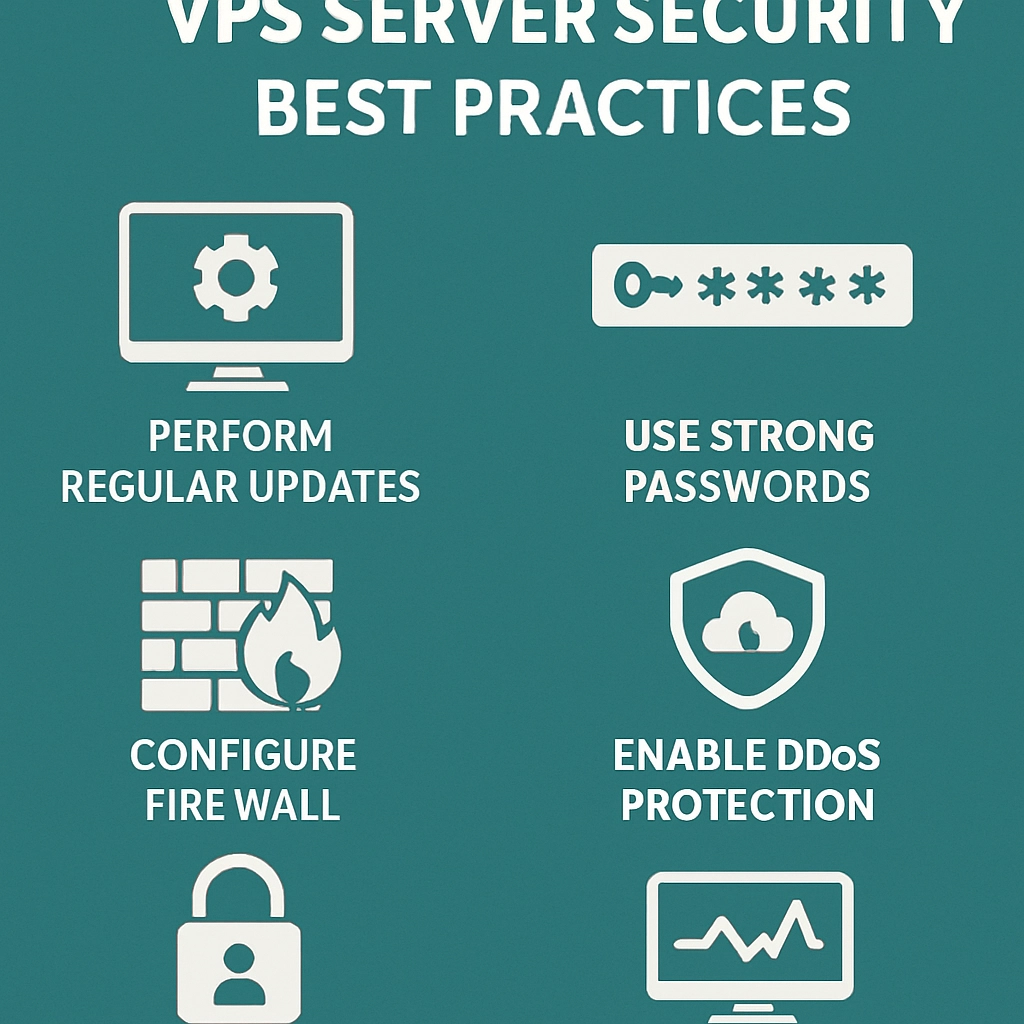
An In-Depth Guide to VPS Server Security Best Practices
When it comes to hosting websites, VPS (Virtual Private Server) hosting has become a popular choice among businesses and developers. Offering more flexibility and control than shared hosting, it’s an excellent way to ensure your website performs beautifully while maintaining a strong security posture. But with great power comes great responsibility. Ensuring your VPS is secure is crucial. Let’s dive into some of the best practices for securing your VPS server.
1. Choose a Reliable Hosting Provider
The journey towards a secure VPS begins with choosing the right hosting provider. Look for providers that prioritize security features such as firewalls, DDoS protection, and regular security audits. Read reviews and ask for recommendations, ensuring you select a reputable company that understands the importance of security.
2. Keep Software Up-to-Date
One of the simplest yet most effective ways to bolster your VPS security is by keeping all software up-to-date. This includes the operating system, web server, and any applications you’re running. Software updates often contain patches for known vulnerabilities, so when updates are available, make it a priority to install them.
3. Use Strong Passwords and SSH Keys
A strong password is your first line of defense against unauthorized access. Use a combination of uppercase and lowercase letters, numbers, and special characters. Better yet, consider using SSH keys for remote server access instead of passwords, as SSH keys are far more secure and less susceptible to brute-force attacks.
4. Set Up a Firewall
Setting up a firewall is crucial for controlling traffic to and from your VPS. A firewall can block unauthorized access and allow only legitimate traffic. Most operating systems come with built-in firewall capabilities; for example, iptables for Linux servers. Take some time to learn how to configure your firewall properly to suit your needs.
5. Disable Unused Services
Every service running on your VPS is a potential entry point for attackers. To minimize risk, disable any services that you do not need. This could include FTP, Telnet, or any other services that may not be essential for your applications. The fewer services running, the fewer potential vulnerabilities there are to exploit.
6. Implement Security Protocols
Security protocols, such as using Secure Sockets Layer (SSL) certificates for data encryption, are essential for protecting sensitive information. SSL encrypts data transmitted between your server and users, meaning that even if the data is intercepted, it remains secure. Don’t overlook the importance of HTTPS on your websites!
7. Regular Backups
Even with the best security measures in place, disasters can occur. Regularly backing up your VPS data is crucial for disaster recovery. Consider setting up automated backups and storing them offsite. This way, if your data gets compromised or lost, you can restore everything with minimal downtime.
8. Monitor Server Logs
Keeping a close eye on your server logs can help you detect unusual activity early on. Make it a habit to review logs regularly, looking out for failed login attempts, unauthorized access attempts, and other anomalies. Many monitoring tools can automate this process, sending alerts directly to you if suspicious behavior occurs.
9. Use Anti-Malware and Security Tools
Deploying anti-malware software or security tools can add an extra layer of protection to your VPS. These tools can actively scan your system for vulnerabilities and malware, offering real-time protection. Popular choices include ClamAV for Linux servers or other dedicated security suites.
10. Employ Security Best Practices for Web Applications
If you’re running web applications on your VPS, ensure that you’re adhering to security best practices specific to those applications. This could include sanitizing input fields to prevent SQL injection attacks, using parameterized queries, and employing Content Security Policies (CSP) to safeguard against cross-site scripting (XSS) attacks.
11. Limit User Access
If multiple users need access to your VPS, be cautious by limiting their permissions. Only give users the access they need, and enforce user authentication measures. Regularly review user accounts and revoke access for those who no longer require it.
Final Thoughts
Securing your VPS server might seem like a daunting task, but by implementing these best practices, you can significantly reduce the risk of a security breach. The internet can be a wild place, but with a well-secured VPS, you can navigate it confidently. Just remember, the key to security is continuous vigilance—stay updated, stay informed, and keep refining your security practices. Take charge of your VPS’s security today, and rest easy knowing you’ve put forth the effort to protect your hard work!
Welcome to DediRock, your trusted partner in high-performance hosting solutions. At DediRock, we specialize in providing dedicated servers, VPS hosting, and cloud services tailored to meet the unique needs of businesses and individuals alike. Our mission is to deliver reliable, scalable, and secure hosting solutions that empower our clients to achieve their digital goals. With a commitment to exceptional customer support, cutting-edge technology, and robust infrastructure, DediRock stands out as a leader in the hosting industry. Join us and experience the difference that dedicated service and unwavering reliability can make for your online presence. Launch our website.